
A recent comment at Opening and searching pdf files from Excel reminded of the linked spreadsheet, which allows pdf files to be opened at a specified page from Excel, and also fast searches of the local hard drive:
PdfLink.zip (free download with open source code)
See the link above for more details of the spreadsheet, including the link to pdf function. Below is some more information on using the search function.
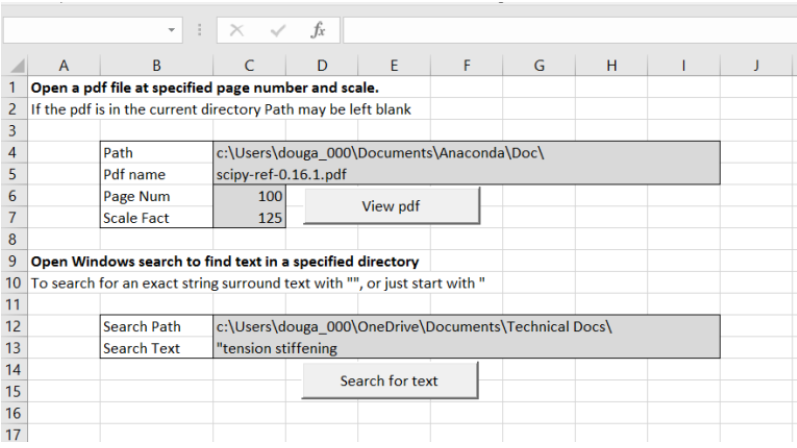
Entering text in the Search Text cell, a list of words separated by spaces will find all the files that contain all the listed words.
A list of phrases enclosed in quotes and separated by spaces will find all the files that contain all the listed exact phrases. On my computer the list below shows the search terms and the number of files found:
crack 3360
crack width 2127
crack width slabs 1083
“crack width” 750
“crack width” “slabs” 475
“crack width” “paving slabs” 2
All the searches worked almost instantaneously.


 Newton Excel Bach, not (just) an Excel Blog
The pdflink is dead.
LikeLike
Now fixed.
I had to convert all my download links to https, and copy .xlsb files to .zip, to keep Google happy.
LikeLike