
This post looks at linking Excel to the Scipy and Pandas statistics functions using pyxll.
The py_Stats spreadsheet, with associated Python code in PythonStatsFuncs3.py and pyScipy3.py, are included in the download file:
Details of the required pyxll package (including download, free trial, and full documentation) can be found at: pyxll
For those installing a new copy of pyxll, a 10% discount on the first year’s fees is available using the coupon code “NEWTONEXCELBACH10”.
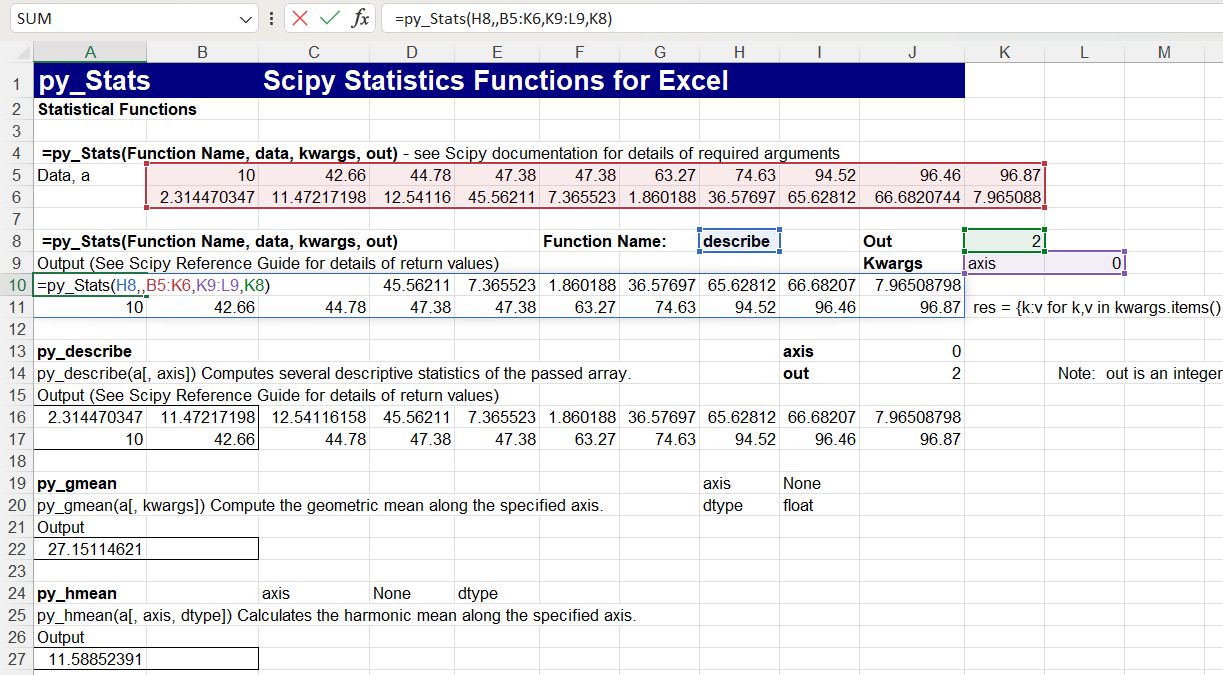
The py_Stats spreadsheet is still under development, but links to most of the Scipy statistics functions. As shown below, the functions may either be called with specific Excel UDF’s, or using the general purpose py_Stats function:
For background information on passing “callable” arguments from Excel to Python see:
Python callable arguments from Excel
Links to the Scipy on-line documentation have not yet been implemented for the stats functions, but a text version of the documentation for any function can be displayed in the spreadsheet:

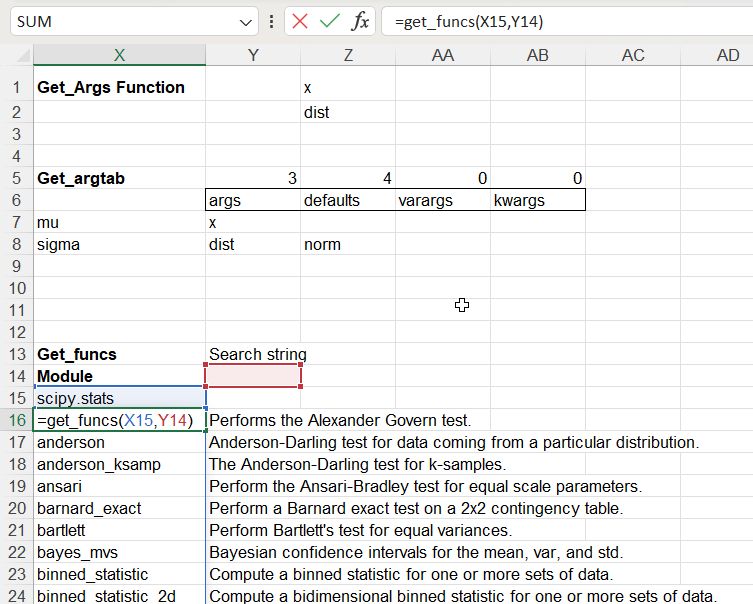
The “Index” input links to a full list of the available Scipy functions, using the get_funcs() function:
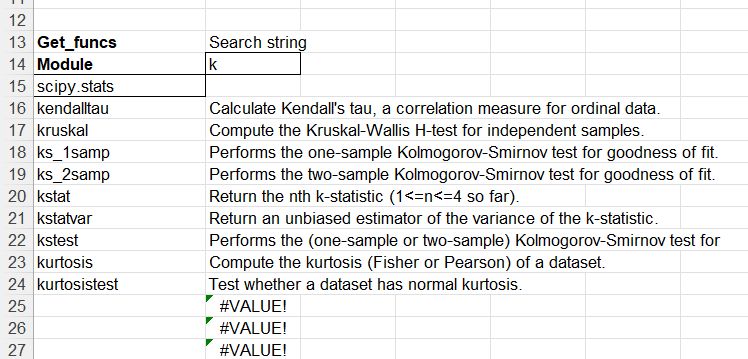
A search string can be added to narrow down the list of functions:
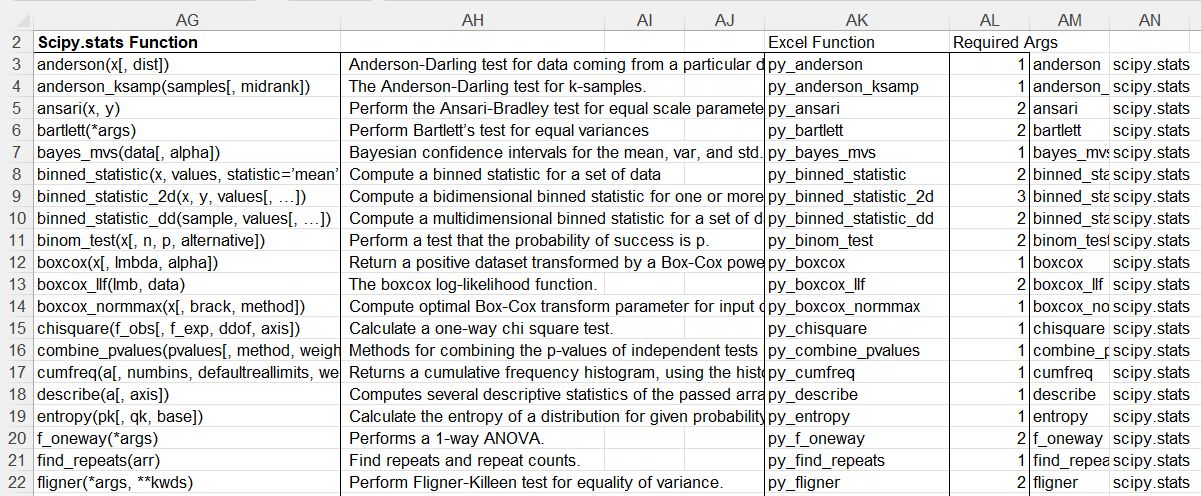
The specific Excel functions available are also listed:
There is also a list of functions not yet implemented in:

Finally the Pandas statistics functions are also available:


 Newton Excel Bach, not (just) an Excel Blog
Pingback: Scipy-statistics update | Newton Excel Bach, not (just) an Excel Blog