Getting help in 2013

Getting help in Excel 2013 takes you by default to the Microsoft on-line help files, which is not only much slower than connecting to a local file, when you get there finding what you want is even slower.

From the worksheet getting to the local help is not too hard:

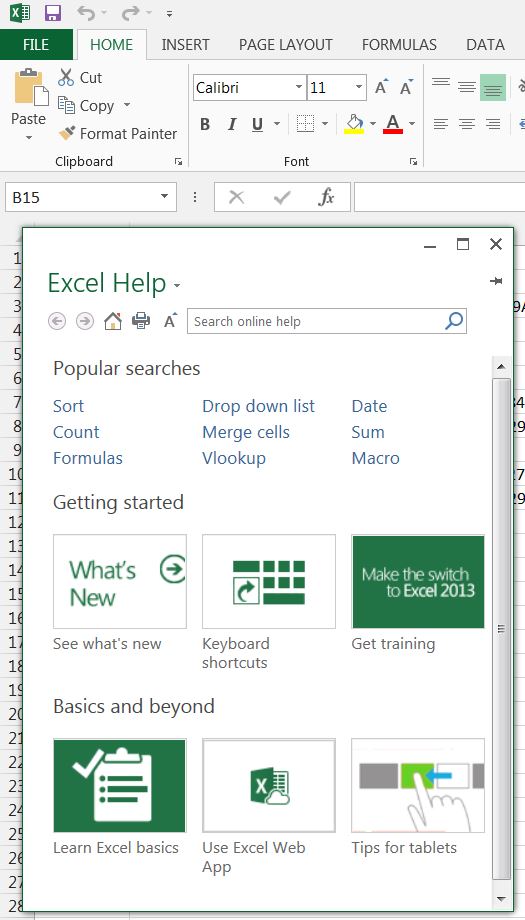
Press F1, or click the ? in the top right hand corner, and you will get the on-line help dialog, looking like:
On-line help

On-line help

Click the down arrow, to the right of Excel Help, and select “Excel Help from your computer”, and you will get quick help instead of slow help from thereon (or until the next upgrade anyway).

Help1

Quick help

In the VBA editor things are not so easy.  It seems that there is now no way to link to local VBA help direct from the editor.  The best you can do is download the file “Excel 2013 Developer Documentation.chm” from: VBA documentation, and copy that to a convenient folder, where you can open and search it.  Even that isn’t straightforward though.  As downloaded the main window in the chm file remains blank!  You have to right click on the file in Windows Explorer (or the file manager of your choice), and then click “Unblock”!  After that, you can access local help on VBA, but not direct from the editor window, and of course it isn’t linked to what you are editing in the editor, so it is still far from convenient.

The alternative (which as far as I can see has no real down-side) is to do your VBA development work in Excel 2010, which still has the old and far more convenient help system.
 

Posted in Excel, VBA | Tagged , , , , , | Leave a comment

Displaying range names

A useful tip, brought to you from Bob Umlas, via Mike Alexander:

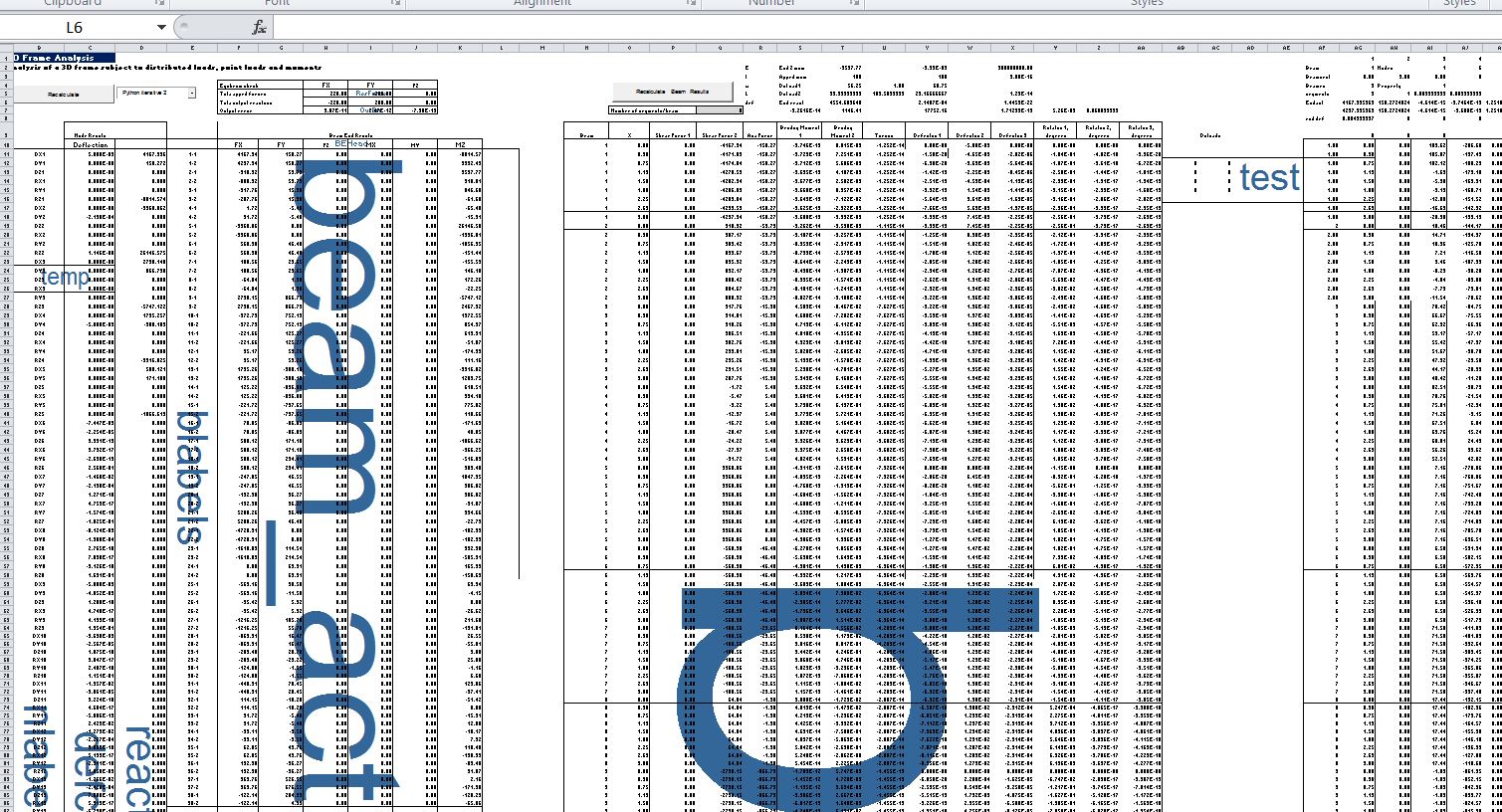
If you want to display the named ranges in a spreadsheet, one way is to open the Name Manager (from the Formulas ribbon).  Another is to press F3, which also allows you to paste the list of names to the spreadsheet.  A third (and it seems little known) method is to zoom out to a scale of 39% or less.  The named ranges will then be displayed as a watermark:

rangenames

Each method has its advantages, but to my mind the zoom to 39% is particularly useful because:

  • It displays just the range names in the particular area of interest.
  • It gives an instant visual picture of parts of the spreadsheet badly in need of a tidy up!
Posted in Excel | Tagged , , | 1 Comment

More Sort Functions

I have recently added three new sorting User Defined Functions (UDFs) to the SortFunc-py spreadsheet, and added a new option to the SortV function.  The new file may be downloaded from SortFunc.zip, including full open source code.

The first new function is  SortVI, which works in the same way as SortV, but adds an additional index column to the output array, listing the position of each row in the original unsorted array (click any image for full size view):

SortRows1

The other two new functions allow sorting of rows, rather than columns.  The built-in Excel sort routine allows for sorting in either a vertical or horizontal direction (as shown below), but the new UDFs provide a dynamic sort, when used on the spreadsheet, and can also be used on VBA arrays.

SortRows1b

The SortH function provides the same functionality as SortV, except that the data is sorted by rows, rather than columns.  Both functions have a new NumCols (or NumRows) option, that allows only part of the input range to be sorted.

SortRows2

The final new function is SortRows, which sorts each row in an array independently, as shown below.  It also provides two additional arguments that allow a number of columns at the start of the range to be unsorted, and allows for a column to be specified with the number of entries to be sorted in each row.  In the example below Column B specifies the number of rows to the right to be sorted, so that the cells containing a zero are not included in the sort.

SortRows3


Posted in Arrays, Excel, UDFs, VBA | Tagged , , , , , | 2 Comments

ConBeamU Update

Recently a comment pointed out that if the ConBeam, or ConBeamU, user defined functions were used with a single span then the “Out” argument was ignored, so it was not possible to return support reactions.  This has now been fixed and the new version can be downloaded from: ConBeamU

Conbeamu-SS1

For more details of ConBeamU and the related functions see:
Continuous Beam Spreadsheet – with Units

Posted in Beam Bending, Excel, Frame Analysis, Newton, UDFs, VBA | Tagged , , , | 18 Comments

“Yields circularity when preceded by its quotation” …

yields circularity when preceded by its quotation.

Today’s post takes us on a little circular tour of the internet, starting with:

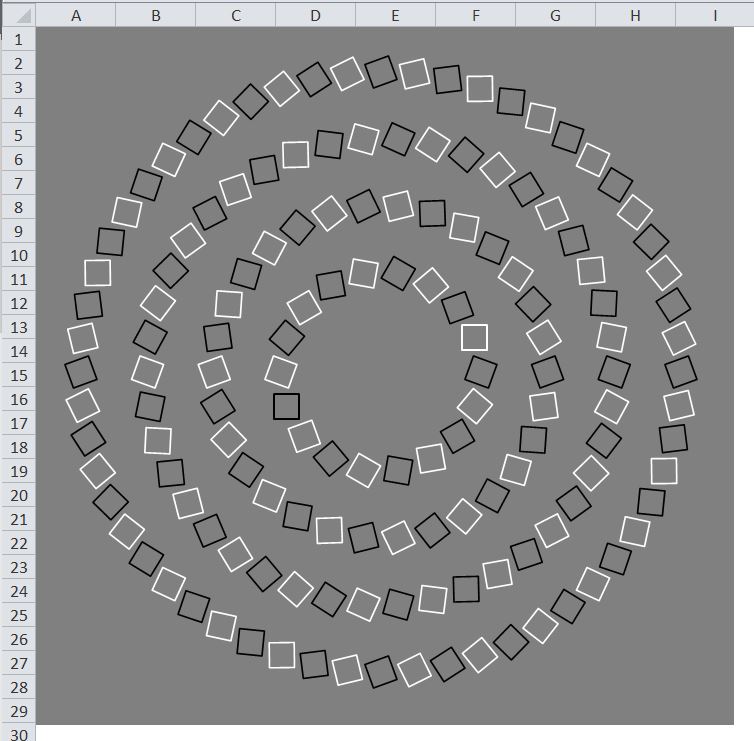
Grumpy Old Programmer (Mike Woodhouse) who returns from a long holiday from blogging to publish a nice little routine to generate a circular optical illusion:

GOPillusion

He refers to the (very compact) code as being “golfed”, with a link to Programming Puzzles and Golf code, where I was introduced to the idea of a computer programming “quine”, that is computer code, which when run reproduces itself in full.  A very brief example in Python is shown below (line 1 is the code, the second line the output).

Python quine

But I can do better than that, using the “Classic” Lotus 123 macro script.  If we enter in cell B1:  /C~{D}~
and give it a range name, starting with a backslash, say \Q, then press CtrlQ, in cell B2 appears: /C~{D}~.

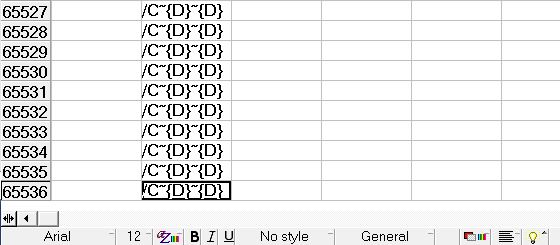
We have a 7 character long quine.  Now if we add a {D} on the end, the code now copies itself down a row, then moves down to the next line, where it reads and carries out any code it finds there, resulting in a second copy, and a second move down, and so on, until the end of the universe, which in the case of this no longer brief computer code, is row 65536 of the spreadsheet:

quine123

All this talk of Quine and quining reminded me of Douglas Hofstadter, and a search on his name led me to xkcd 917:

Hofquine

Which completes the circular tour with a link back to this blog, wherein a work of Douglas Hofstadter is reduced to not 6 words, but a single two letter word:

MU.

Hope you enjoyed the trip.

Posted in Computing - general, Drawing, Newton | Tagged , , , , , | Leave a comment