5 Year Report

As in previous years, I have downloaded the statistics for this blog for the previous year, and pasted them into a worksheet. The link to each post is preserved in the spreadsheet, so it makes a convenient index to what has been posted over the year. The spreadsheet has been uploaded to Skydrive, so you should be able to access the links in the window below, or open the file in your browser or Excel, or download it.

Of the 2012 posts, the most popular overall was Retrieving unique values from a range or array … .

The most popular in the Newton category was The Dome of Santa Maria del Fiore – Dimensions,

and the most popular in the Bach category was All men will be sailors then, until the sea shall free them

From the “deserving but sadly neglected category” I have chosen (so go and have a look/listen):

Newton: They all laughed at Christopher Columbus …

Excel: Units for Excel 5:

Bach: Reynardine

Most frequent referrers to this site came from:

Referrers to NewtonExcelBach

Referrers to NewtonExcelBach

Posted in Bach, Excel, Newton | Tagged | 3 Comments

Function to make a list of functions …

… and other procedures.

I wanted to make a list of all the VBA procedures in a workbook, and discovered that Excel doesn’t have a built-in way of doing that.  People have written code to work their way around that of course, and the code I ended up using came from Jon Peltier’s site: http://peltiertech.com/WordPress/list-vba-procedures-by-vba-module-and-vb-procedure/

Jon had modified some code, that originally sent the list to a dialog, so that it pasted it into a new workbook instead.  Nothing wrong with that, but it seemed to me more convenient to have it operate as a User Defined Function (UDF), returning an array, so that you could have your list wherever you wanted.  A couple of other changes, while I was at it:

  • I split the output into two columns, module name and procedure name.
  • I started off creating a large array for the output, rather than re-diming for every new line.

Here’s the end result: (Or download GetProcedures.xlsb)

Function GetProcedures()
'' Based on:
'' Displaying a List of All VBA Procedures in an Excel 2007 Workbook
''     from the Ribbon (June 2009)
'' by Frank Rice, Microsoft Corporation
'' http://msdn.microsoft.com/en-us/library/dd890502(office.11).aspx#
'' as modified by Jon Peltier
'' http://peltiertech.com/WordPress/list-vba-procedures-by-vba-module-and-vb-procedure/

'' Modified by Doug Jenkins to operate as a UDF and return results as a 2 column array

'' set a reference to the Microsoft Visual Basic for Applications Extensibility 5.3 Library

' Declare variables to access the Excel workbook.
Dim app As Excel.Application
Dim wb As Excel.Workbook

Dim sOutput() As String
Dim sFileName As String

' Declare variables to access the macros in the workbook.
Dim vbProj As VBIDE.VBProject
Dim vbComp As VBIDE.VBComponent
Dim vbMod As VBIDE.CodeModule

    ' Declare other miscellaneous variables.
Dim iRow As Long
Dim iCol As Long
Dim iLine As Integer
Dim sProcName As String
Dim pk As vbext_ProcKind
' Add constant for output array size to avoid redims
Const OutRows As Long = 10000

    Set app = Excel.Application

'For Each wb In app.Workbooks
For Each vbProj In app.VBE.VBProjects

' Get the project details in the workbook.
        On Error Resume Next
sFileName = vbProj.FileName
If Err.Number <> 0 Then sFileName = "file not saved"
        On Error GoTo 0

        ' initialize output array
ReDim sOutput(1 To OutRows, 1 To 2)
sOutput(1, 1) = sFileName
sOutput(2, 1) = vbProj.Name
iRow = 0

        ' check for protected project
        On Error Resume Next
Set vbComp = vbProj.VBComponents(1)
        On Error GoTo 0

If Not vbComp Is Nothing Then
            ' Iterate through each component in the project.
For Each vbComp In vbProj.VBComponents

                ' Find the code module for the project.
Set vbMod = vbComp.CodeModule

                ' Scan through the code module, looking for procedures.
iLine = 1
Do While iLine < vbMod.CountOfLines
sProcName = vbMod.ProcOfLine(iLine, pk)
If sProcName <> "" Then
iRow = iRow + 1
'   ReDim Preserve sOutput(1 To 2 + iRow)
sOutput(2 + iRow, 1) = vbComp.Name
sOutput(2 + iRow, 2) = sProcName
iLine = iLine + vbMod.ProcCountLines(sProcName, pk)
                    Else
                        ' This line has no procedure, so go to the next line.
iLine = iLine + 1
                    End If
                Loop

                ' clean up
Set vbMod = Nothing
Set vbComp = Nothing

            Next
        Else
' ReDim Preserve sOutput(1 To 3, 1)
sOutput(3, 1) = "Project protected"
        End If

If iRow = 0 Then    ' UBound(sOutput) = 2 Then
' ReDim Preserve sOutput(1 To 3)
sOutput(3, 1) = "No code in project"
        End If
sOutput(2, 2) = iRow

GetProcedures = sOutput

        ' clean up
Set vbProj = Nothing
    Next

End Function

And here’s what the output looks like:

GetProcedures() UDF Output

GetProcedures() UDF Output

Posted in Arrays, Excel, UDFs, VBA | Tagged , , , , | 3 Comments

Bridges Over the Tiber -2

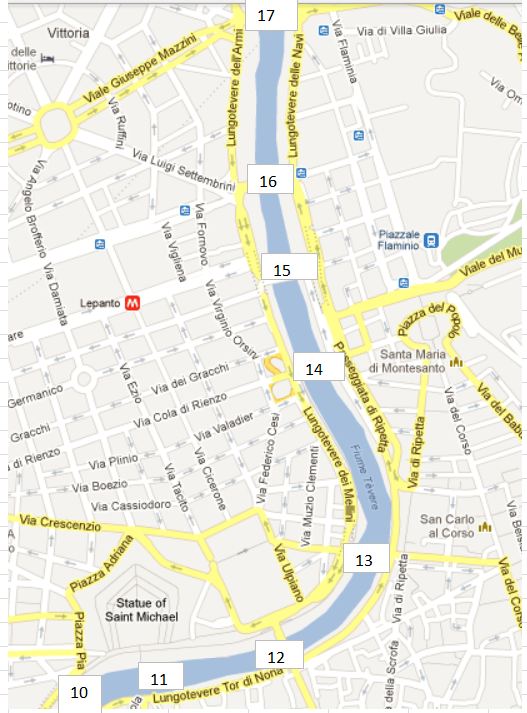
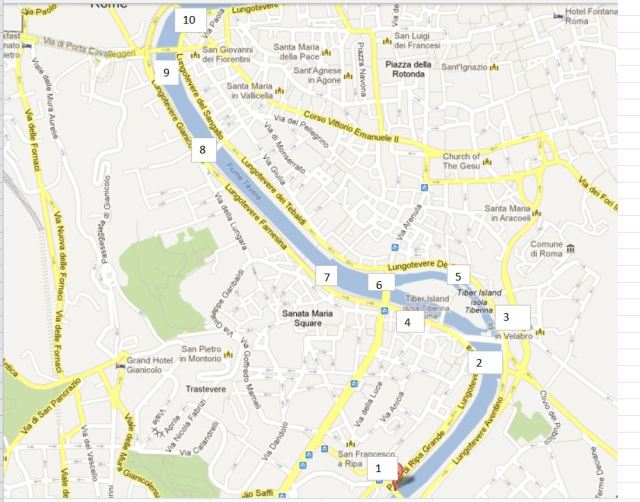
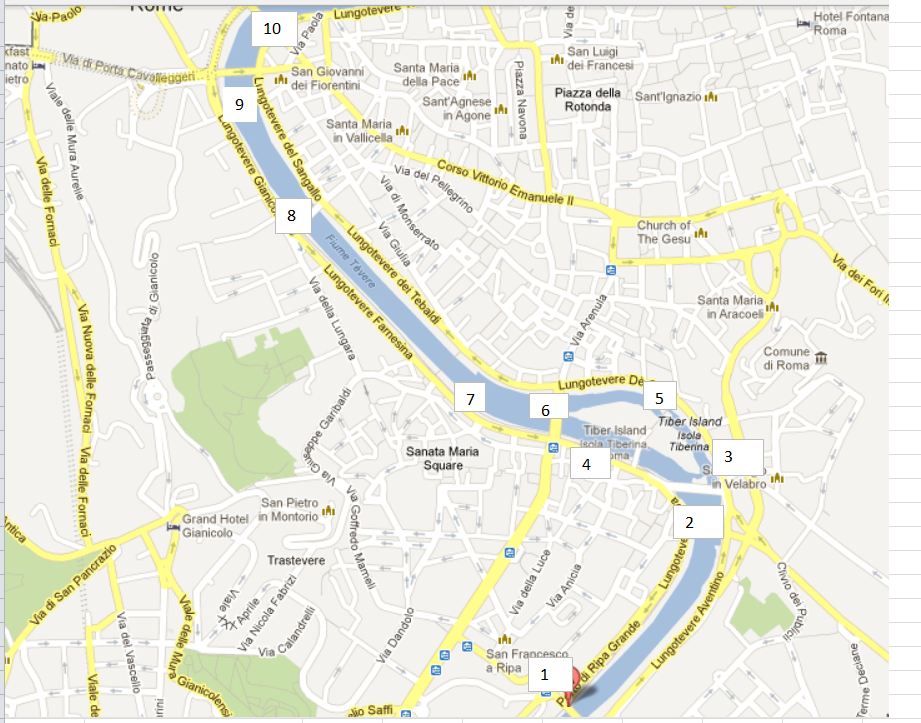
See the previous post for location map.

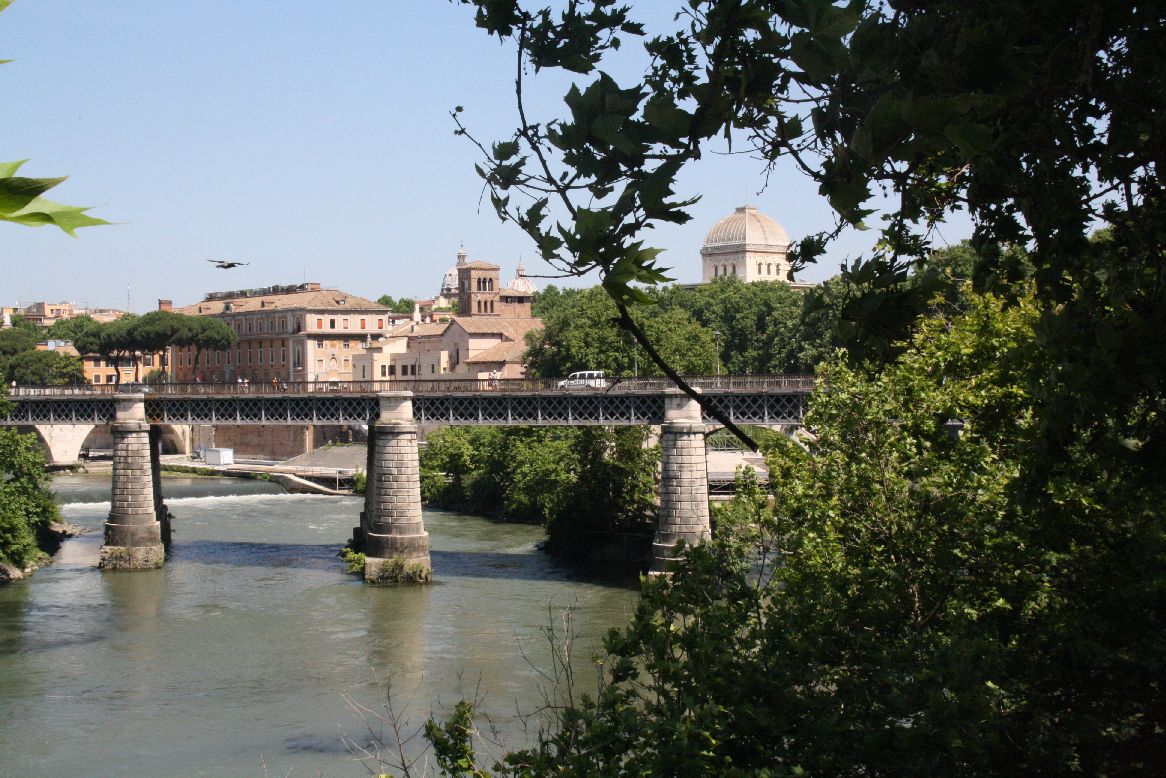
Following the construction of the Ponte Sisto in 1473 no more new bridges were built over the Tiber in Rome until 1885, then six were built (or at least started) in six years, seven if you include the reconstruction of the Ponte Cestio.

Working from East to West, the first is the Ponte Palatino (2), constructed in 1886, it is the only steel girder bridge in this collection.  It is also known as the “English Bridge” because, according to the Google translation of the Italian Wikipedia page, “organization of motor traffic in accordance reversed, as is the custom in the United Kingdom”.

IMG_5850
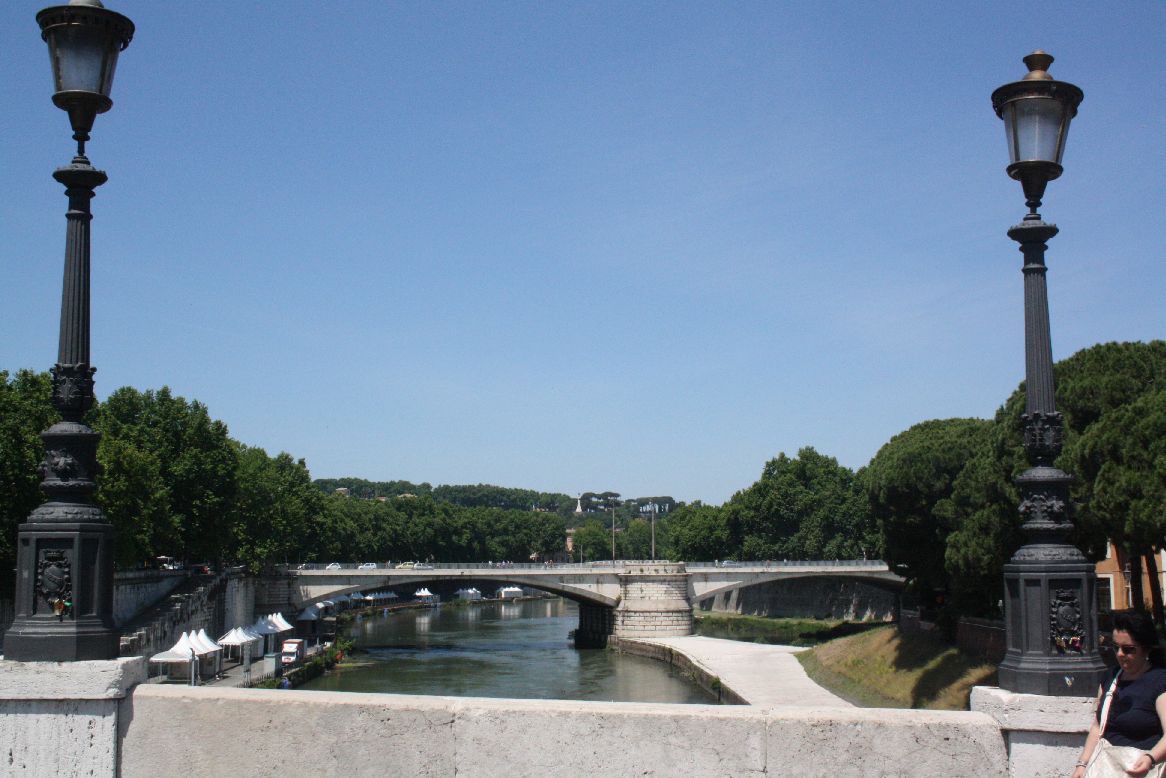
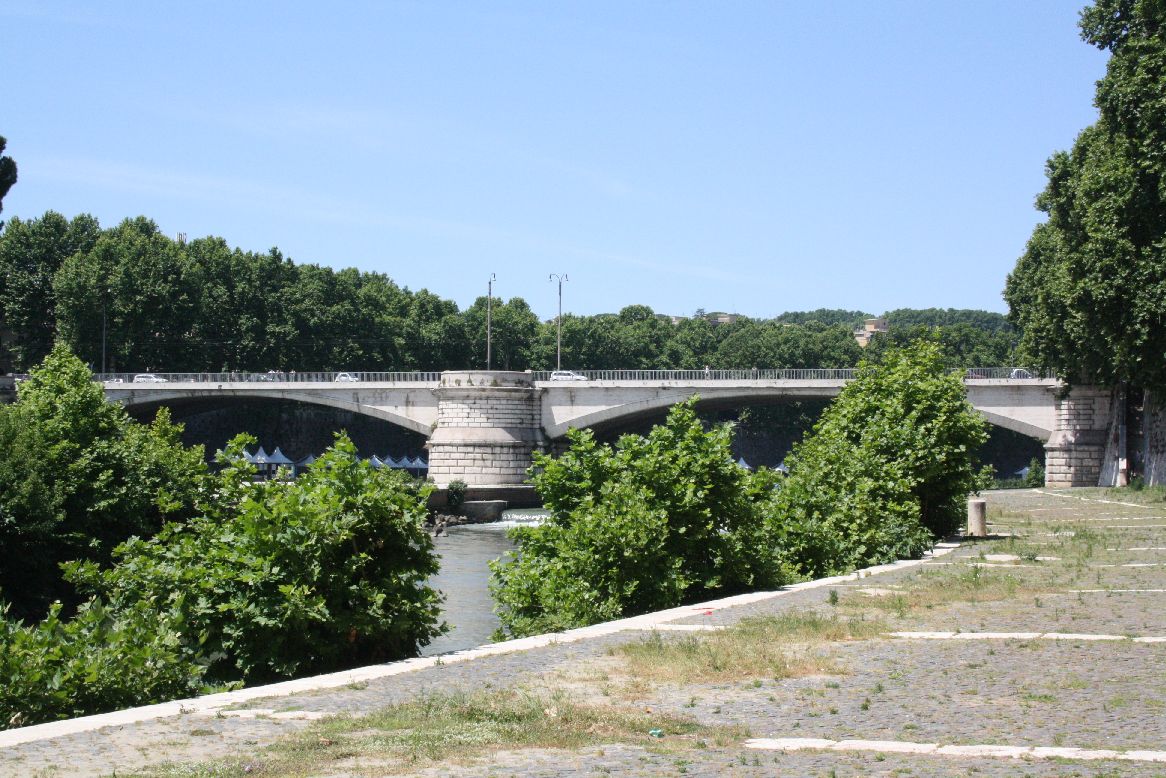
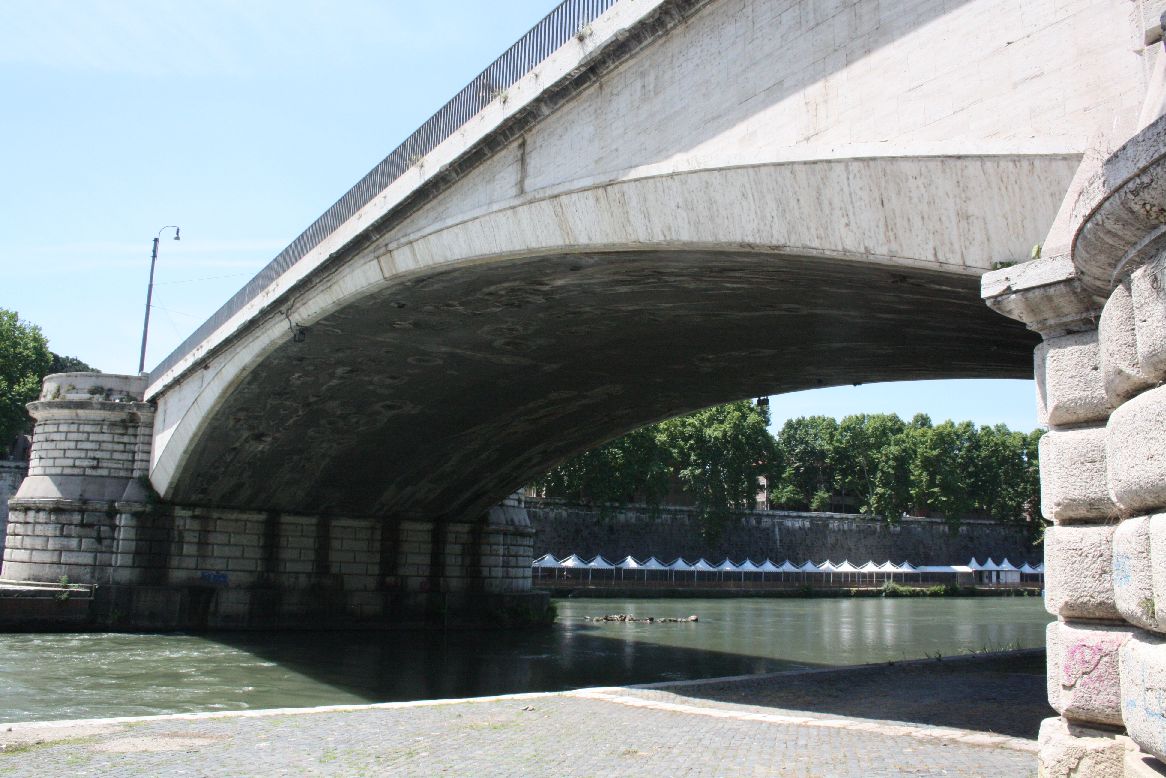
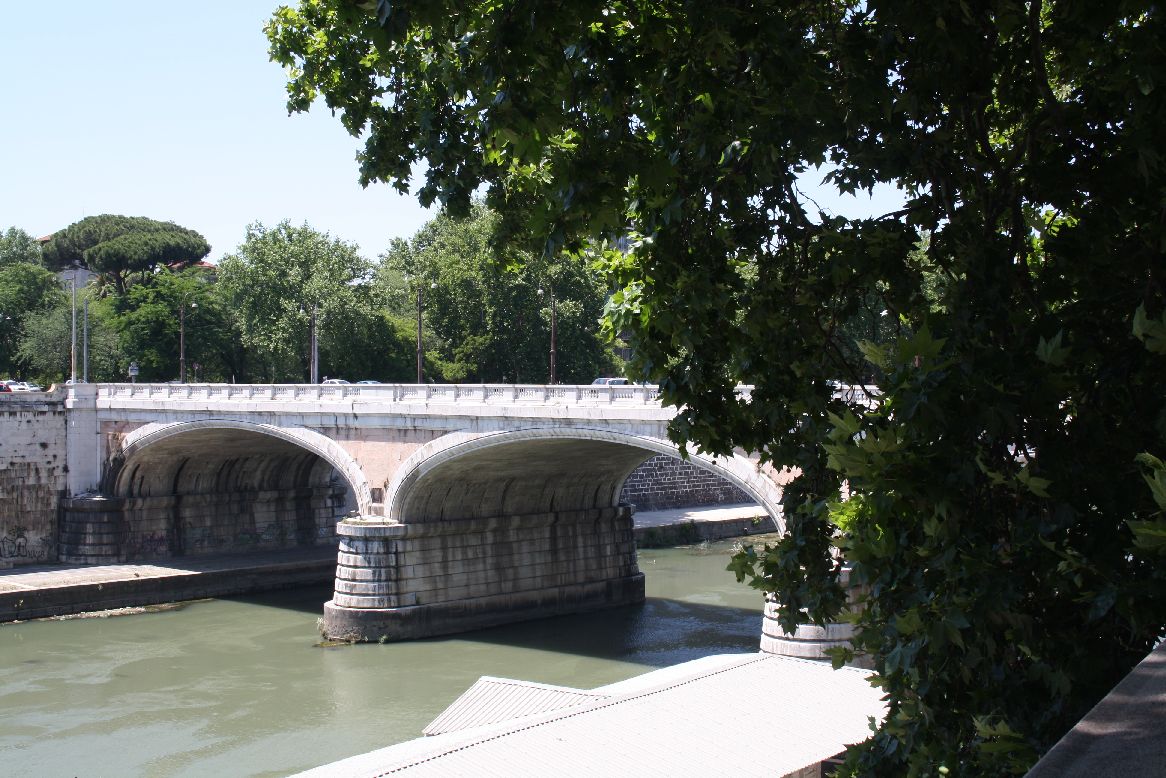
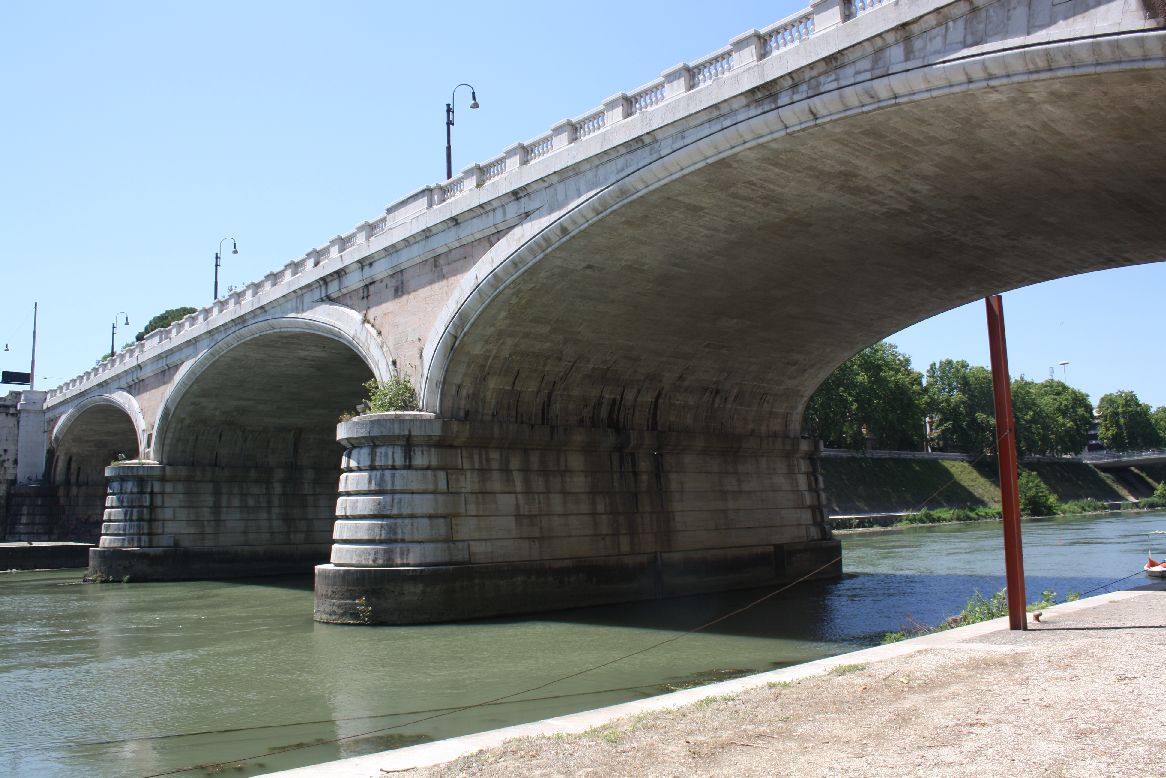
The Ponte Garibaldi (6) was built between 1884 and 1886.  The translation of the Italian Wikipedia site says it has 2 metal spans, faced with travertine.  If it does have steel beams, they are well hidden.
IMG_5887

IMG_5897

IMG_5901
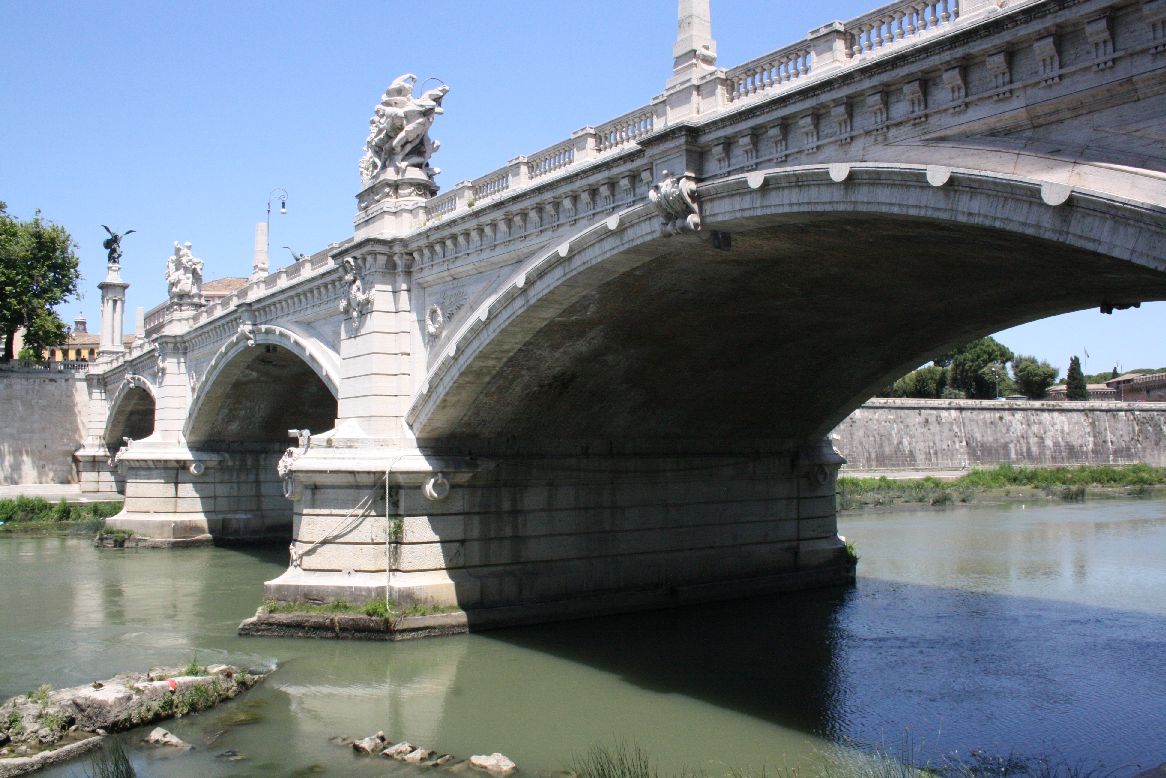
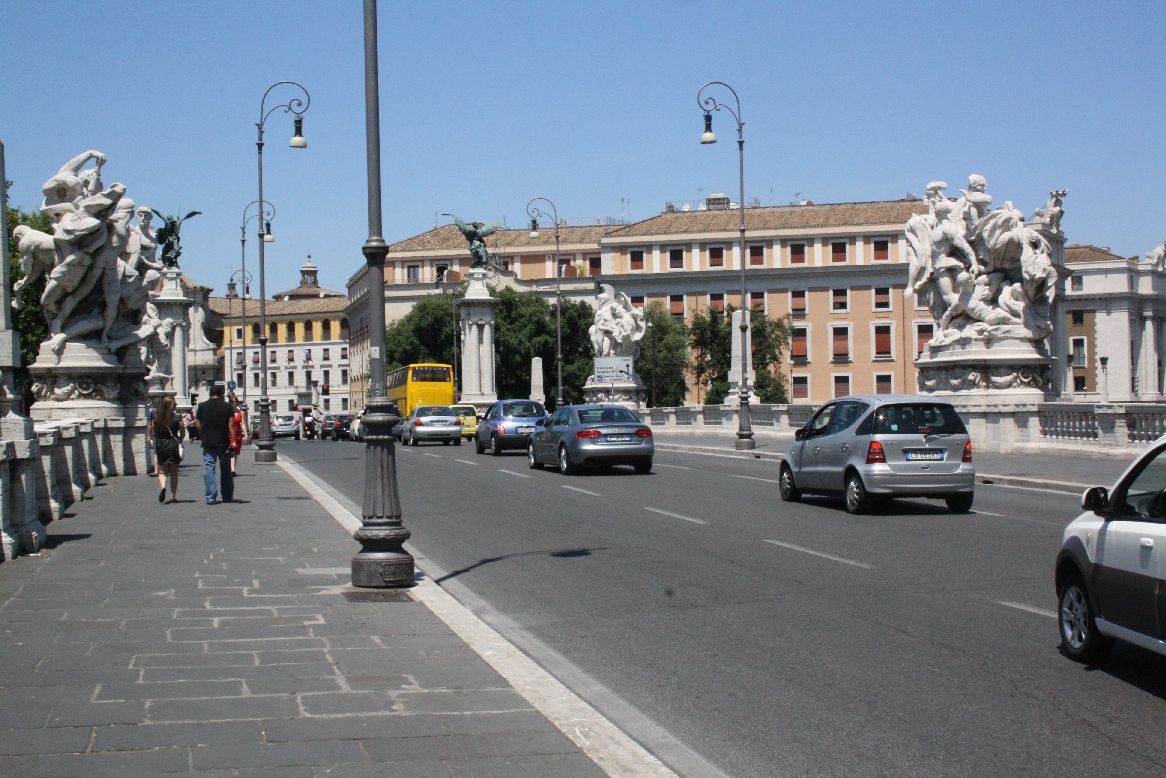
The Ponte Vittoria Emanuele II (10) was designed in 1886, but not completed until 1911.
IMG_5942
IMG_5945A three span segmental arch structure, is crowned by massive travertine scuptures over each pier.IMG_5939

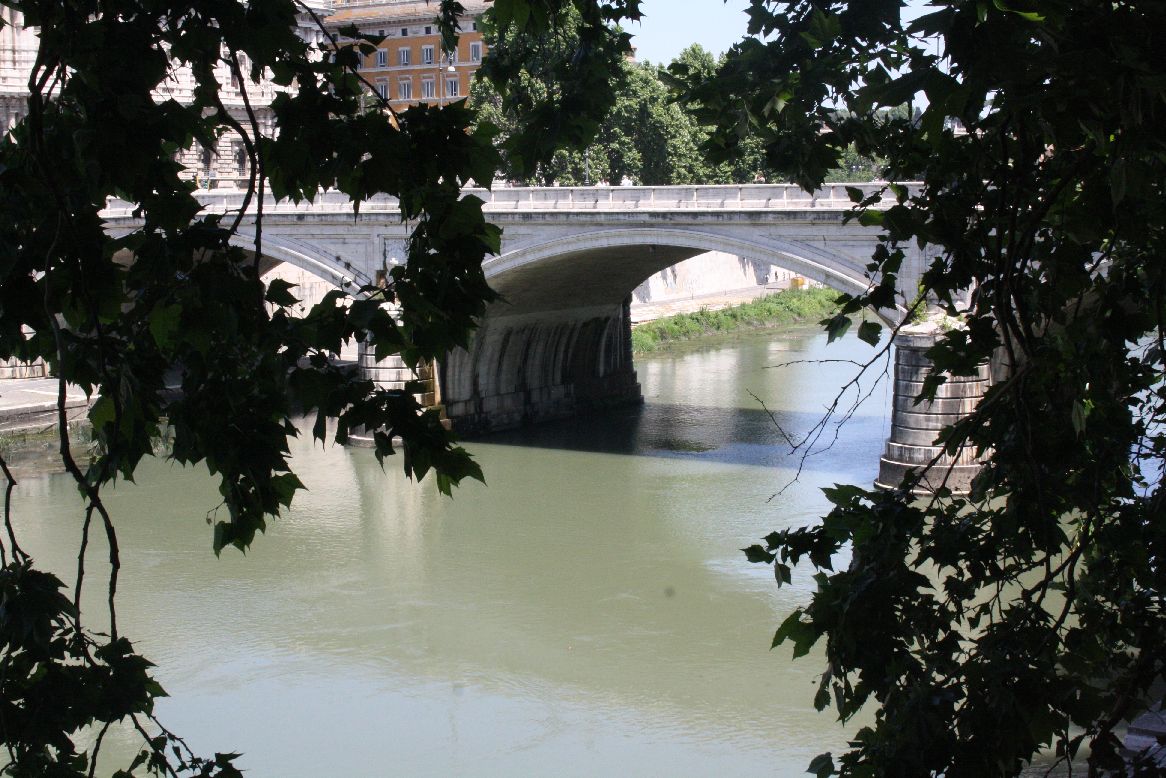
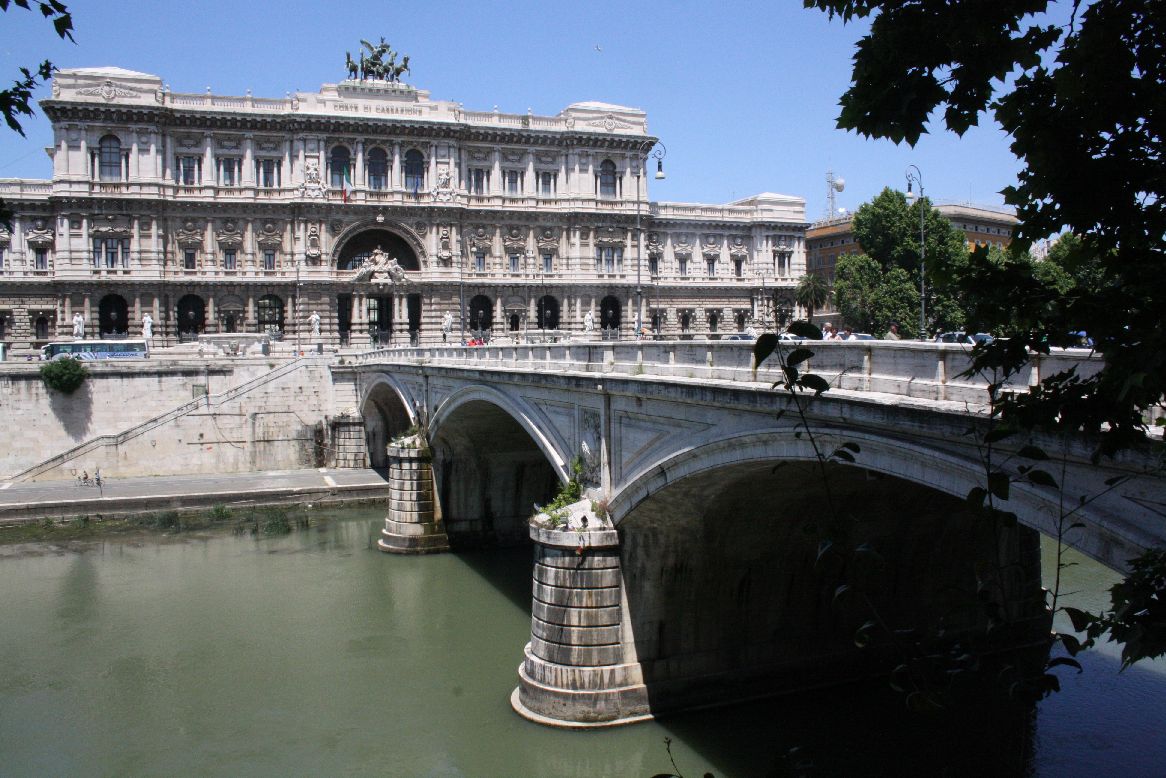
The Ponte Umberto I (12) is a three span bridge and was constructed from 1885 to 1895..
IMG_5963
It is an elegant structure, in contrast to the building it leads to, The Palace of Justice
IMG_5965

IMG_5970
This view clearly shows the transition from a segmental arch at the facing to a full semi-ellipse in the body of the structure.

IMG_5980

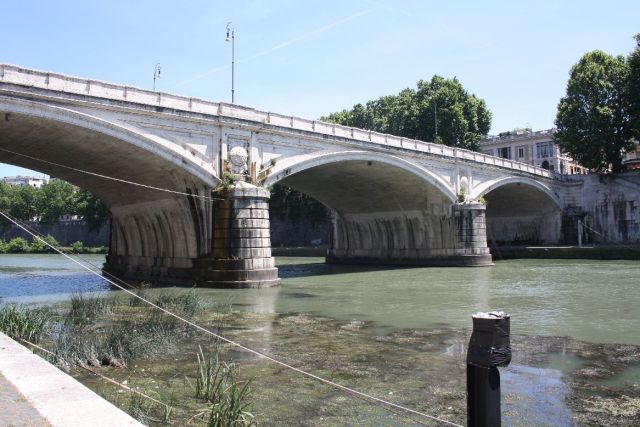
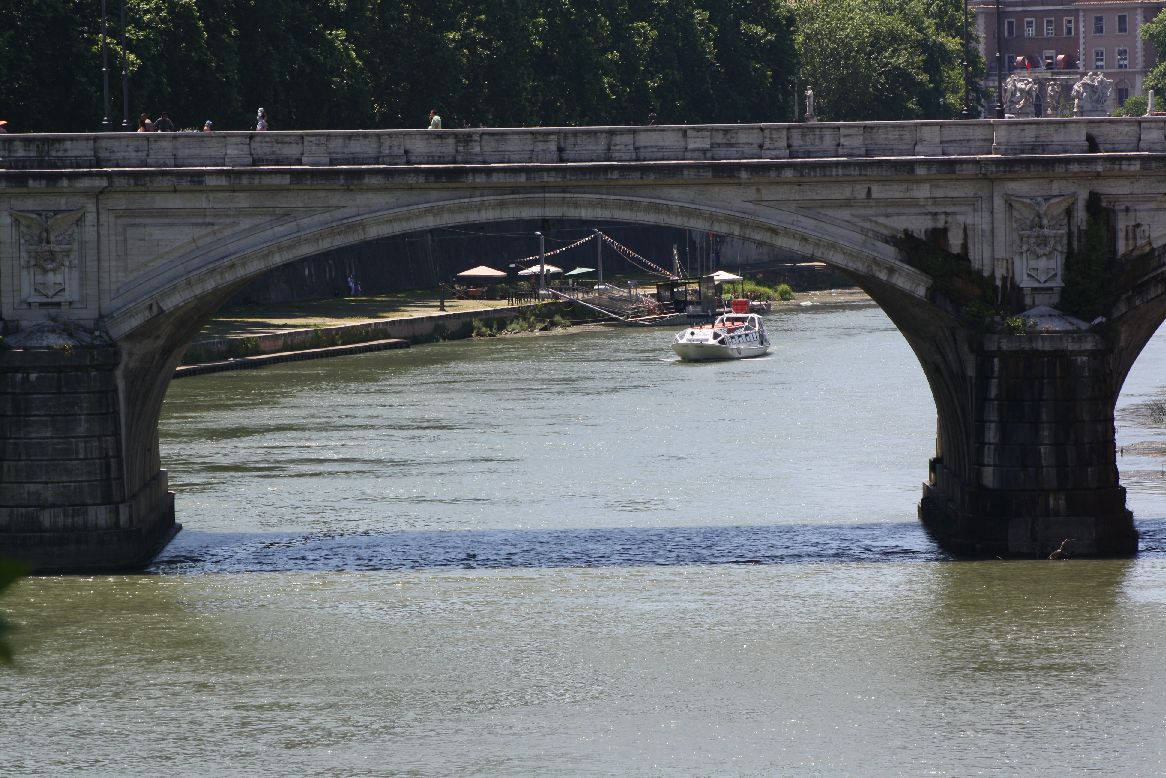
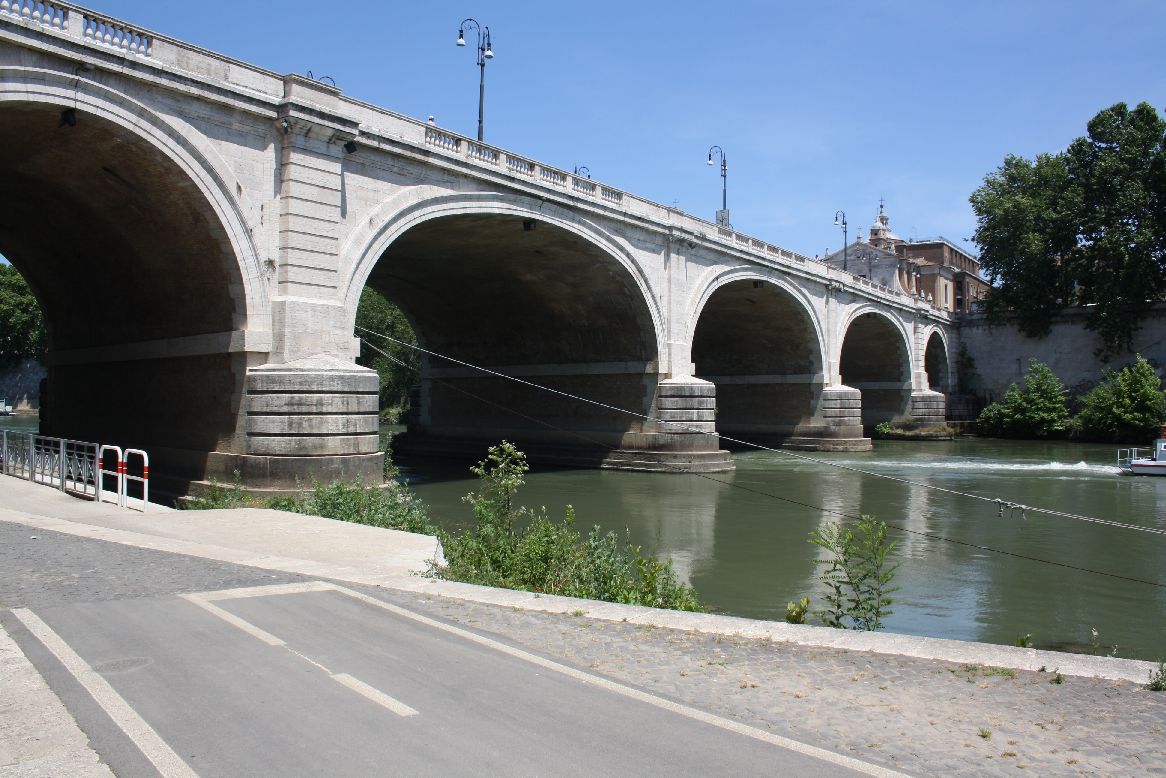
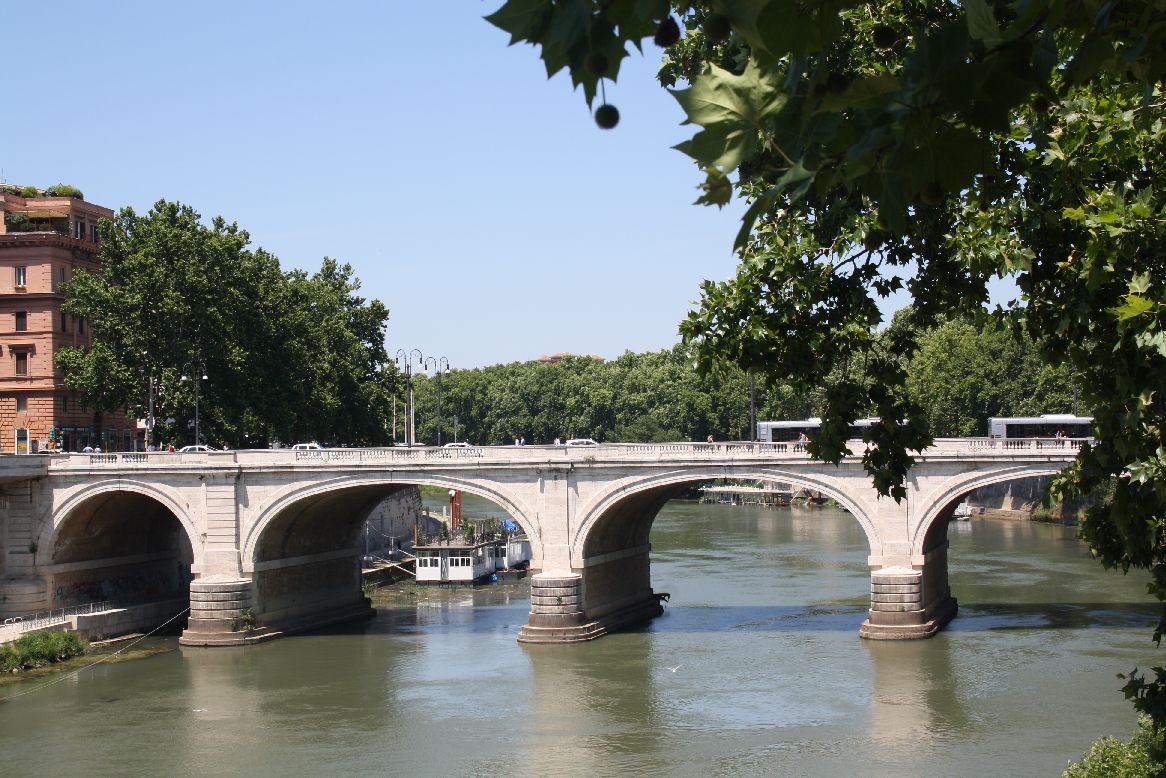
 The Ponte Cavour (13) is a five span bridge, constructed between 1896 and 1901. It is similar in appearance to the second century Ponte San Angelo (although lacking the angels).
 IMG_5975
IMG_5977
IMG_5983

Finally, the Ponte Margherita (14), constructed between 1886 and 1891.
Another three span structure, with elliptical spans.
IMG_5992
IMG_5996

Posted in Arch structures, Historic Bridges, Newton | Tagged , , | Leave a comment

Bridges over the Tiber – 1

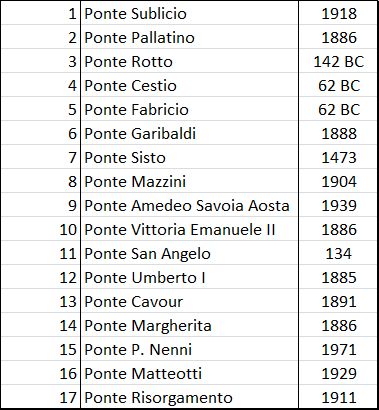
The tourist map of Rome shows 17 bridges over the River Tiber in the central district, dating from 140 BC to 1981.  For those in Rome it makes a pleasant day’s stroll to visit each one, but for those who can’t make it I have gathered photographs and historical information, which will be presented over three posts, arranged by age from oldest to youngest.
RomeBridgeslist

Bridges over the Tiber

RomeBridges2 RomeBridges1

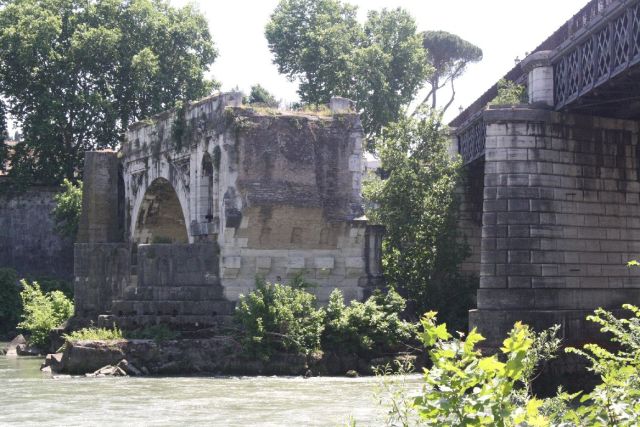
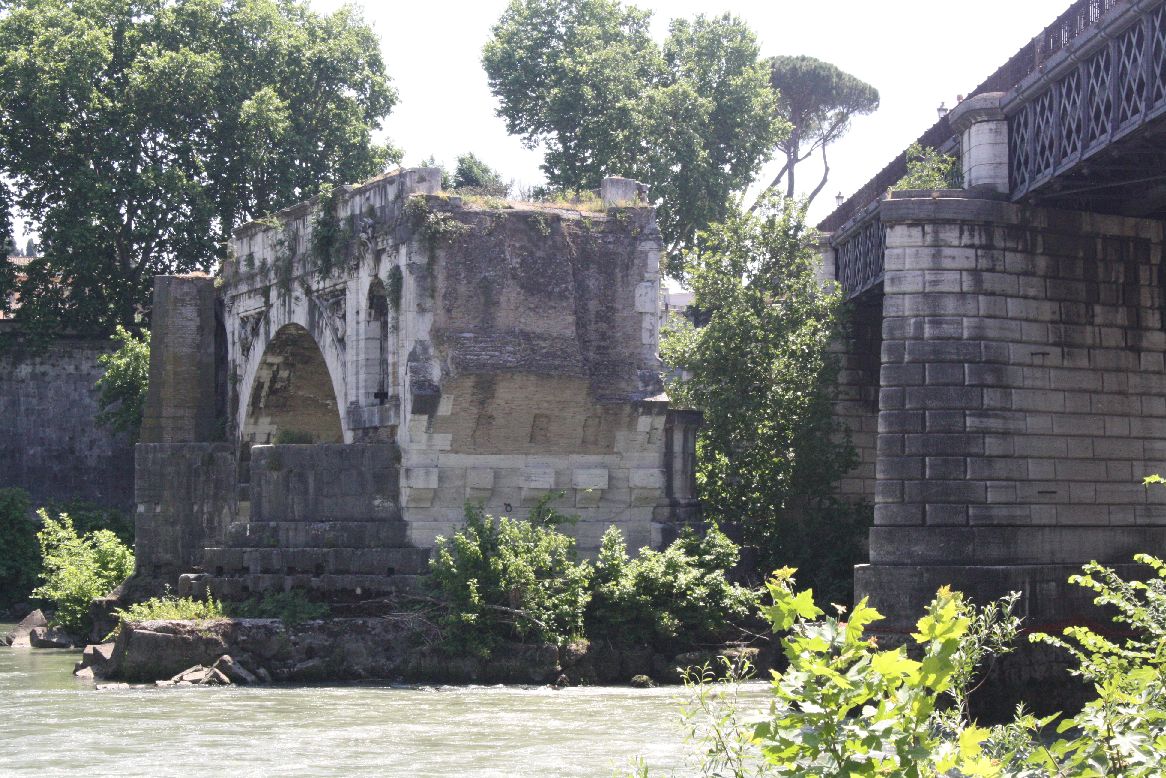
Ponte Rotto, 142 BC (3)

Ponte Rotto

Ponte Rotto

Formerly Pons Aemilius:

The Pons Aemilius (Italian: Ponte Emilio), today called Ponte Rotto, is the oldest Roman stone bridge in Rome, Italy. Preceded by a wooden version, it was rebuilt in stone in the 2nd century BC. It once spanned the Tiber, connecting the Forum Boarium with Trastevere; a single arch in mid-river is all that remains today, lending the bridge its name Ponte rotto (“Broken bridge”).

The oldest piers of the bridge were probably laid when the Via Aurelia was constructed in the mid-2nd century BC.[1] Initially constructed in 179 BC with stone piers and a wooden superstructure, the bridge was fitted in 142 BC with six wholly stone arches. In 12 BC, Augustus completely restored the bridge with a tuff and concrete core.

Damaged and repaired on seven occasions, the bridge was defunct by 1598, when its eastern half was carried away in a flood. The remaining half was demolished in the 1890s, leaving behind only one arch

Ponte Cestio (4)  and Ponte Fabricio (5); 62 BC

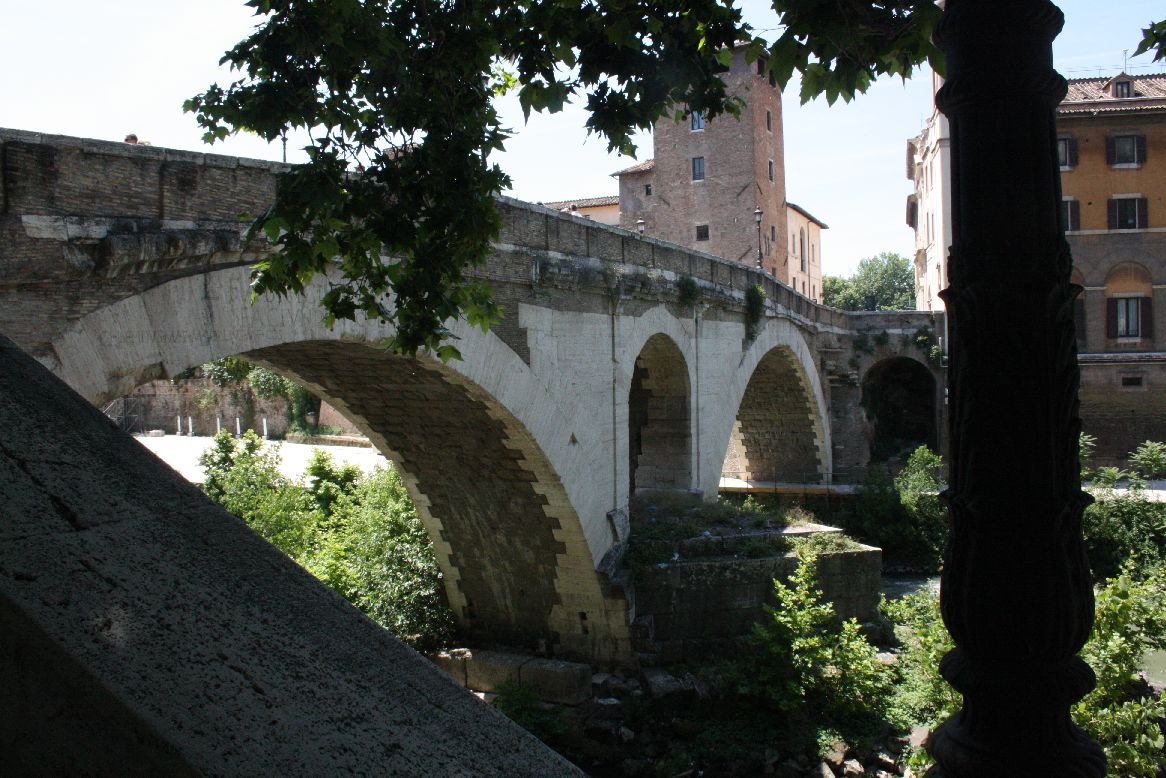
The Ponte Fabricio, built in 62 BC, and the Ponte Cestio, built some time between 62 BC and 27 BC, are the two oldest remaining complete bridges in Rome.  They connect Tiber Island to the city to the West (Ponte Cestio) and East (Ponte Fabricio).  The Ponte Fabricio consists of two large arch spans supported on a massive central pillar, and connected with a smaller span arch.
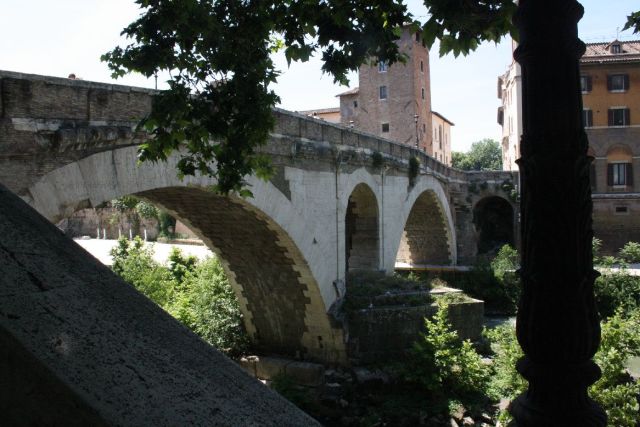
Ponte Fabricio

Ponte Fabricio

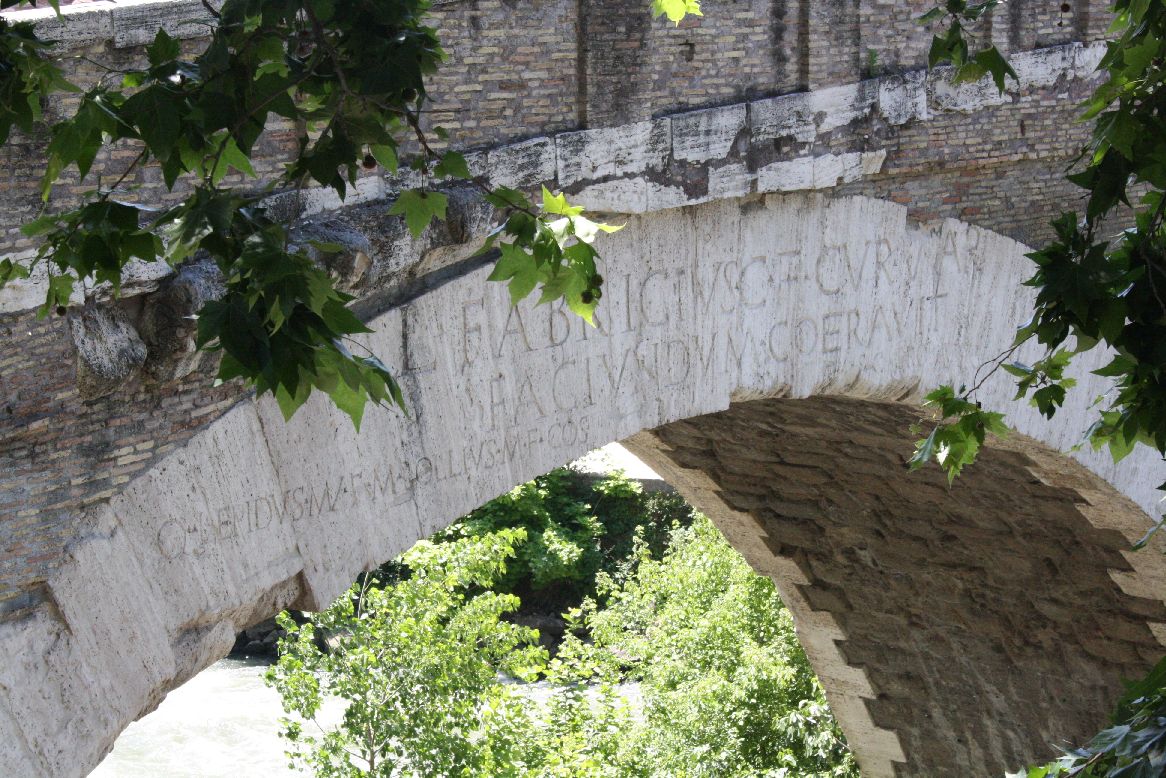
Each crown of the arch is inscribed with the words: “Lucius Fabricius, Son of Gaius, Superintendent of the road, took care and likewise approved that it be built”
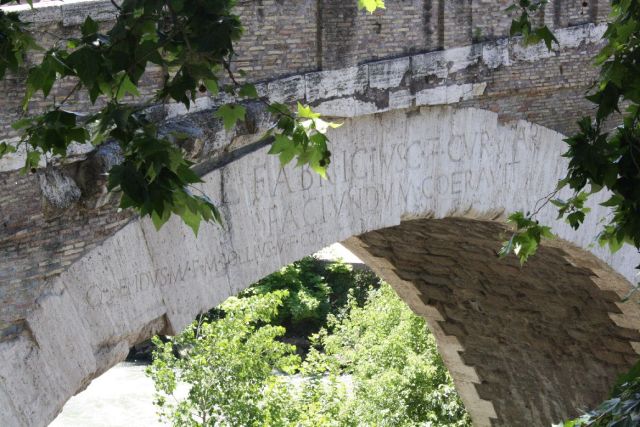
Ponte Fabricio, crown inscription

Ponte Fabricio, crown inscription

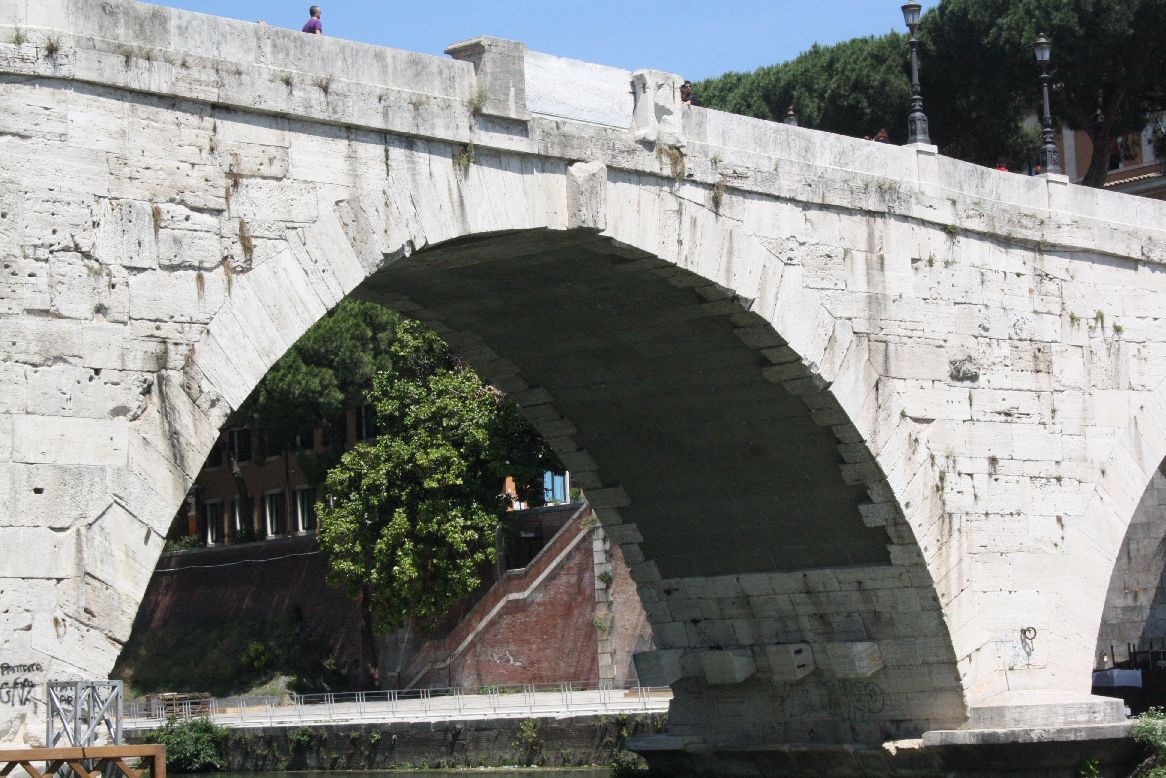
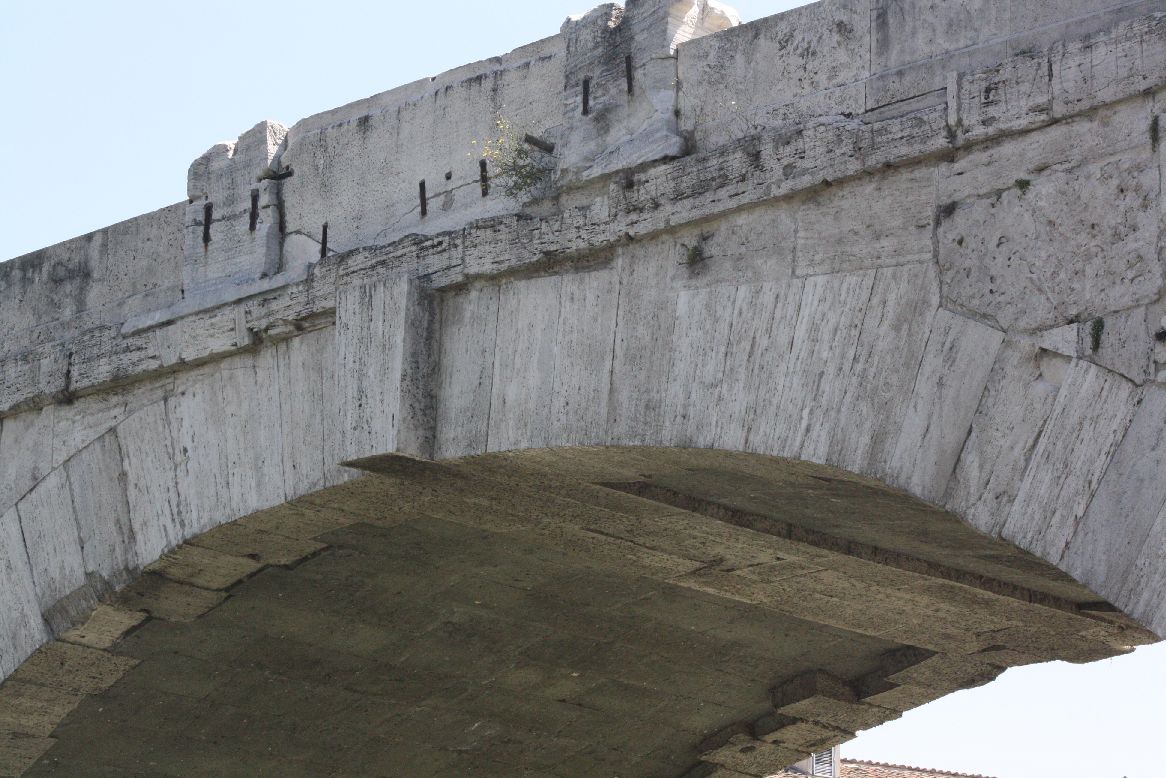
The Wikipedia article states that the Ponte Cestio was originally built with two small semi-circular arches, and was re-built in the 4th Century; however a photograph from 1880 in the same article (http://en.wikipedia.org/wiki/File:Ponte_Cestio,_Rome,_Italy._Pic_01.jpg) shows a single central large semi-circular arch with small arches at each end.   The bridge was completely reconstructed in 1888-1892, with the addition of larger span arches either side of the central span, as it stands today.

Ponte Cestio
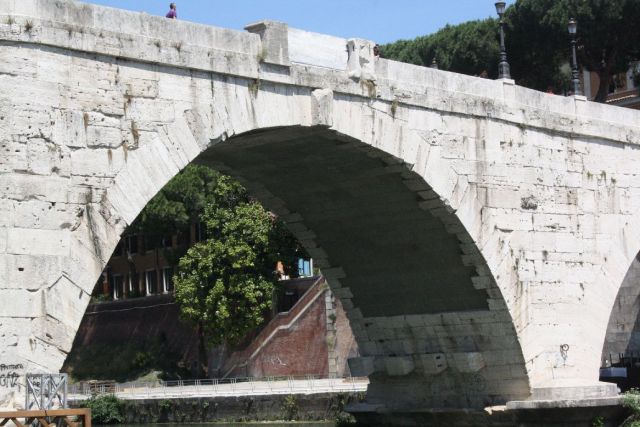
Ponte Cestio

IMG_5869

Ponte Cestio, central span

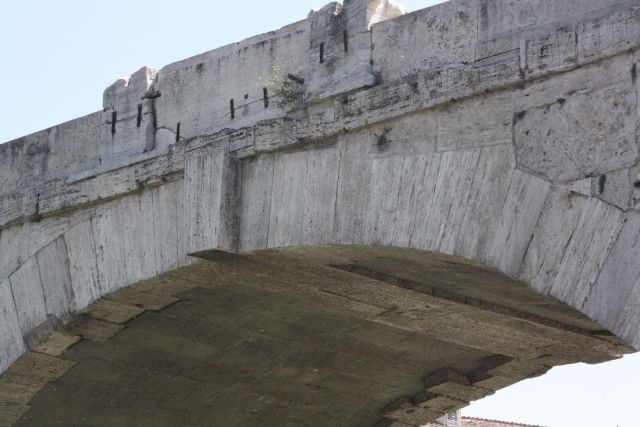
Ponte Cestio, crown detail

Ponte Cestio, crown detail

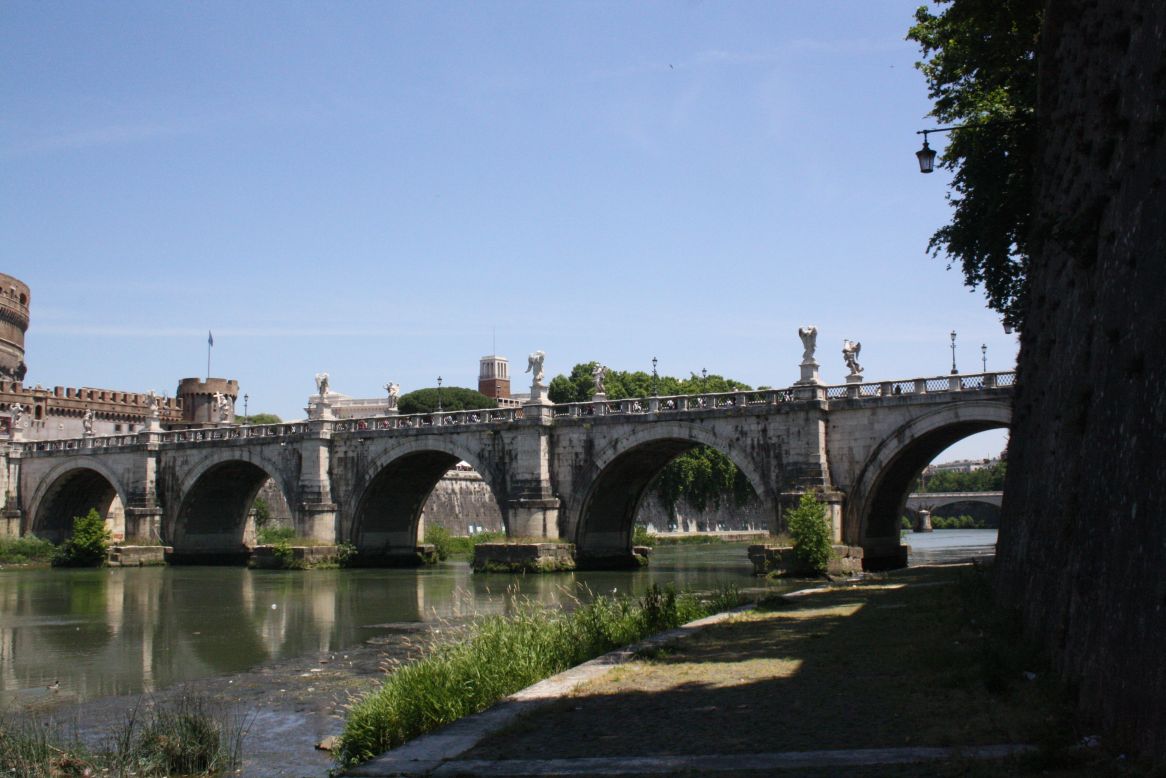
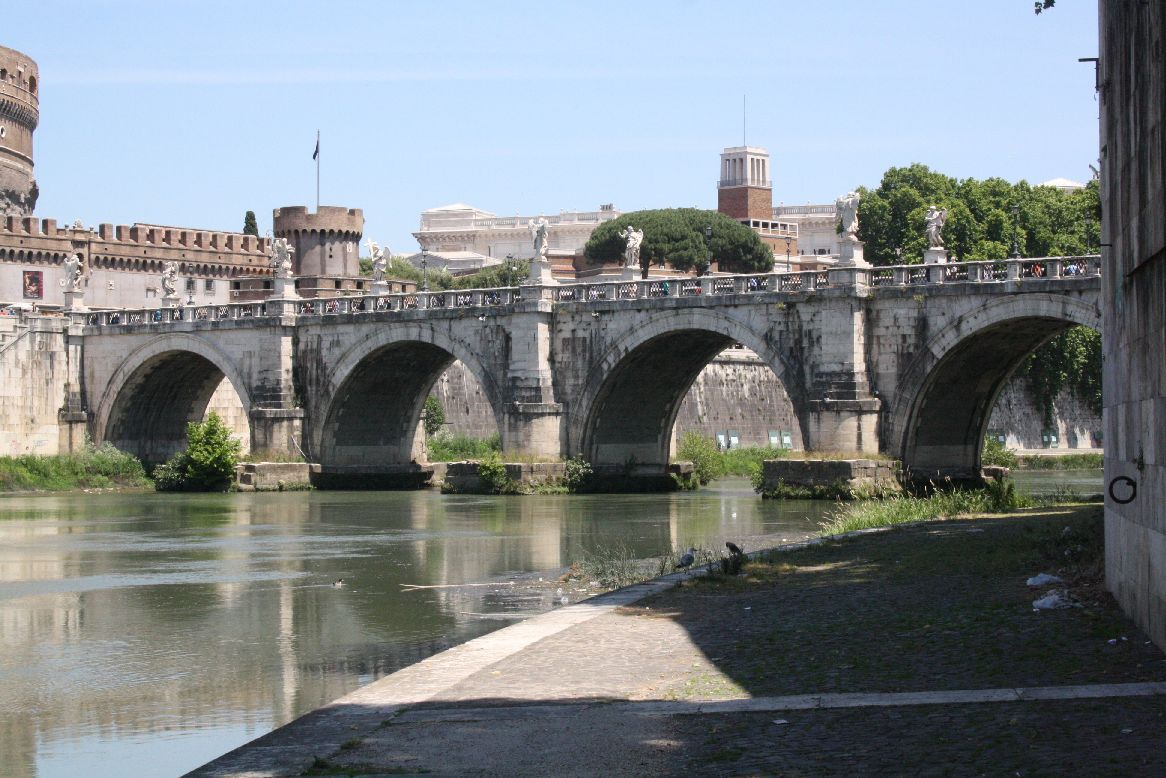
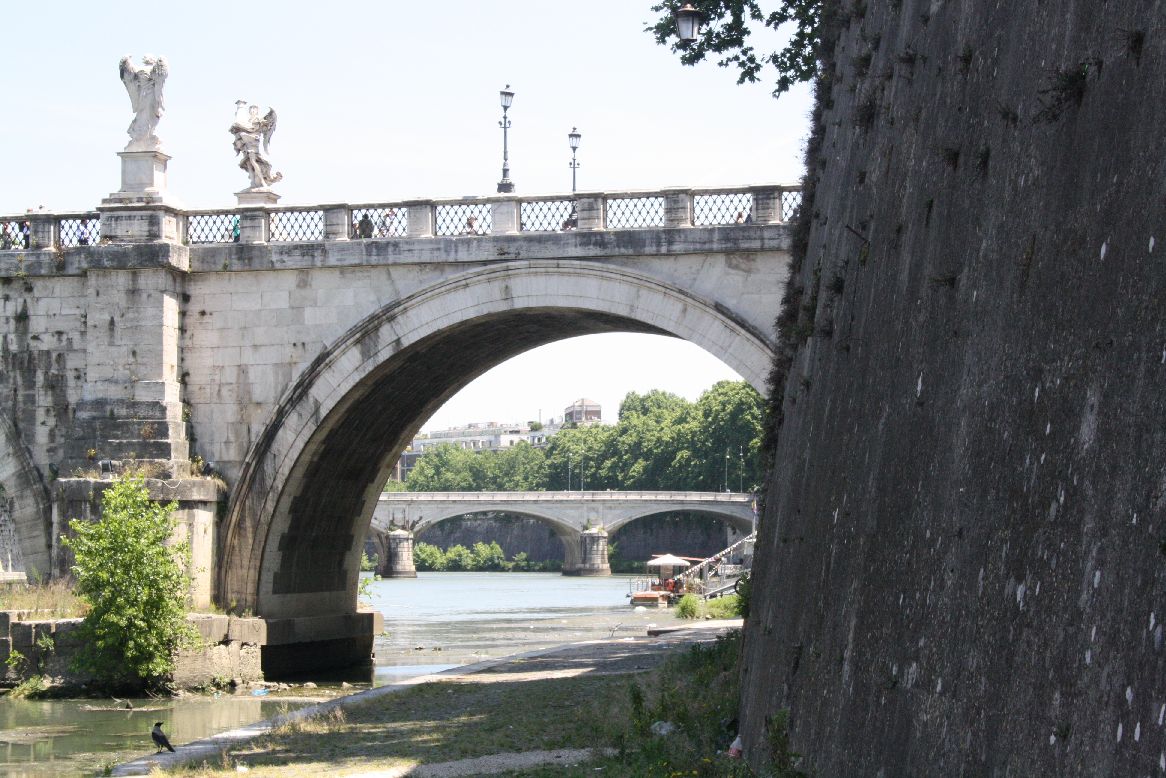
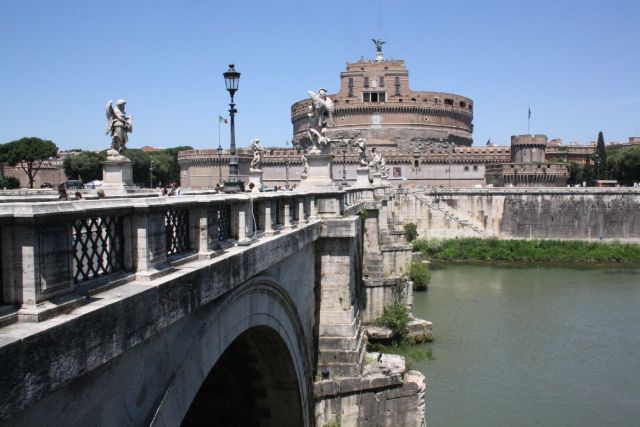
The Ponte San Angelo (11) was completed in 134 AD, with five semi-circular spans.

Ponte San Angelo
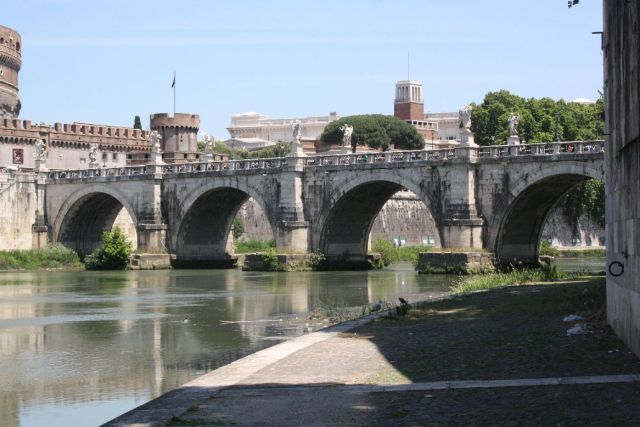
Ponte San Angelo

IMG_5950

Ponte San Angelo

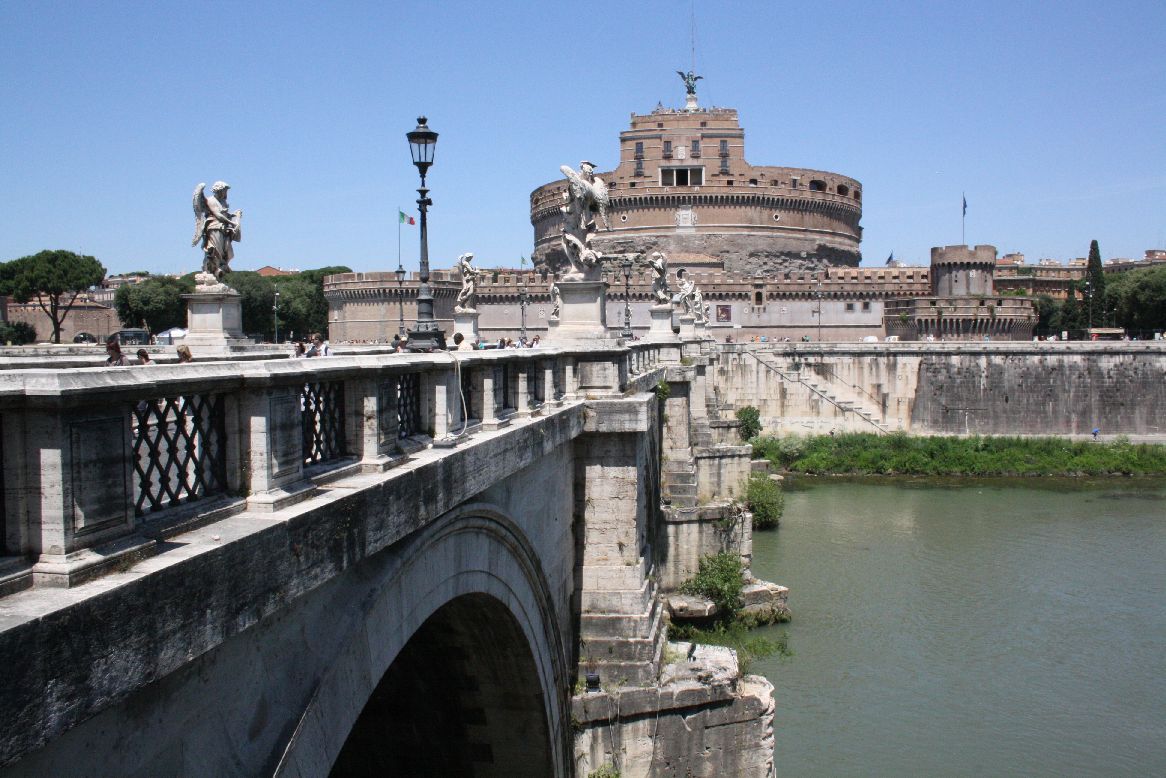
It is well known for its 10 decorative angels, added in 1669 (http://en.wikipedia.org/wiki/Ponte_Sant’Angelo)

IMG_5952

Ponte San Angel and Ponte Umberto 1 (background)
IMG_5961

Angels on the Ponte San Angelo, and the Castel Sant’Angelo

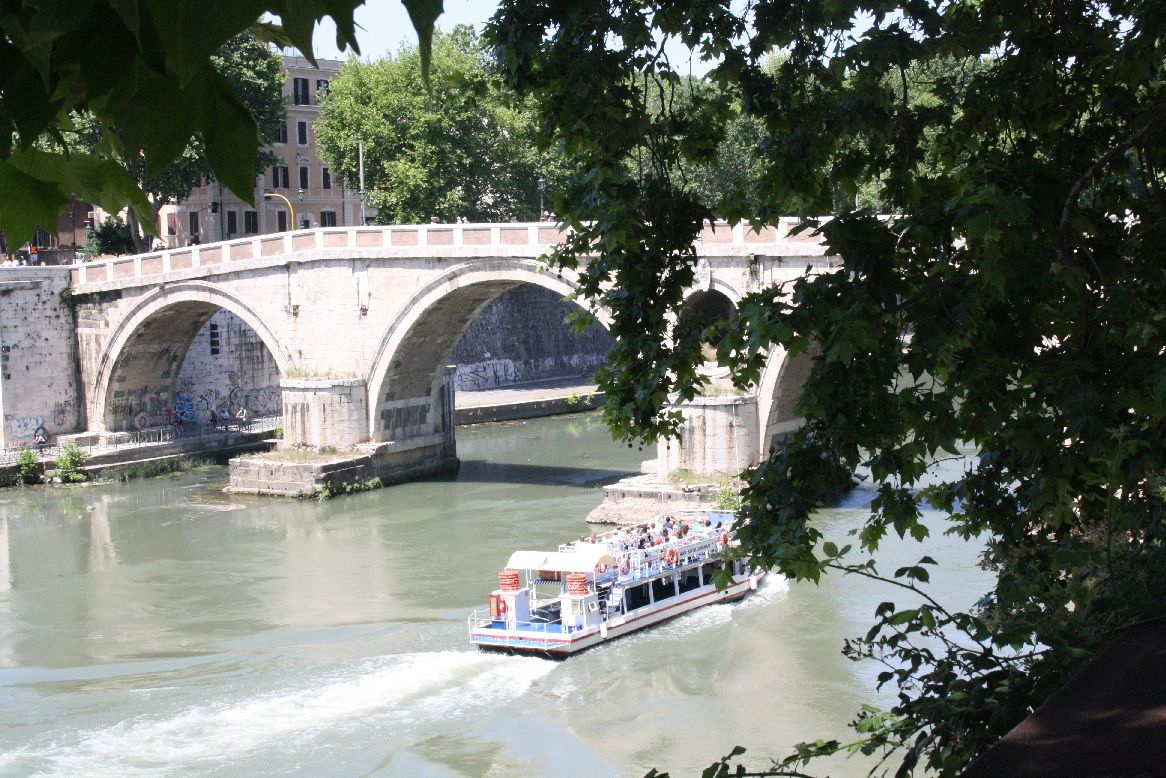
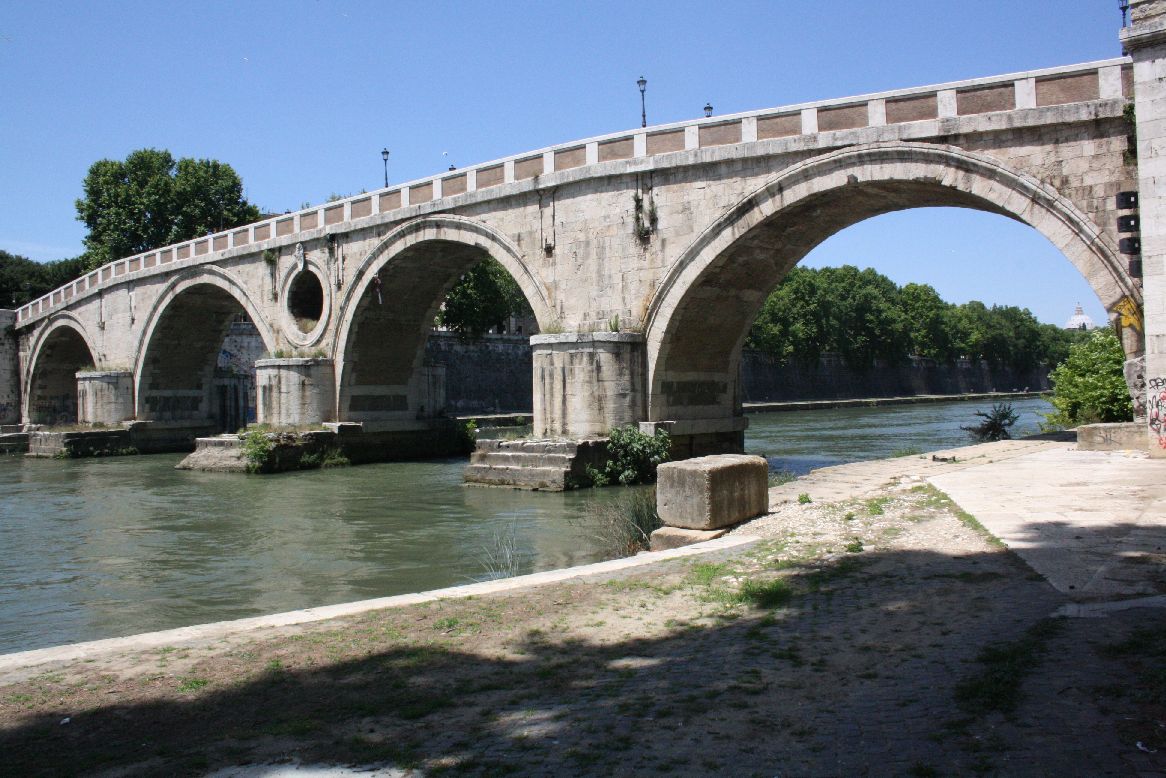
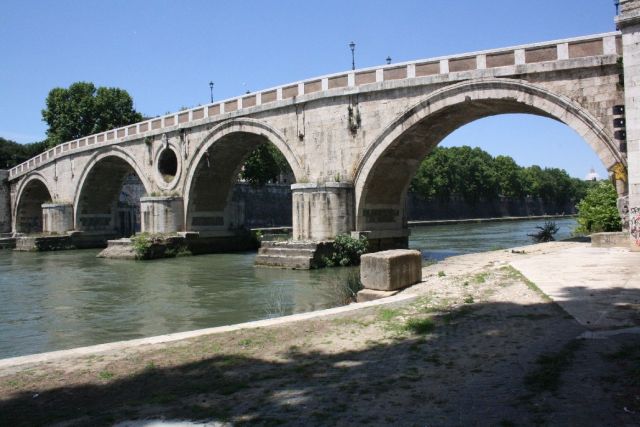
The next oldest bridge after the Ponte San Angelo is the Ponte Sisto (7), originally built in the fourth or fifth century AD, but  partially destroyed in 773, and completely re-built in its present form 1473, over 1300 years after the construction of the Ponte San Angelo.
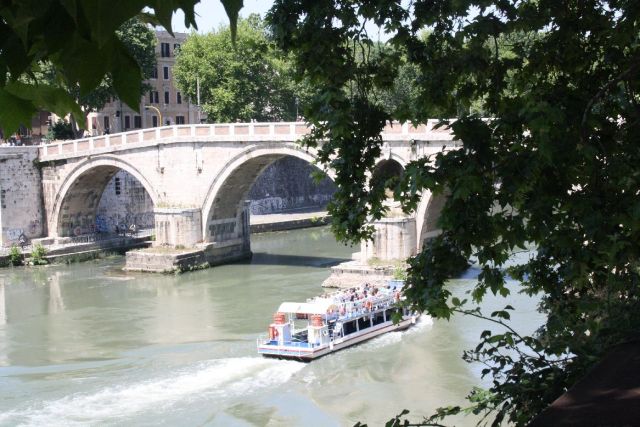
Ponte Sisto

Ponte Sisto

The bridge consists of four semi-circular spans, with a central “oculus” or eye, a feature copied in 19th century bridges over the Tiber.
Ponte Sisto

Ponte Sisto

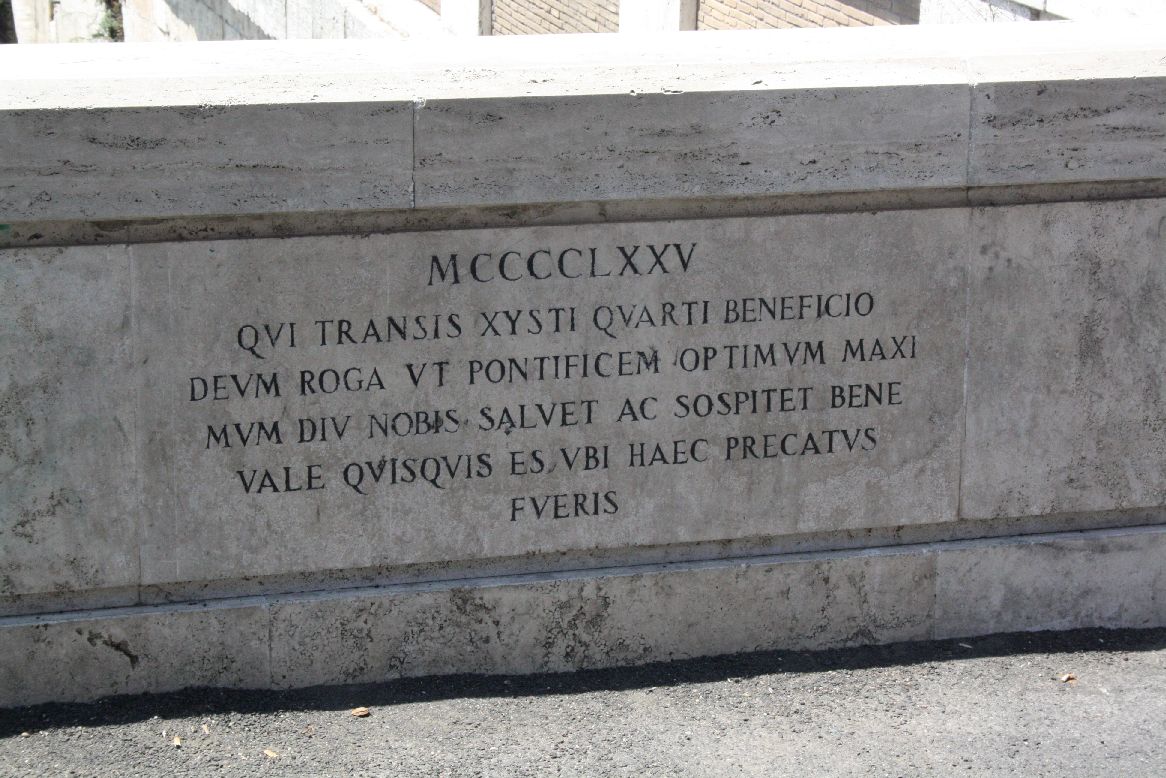
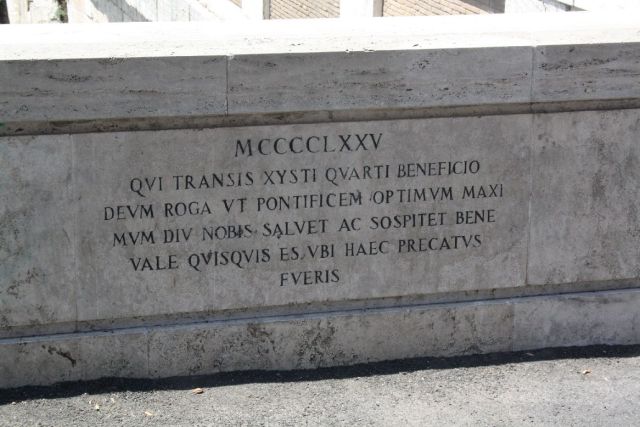
The inscription on the parapet reads:

1475

You who cross by the kindness of Sixtus IV, pray God to long save and protect for us our excellent supreme pontiff. Fare well, whoever you are, when you will have prayed these things
Ponte Sisto

Ponte Sisto

For more details of this bridge, and earlier ones on this site, see: http://sightsofrome.blogspot.com.au/2011/09/12-ponte-sisto-bridge-with-history.html.

Posted in Arch structures, Historic Bridges, Newton | Tagged , , | 2 Comments

3DFrame v1.01

The 3D frame analysis spreadsheet has been updated to v1.01, with a correction to the calculation of node reactions.  The previous version gave incorrect results for any restrained node at end 2 of any beam.

Please download the new version from: 3DFrame.zip

For more details of the spreadsheet see: 3DFrame – 3D Frame analysis for Excel

Posted in Excel, Frame Analysis, Newton, VBA | Tagged , , , | 2 Comments