Bridges Over the Tiber -2

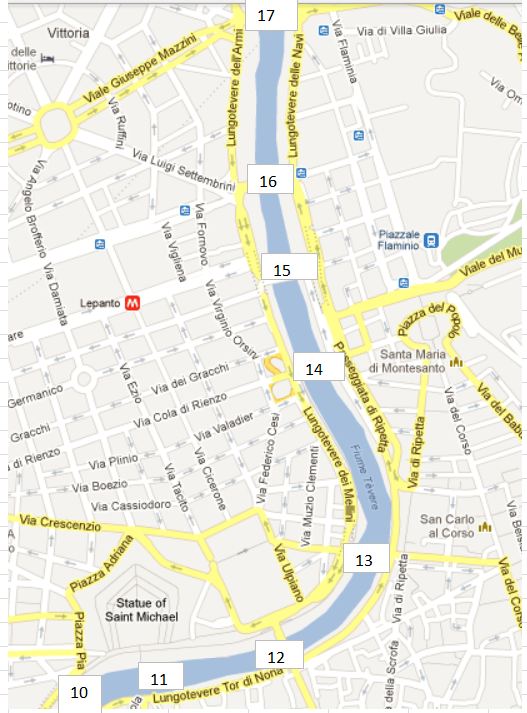
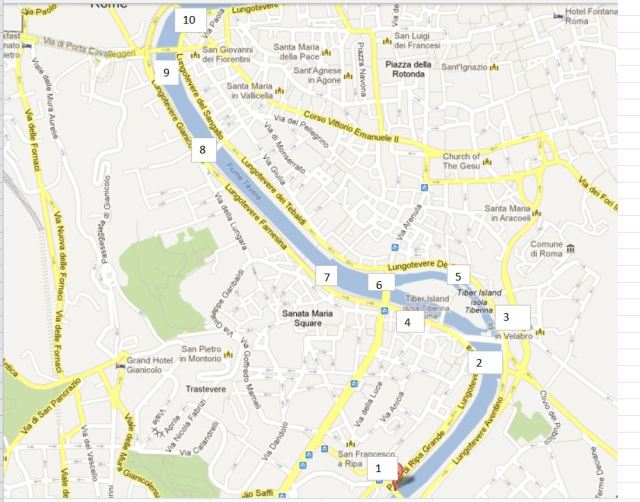
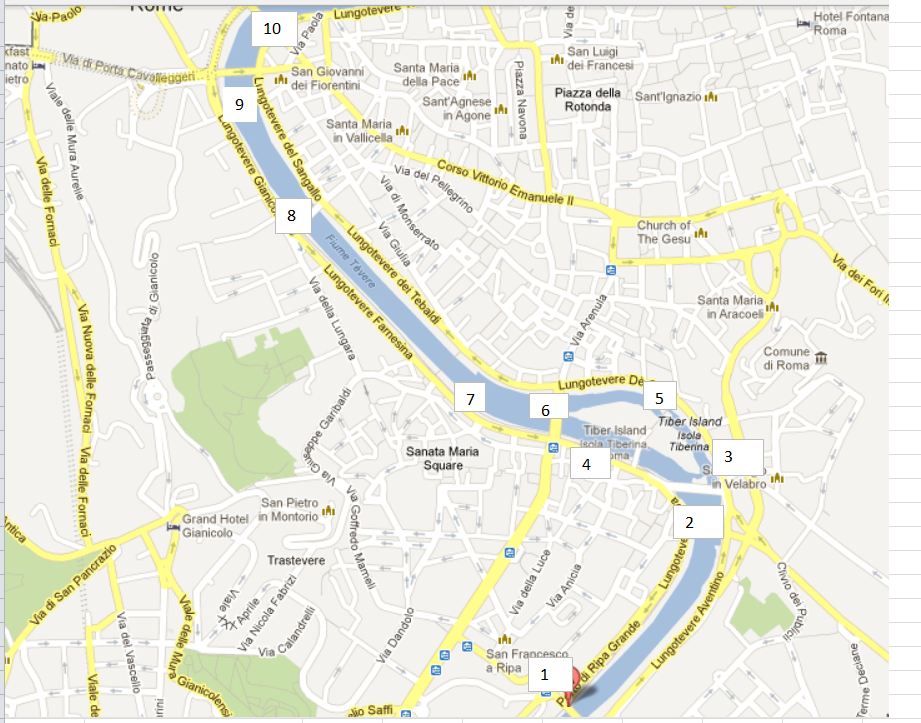
See the previous post for location map.

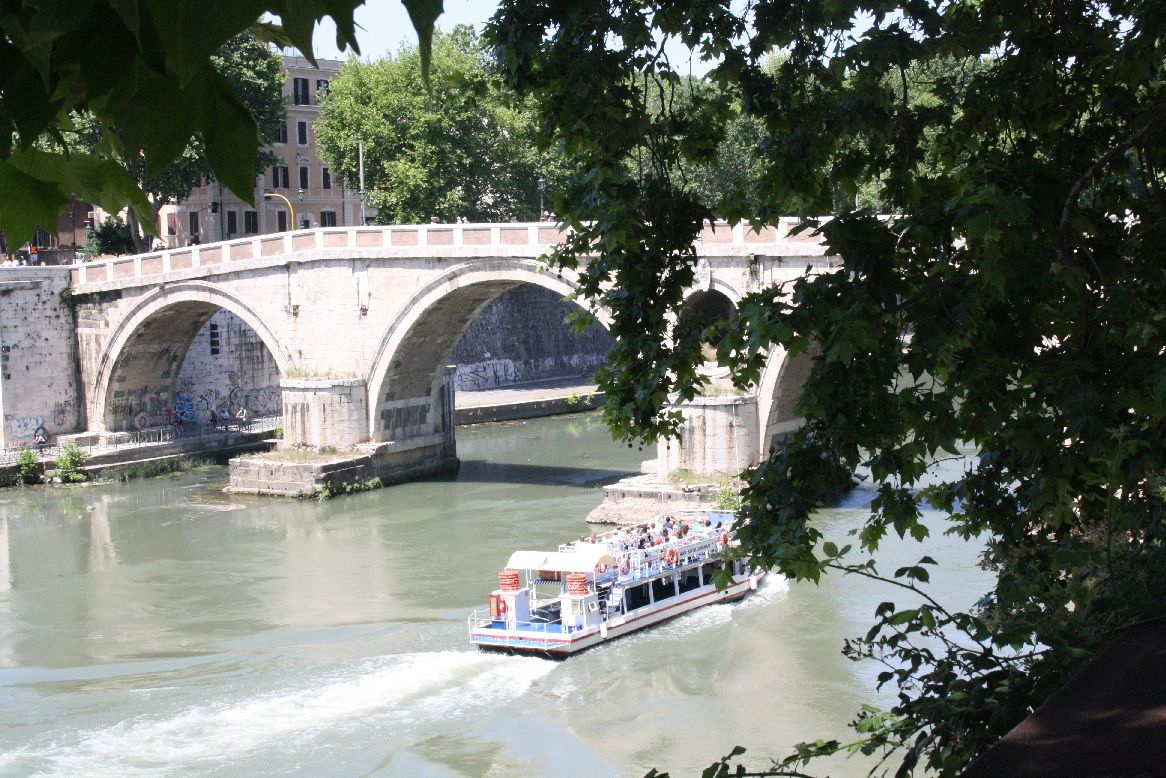
Following the construction of the Ponte Sisto in 1473 no more new bridges were built over the Tiber in Rome until 1885, then six were built (or at least started) in six years, seven if you include the reconstruction of the Ponte Cestio.

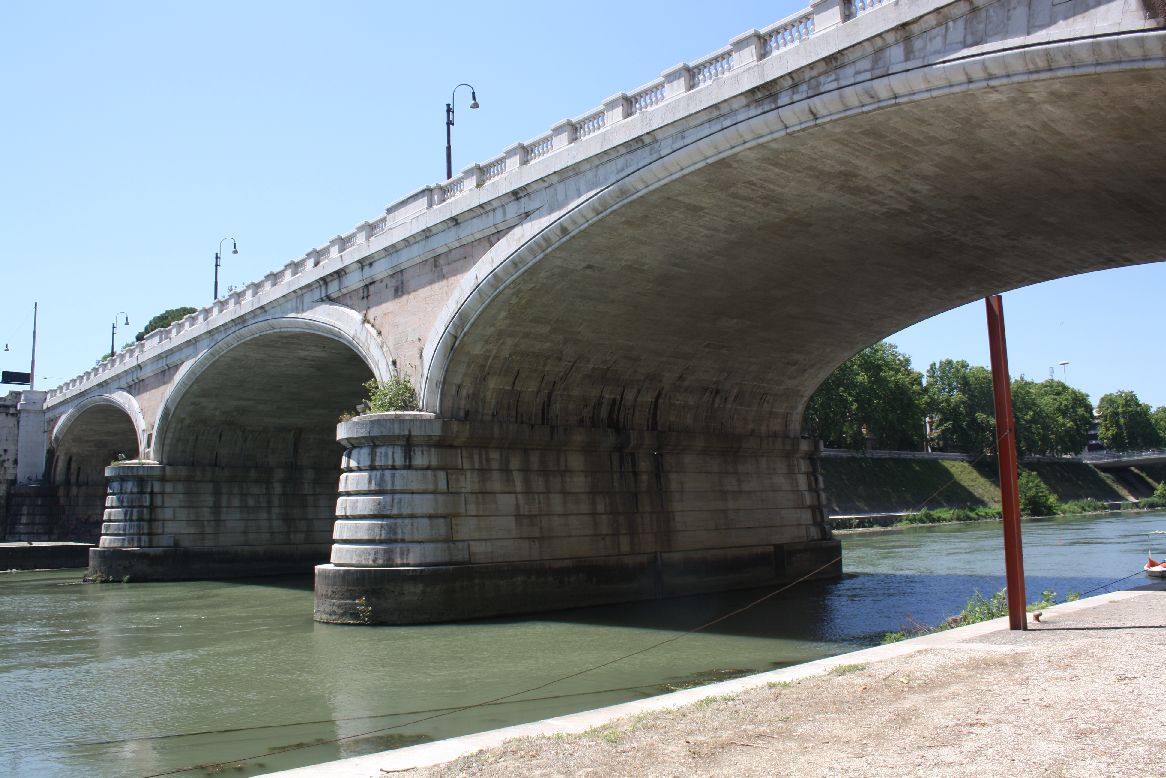
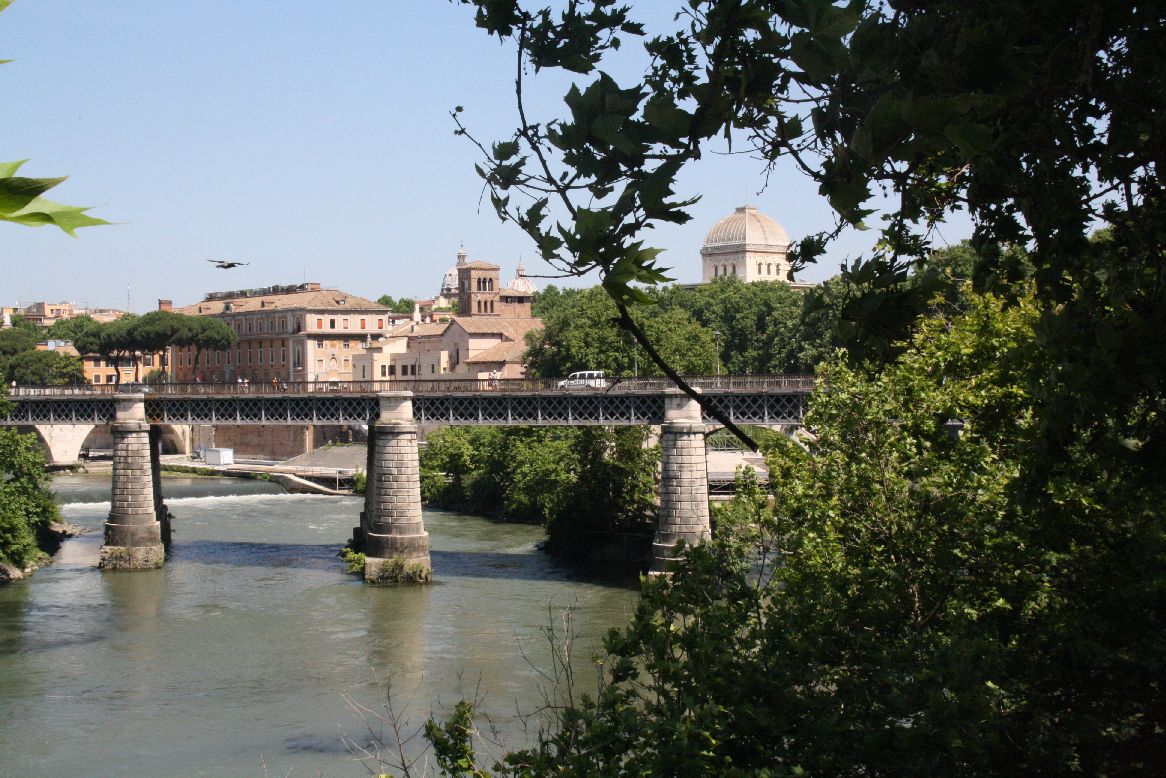
Working from East to West, the first is the Ponte Palatino (2), constructed in 1886, it is the only steel girder bridge in this collection.  It is also known as the “English Bridge” because, according to the Google translation of the Italian Wikipedia page, “organization of motor traffic in accordance reversed, as is the custom in the United Kingdom”.

IMG_5850
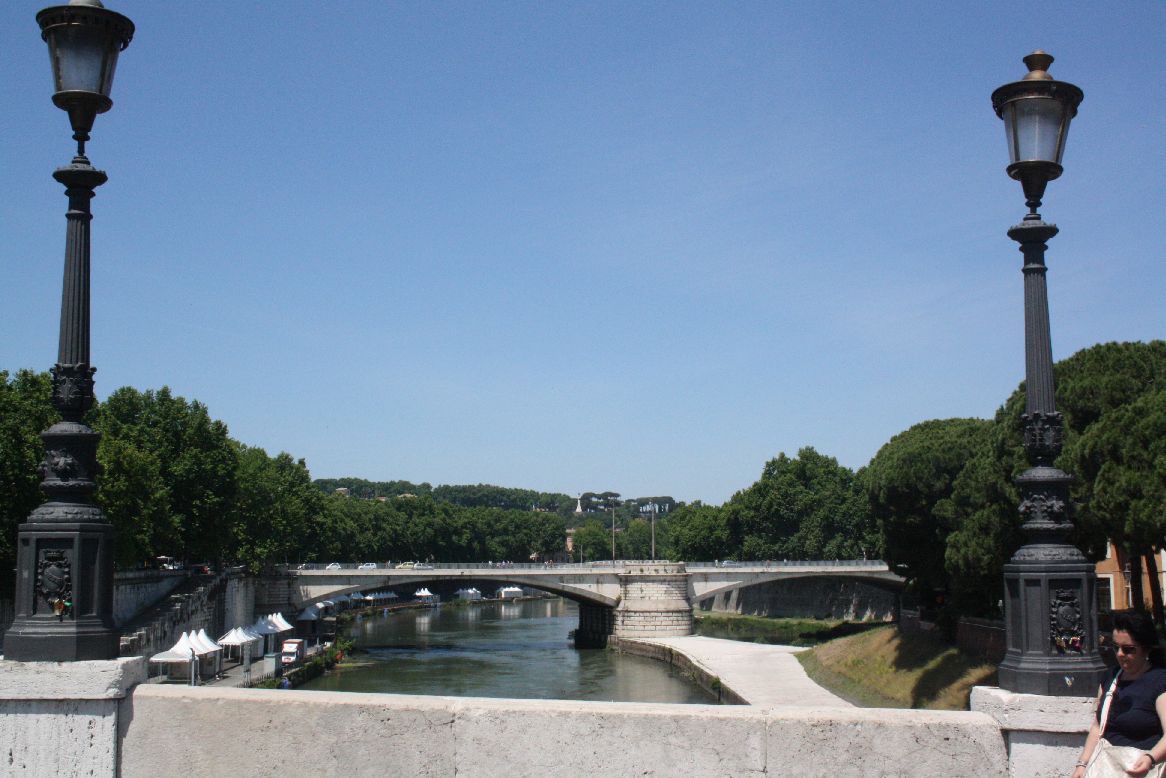
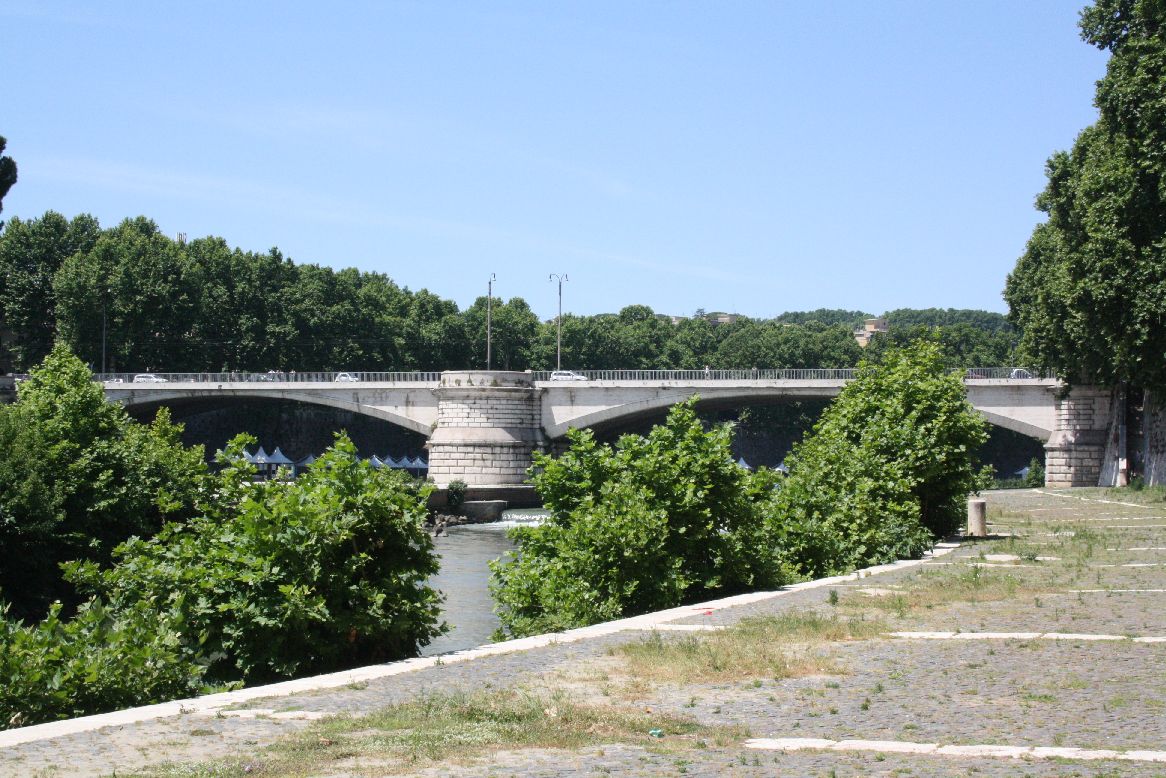
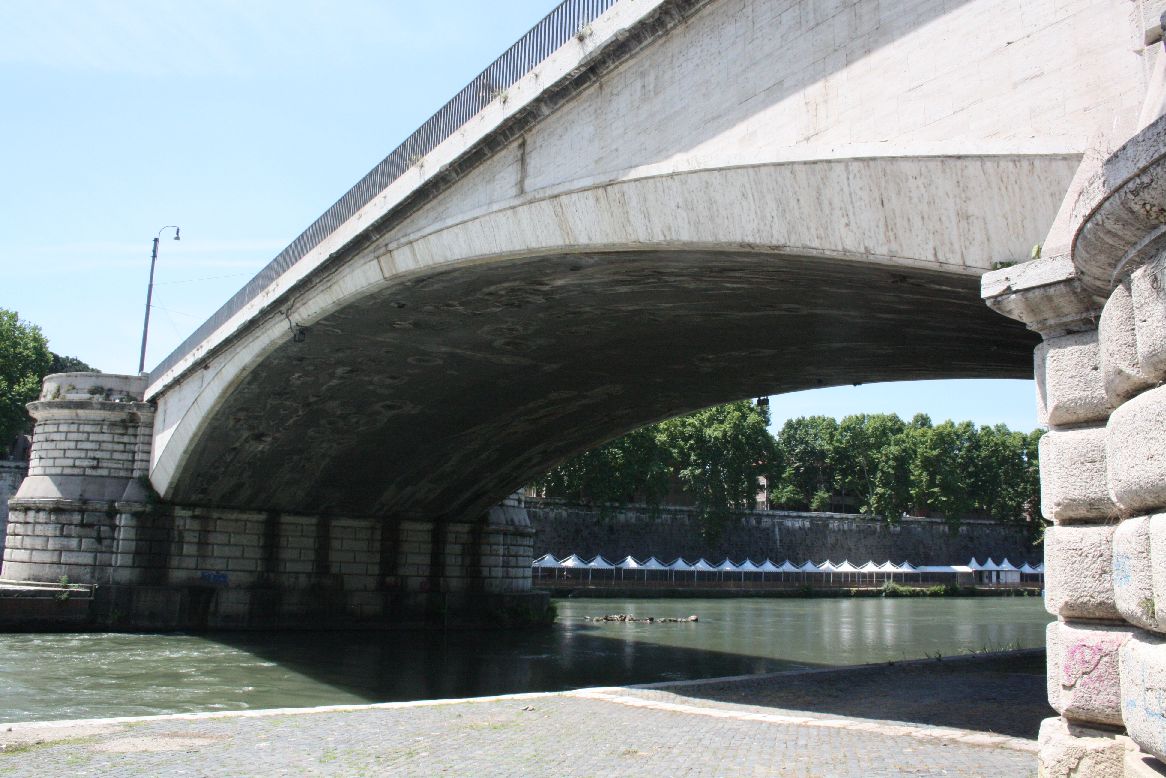
The Ponte Garibaldi (6) was built between 1884 and 1886.  The translation of the Italian Wikipedia site says it has 2 metal spans, faced with travertine.  If it does have steel beams, they are well hidden.
IMG_5887

IMG_5897

IMG_5901
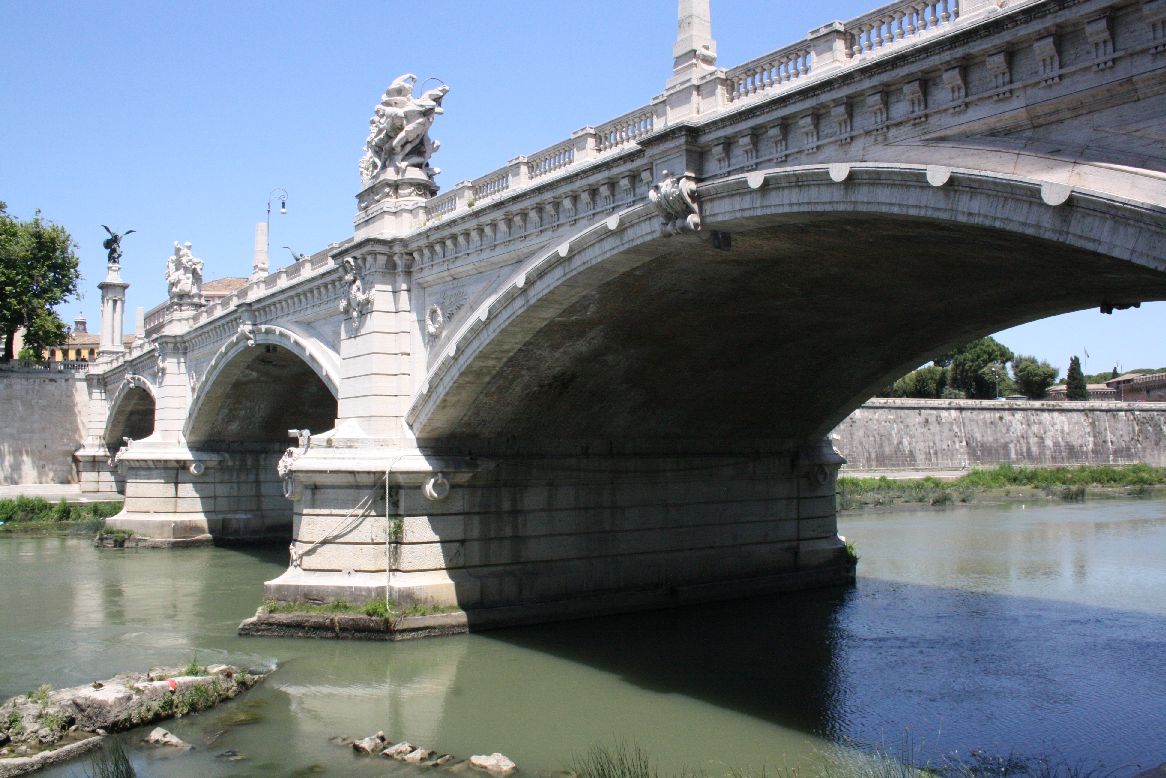
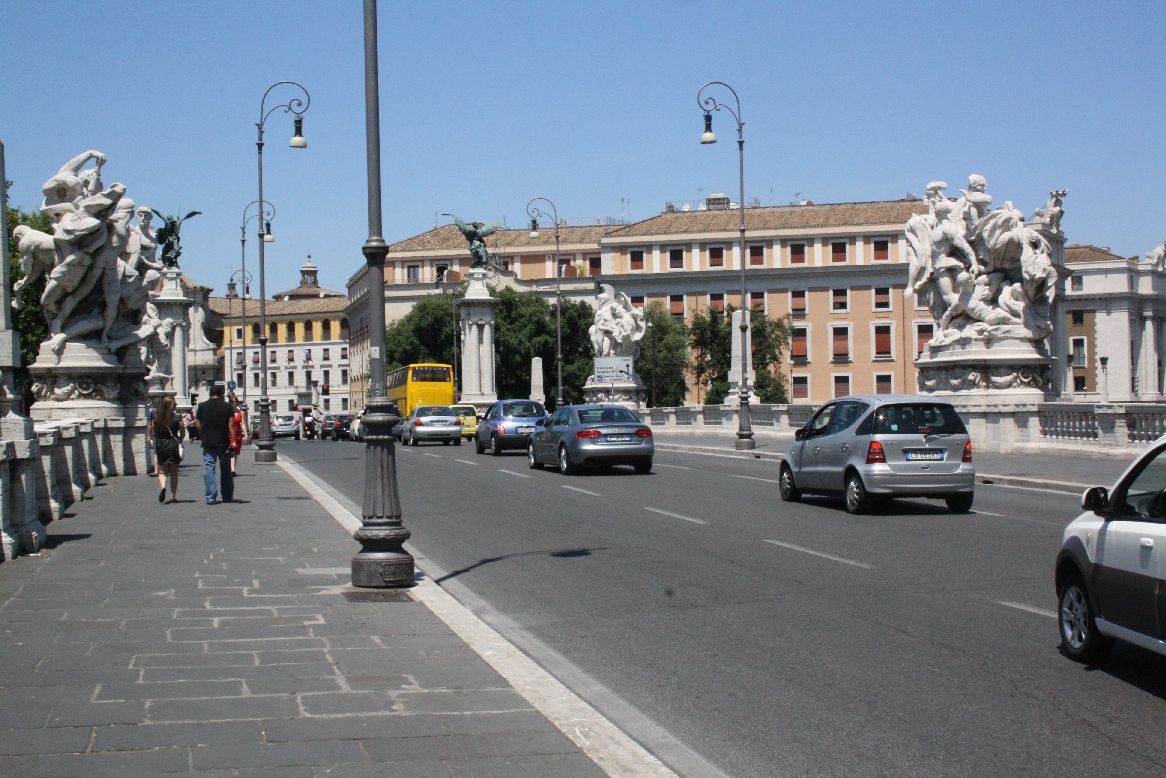
The Ponte Vittoria Emanuele II (10) was designed in 1886, but not completed until 1911.
IMG_5942
IMG_5945A three span segmental arch structure, is crowned by massive travertine scuptures over each pier.IMG_5939

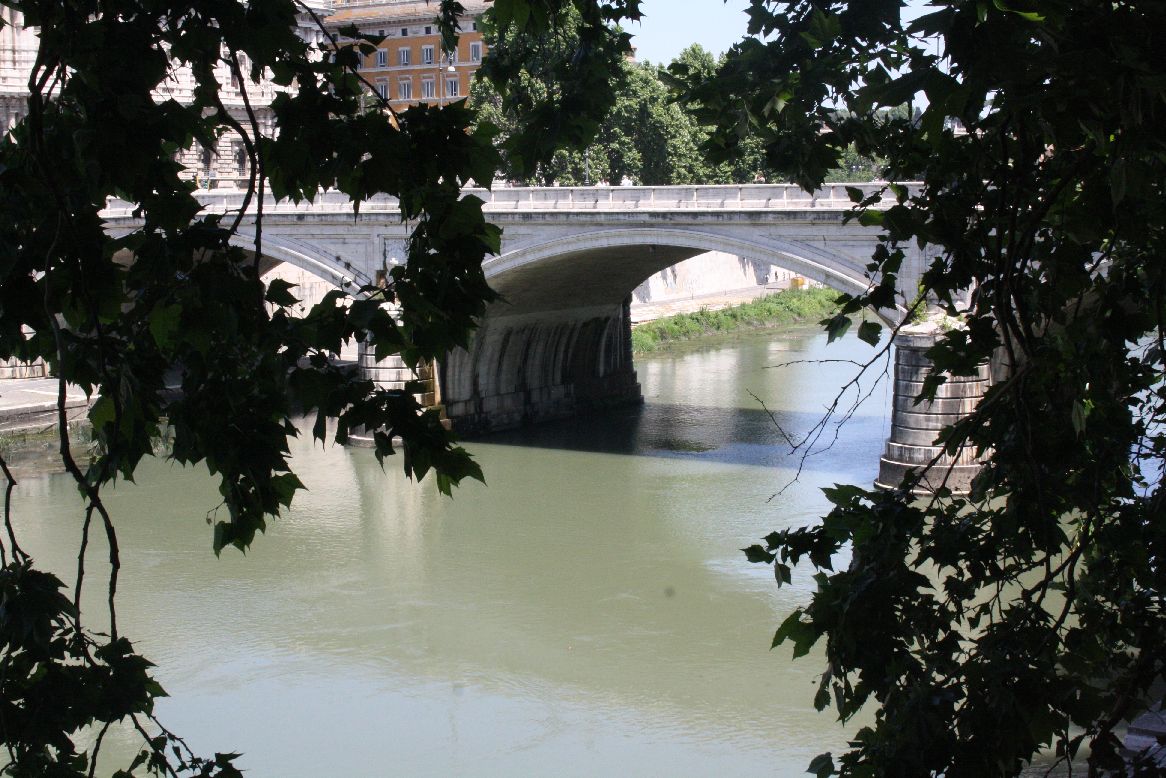
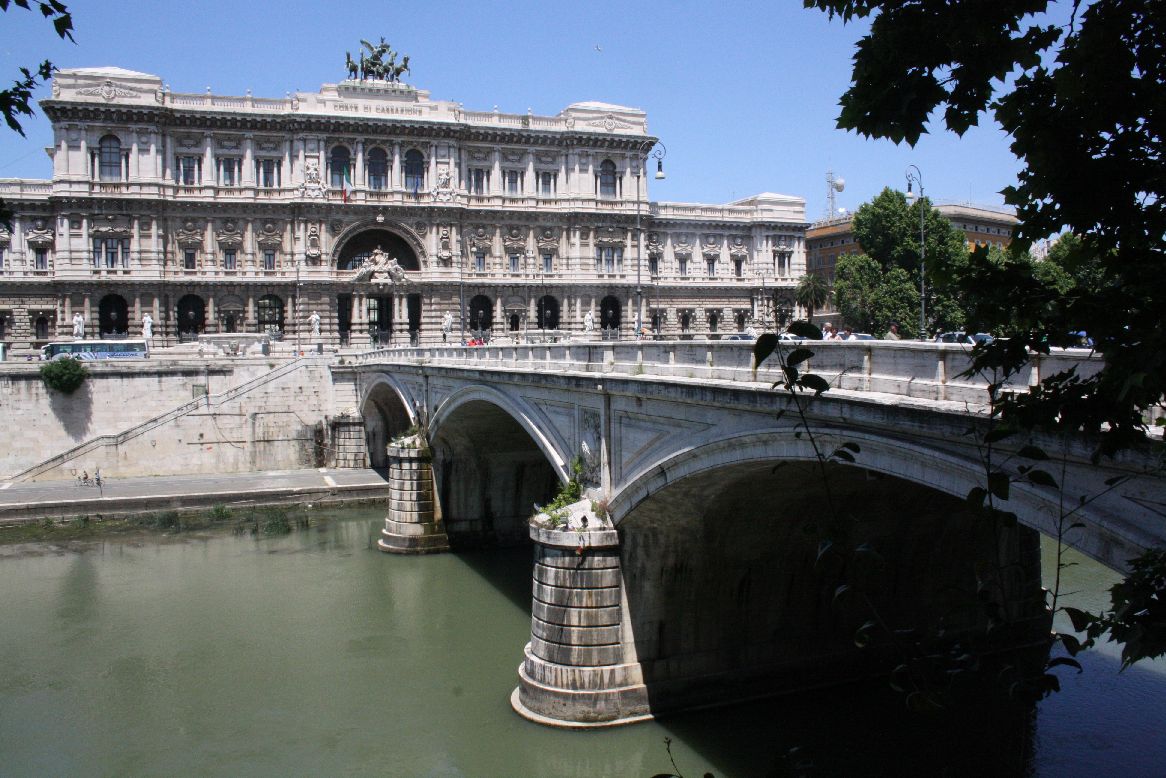
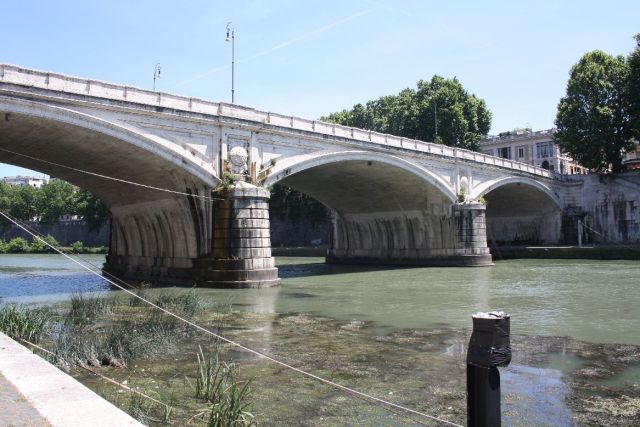
The Ponte Umberto I (12) is a three span bridge and was constructed from 1885 to 1895..
IMG_5963
It is an elegant structure, in contrast to the building it leads to, The Palace of Justice
IMG_5965

IMG_5970
This view clearly shows the transition from a segmental arch at the facing to a full semi-ellipse in the body of the structure.

IMG_5980

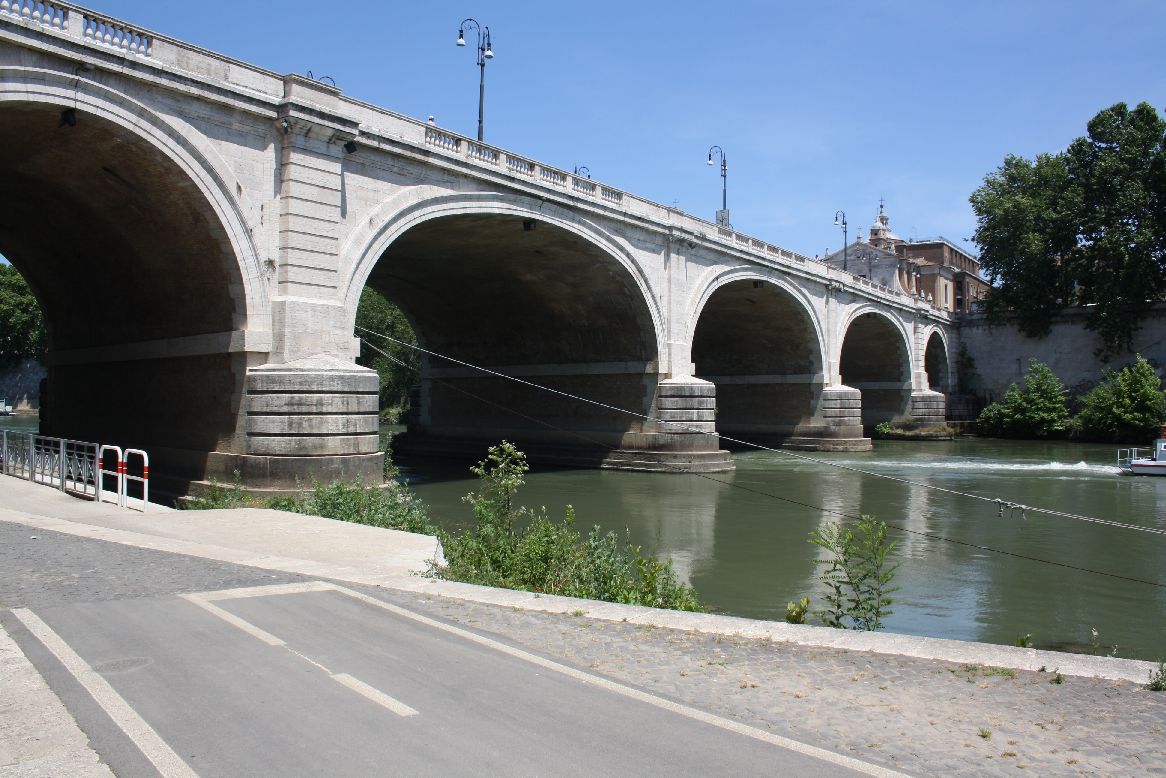
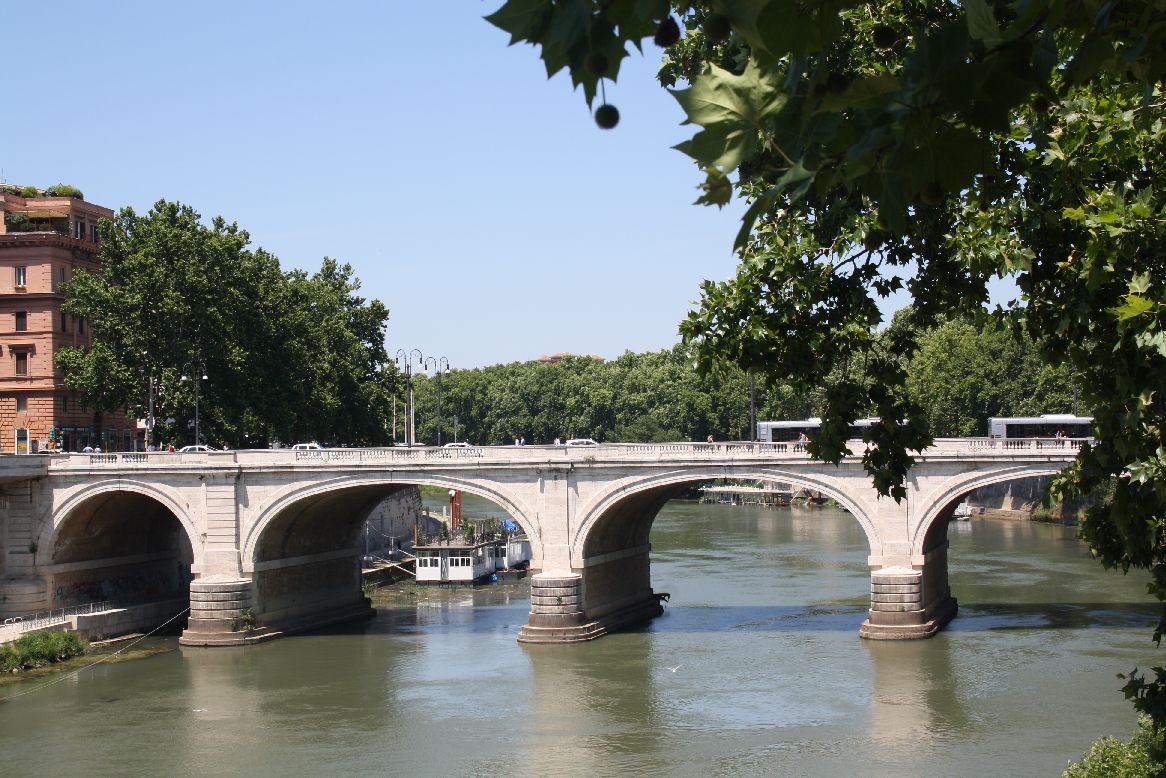
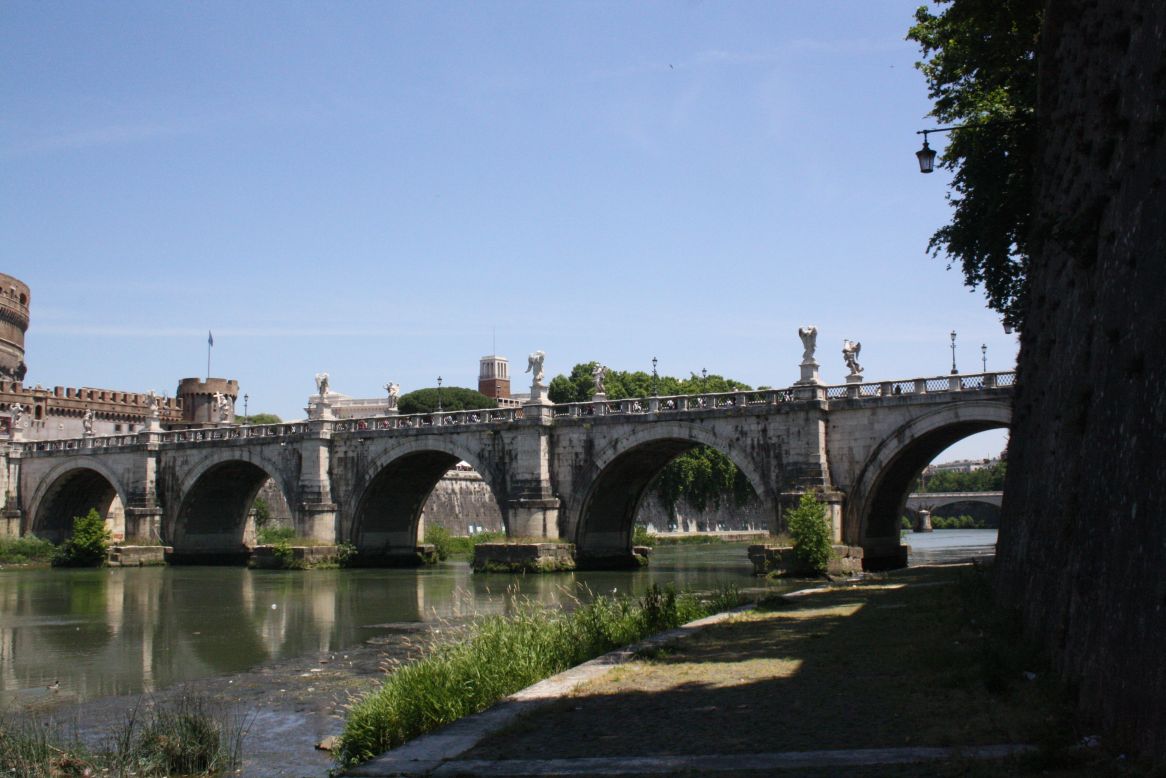
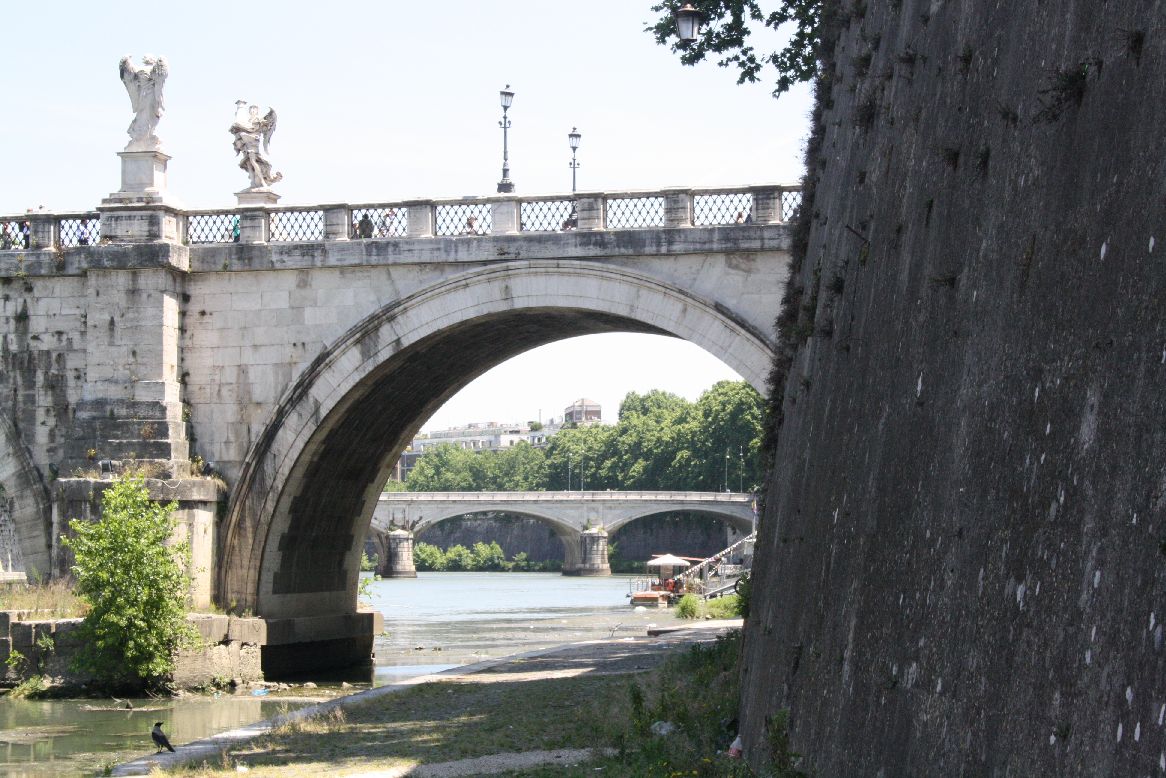
 The Ponte Cavour (13) is a five span bridge, constructed between 1896 and 1901. It is similar in appearance to the second century Ponte San Angelo (although lacking the angels).
 IMG_5975
IMG_5977
IMG_5983

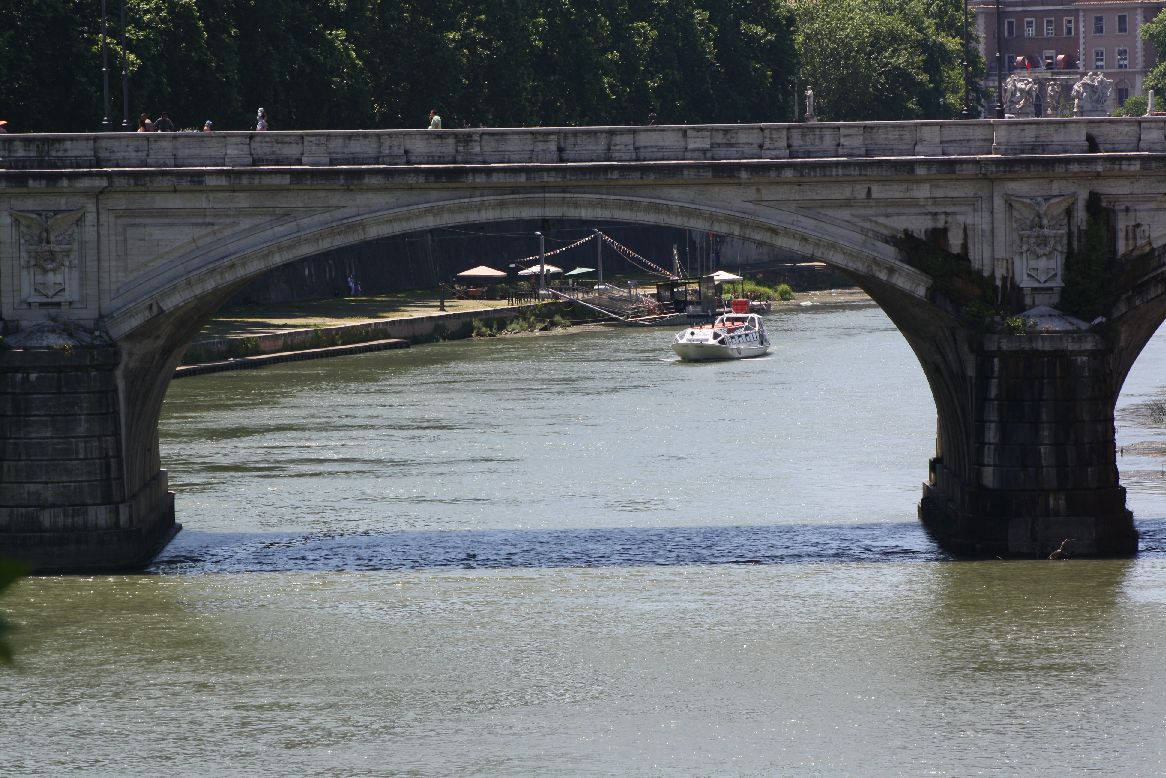
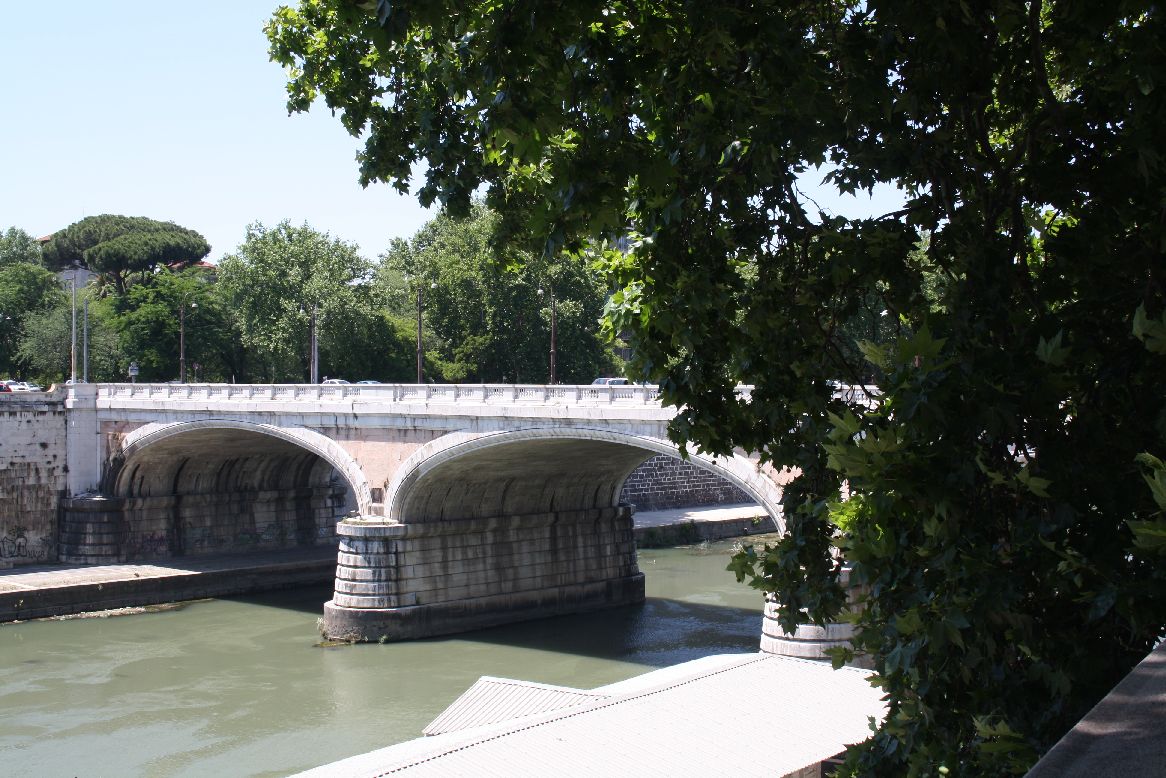
Finally, the Ponte Margherita (14), constructed between 1886 and 1891.
Another three span structure, with elliptical spans.
IMG_5992
IMG_5996

Posted in Arch structures, Historic Bridges, Newton | Tagged , , | Leave a comment

Bridges over the Tiber – 1

The tourist map of Rome shows 17 bridges over the River Tiber in the central district, dating from 140 BC to 1981.  For those in Rome it makes a pleasant day’s stroll to visit each one, but for those who can’t make it I have gathered photographs and historical information, which will be presented over three posts, arranged by age from oldest to youngest.
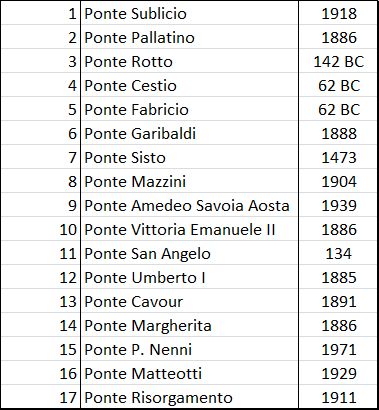
RomeBridgeslist

Bridges over the Tiber

RomeBridges2 RomeBridges1

Ponte Rotto, 142 BC (3)

Ponte Rotto

Ponte Rotto

Formerly Pons Aemilius:

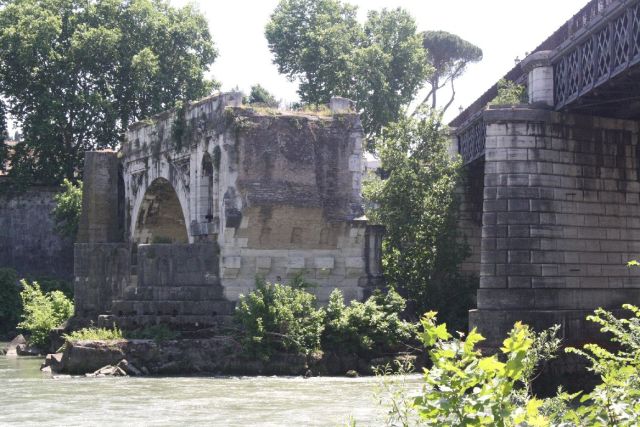
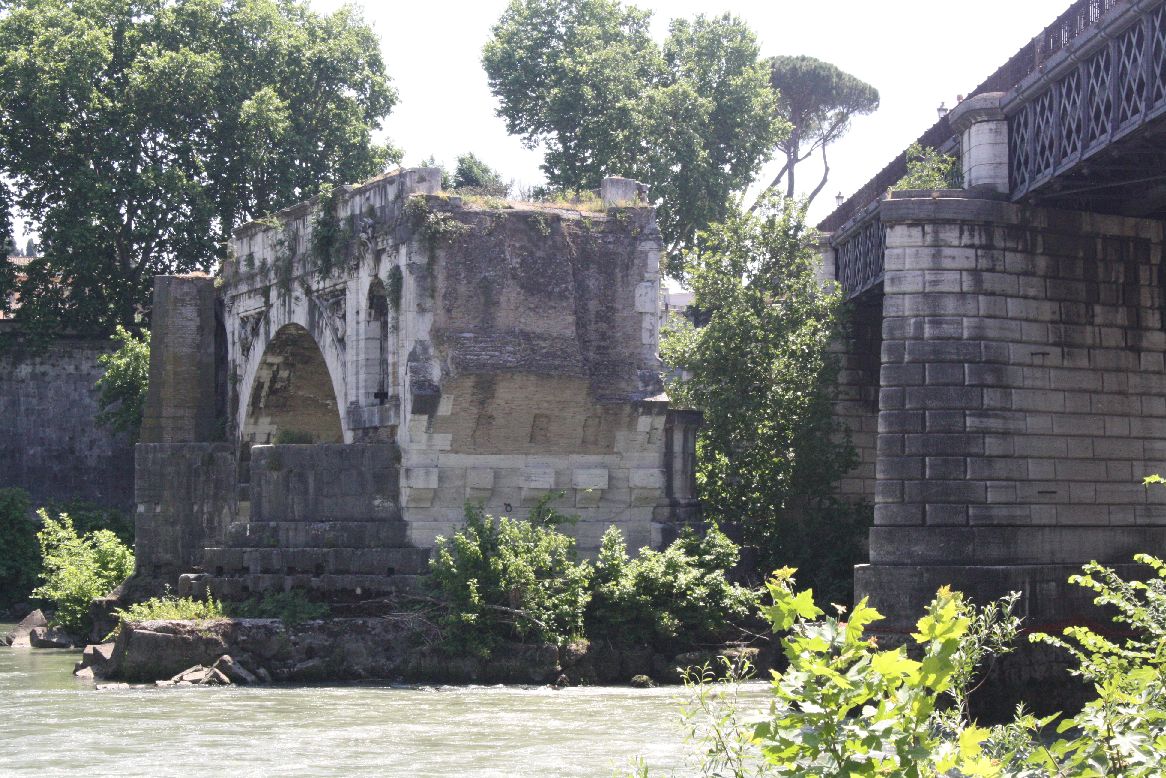
The Pons Aemilius (Italian: Ponte Emilio), today called Ponte Rotto, is the oldest Roman stone bridge in Rome, Italy. Preceded by a wooden version, it was rebuilt in stone in the 2nd century BC. It once spanned the Tiber, connecting the Forum Boarium with Trastevere; a single arch in mid-river is all that remains today, lending the bridge its name Ponte rotto (“Broken bridge”).

The oldest piers of the bridge were probably laid when the Via Aurelia was constructed in the mid-2nd century BC.[1] Initially constructed in 179 BC with stone piers and a wooden superstructure, the bridge was fitted in 142 BC with six wholly stone arches. In 12 BC, Augustus completely restored the bridge with a tuff and concrete core.

Damaged and repaired on seven occasions, the bridge was defunct by 1598, when its eastern half was carried away in a flood. The remaining half was demolished in the 1890s, leaving behind only one arch

Ponte Cestio (4)  and Ponte Fabricio (5); 62 BC

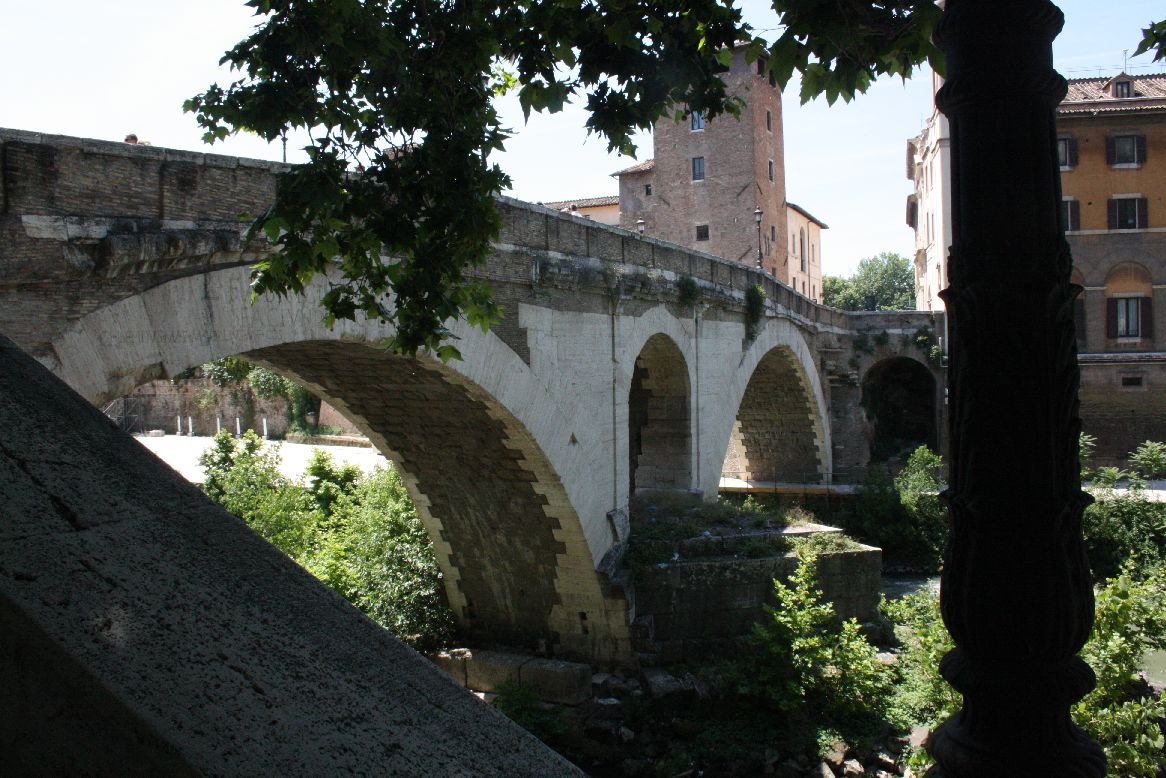
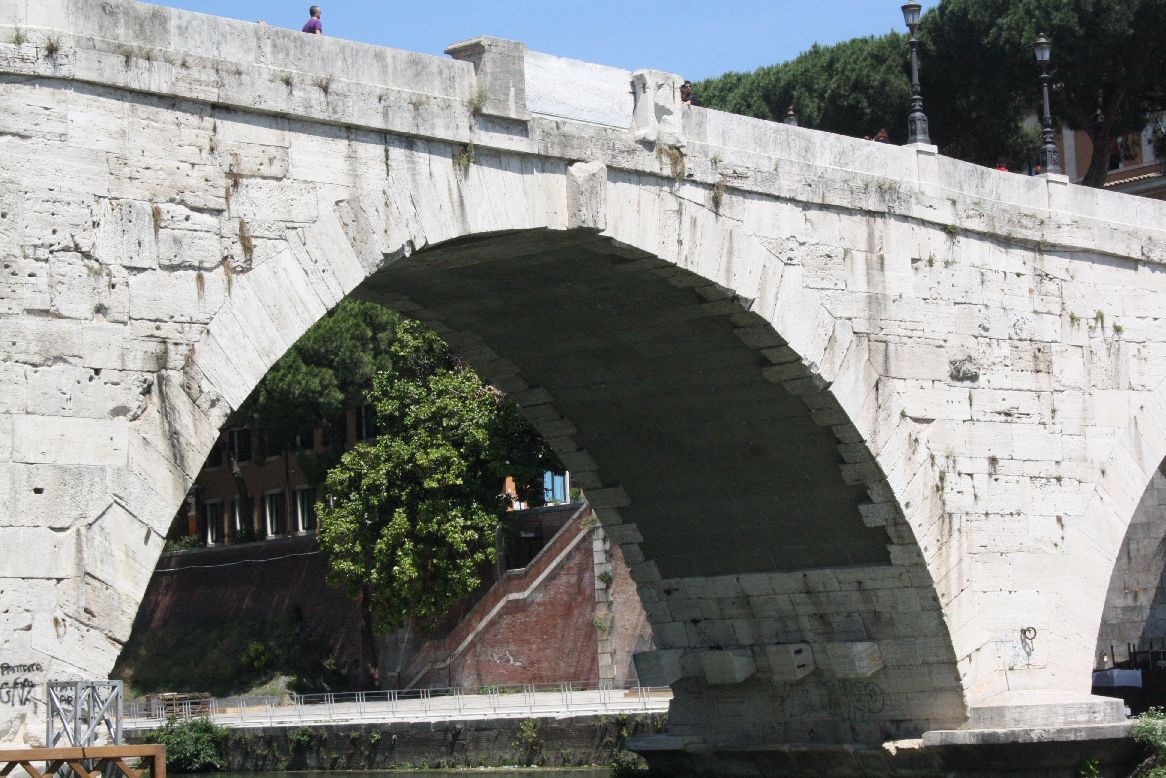
The Ponte Fabricio, built in 62 BC, and the Ponte Cestio, built some time between 62 BC and 27 BC, are the two oldest remaining complete bridges in Rome.  They connect Tiber Island to the city to the West (Ponte Cestio) and East (Ponte Fabricio).  The Ponte Fabricio consists of two large arch spans supported on a massive central pillar, and connected with a smaller span arch.
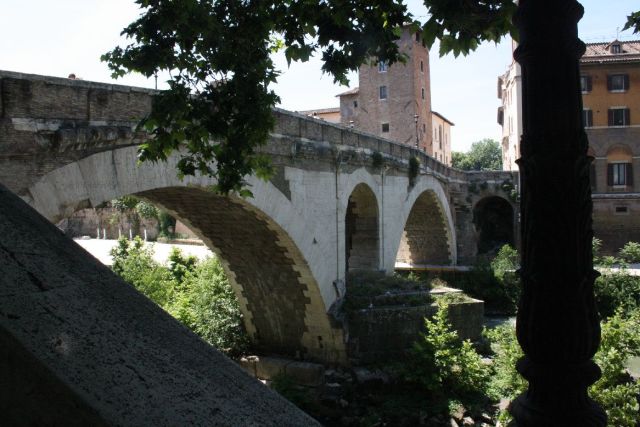
Ponte Fabricio

Ponte Fabricio

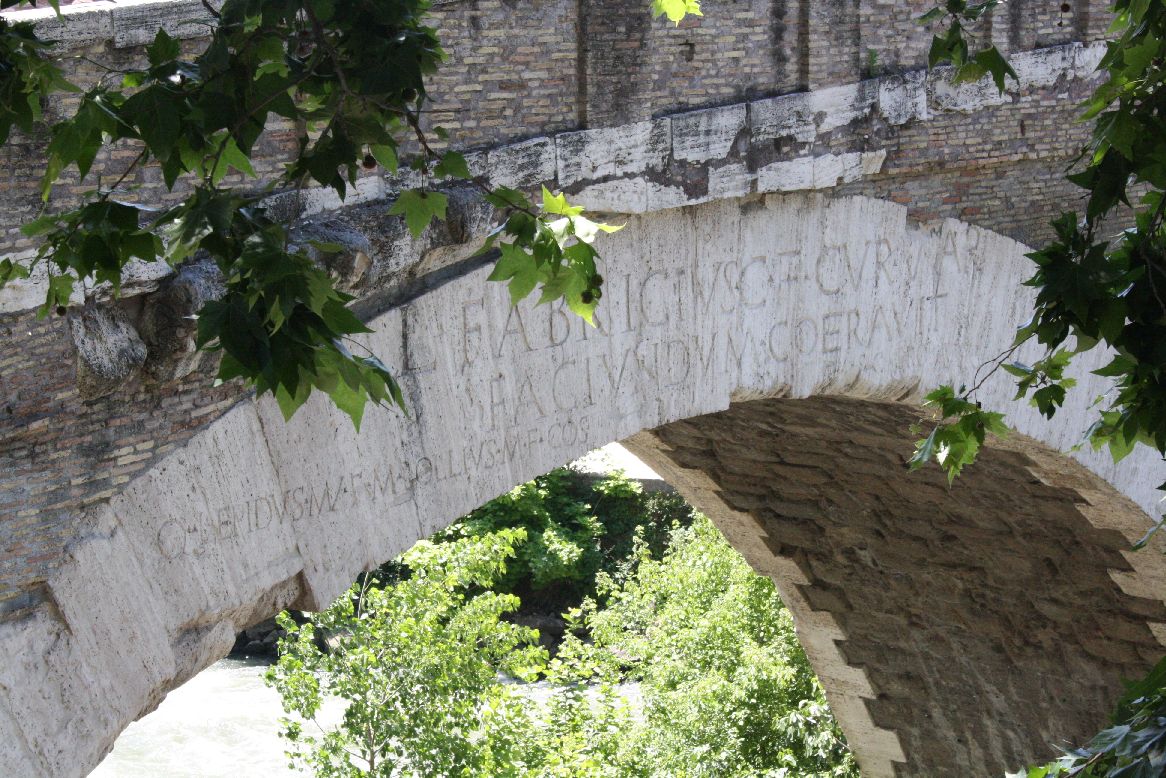
Each crown of the arch is inscribed with the words: “Lucius Fabricius, Son of Gaius, Superintendent of the road, took care and likewise approved that it be built”
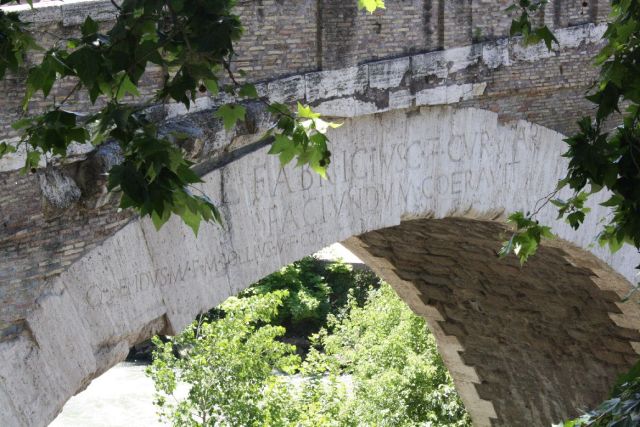
Ponte Fabricio, crown inscription

Ponte Fabricio, crown inscription

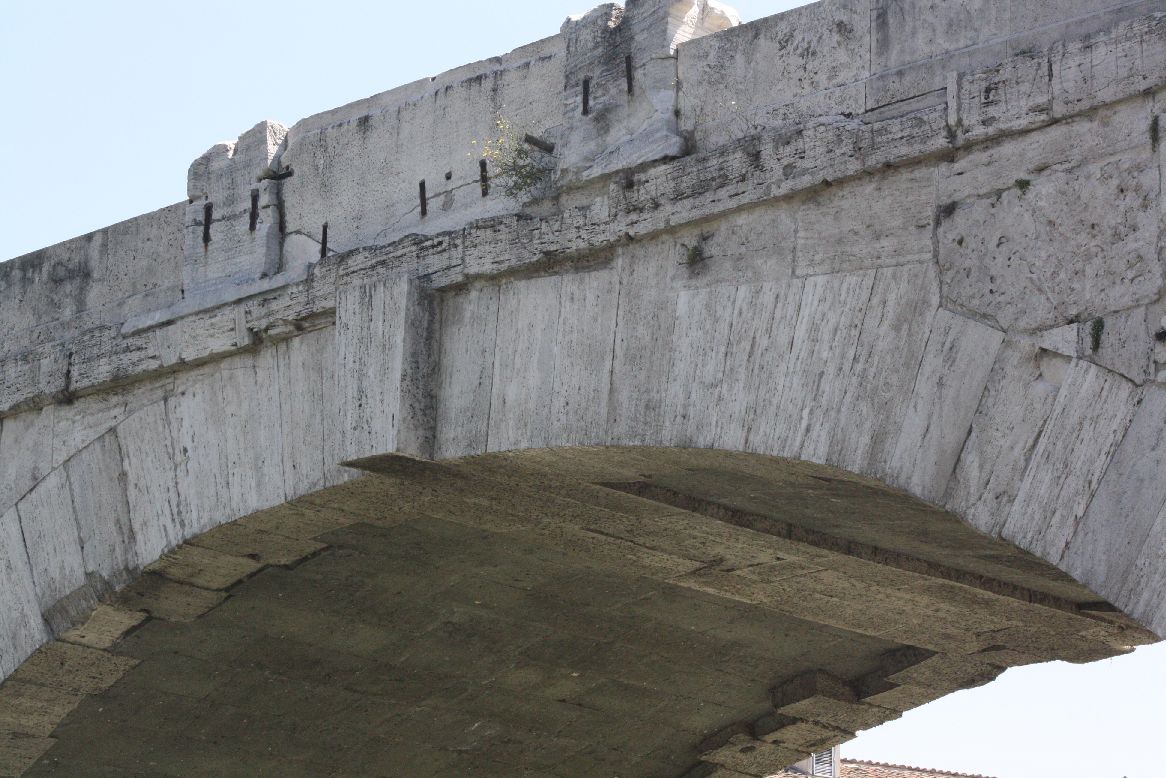
The Wikipedia article states that the Ponte Cestio was originally built with two small semi-circular arches, and was re-built in the 4th Century; however a photograph from 1880 in the same article (http://en.wikipedia.org/wiki/File:Ponte_Cestio,_Rome,_Italy._Pic_01.jpg) shows a single central large semi-circular arch with small arches at each end.   The bridge was completely reconstructed in 1888-1892, with the addition of larger span arches either side of the central span, as it stands today.

Ponte Cestio
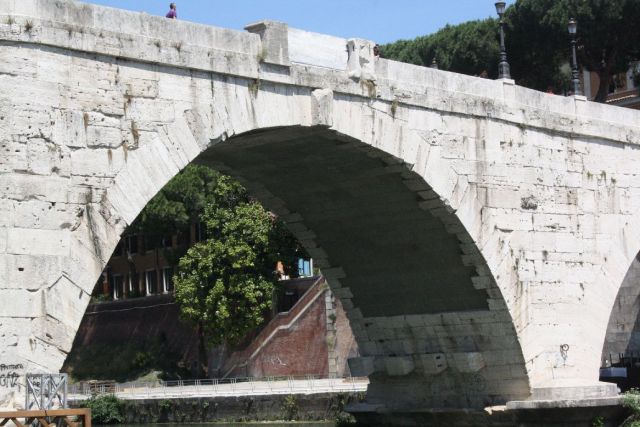
Ponte Cestio

IMG_5869

Ponte Cestio, central span

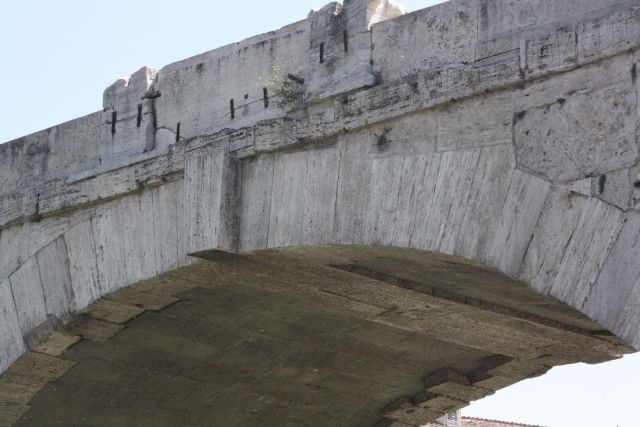
Ponte Cestio, crown detail

Ponte Cestio, crown detail

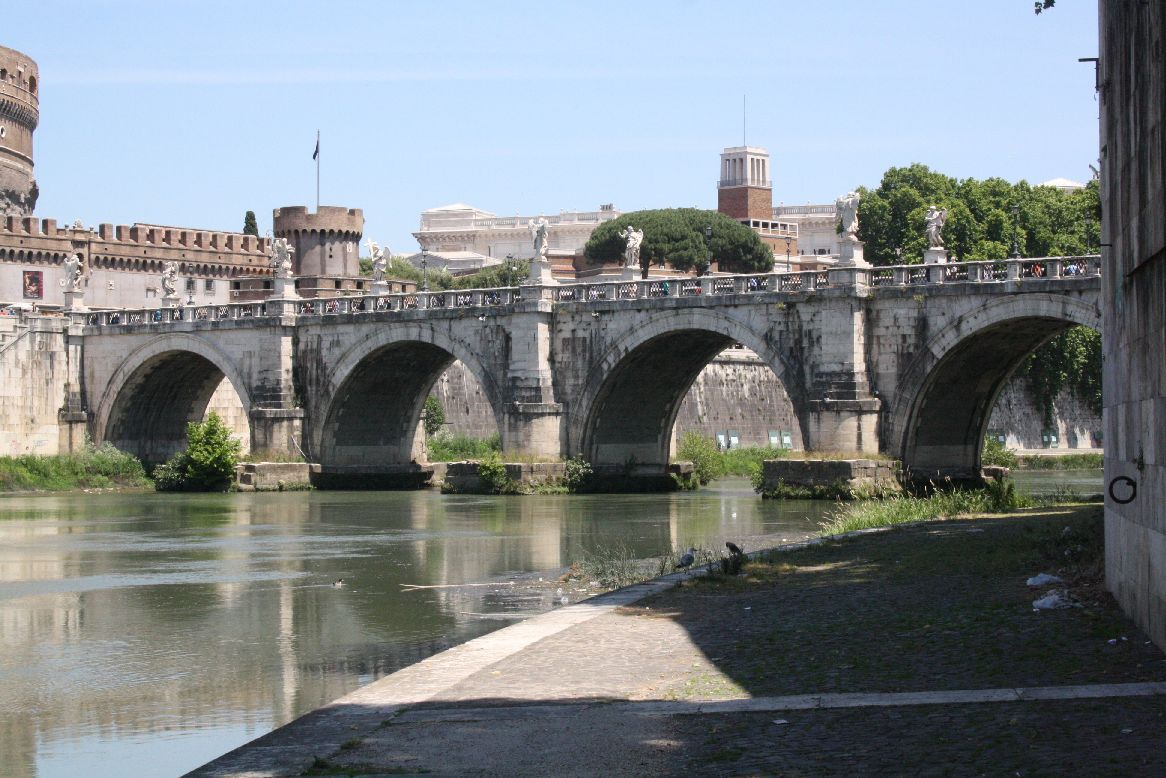
The Ponte San Angelo (11) was completed in 134 AD, with five semi-circular spans.

Ponte San Angelo
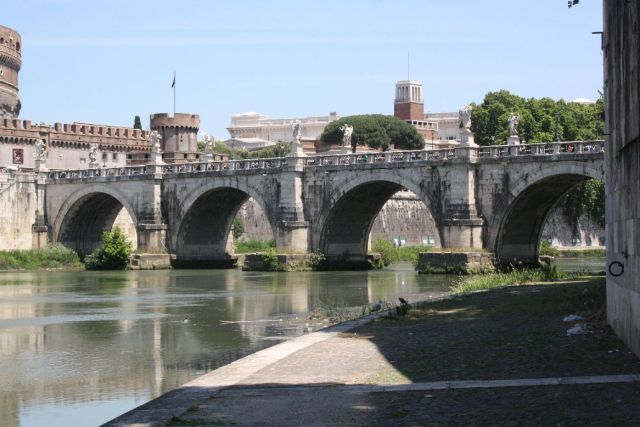
Ponte San Angelo

IMG_5950

Ponte San Angelo

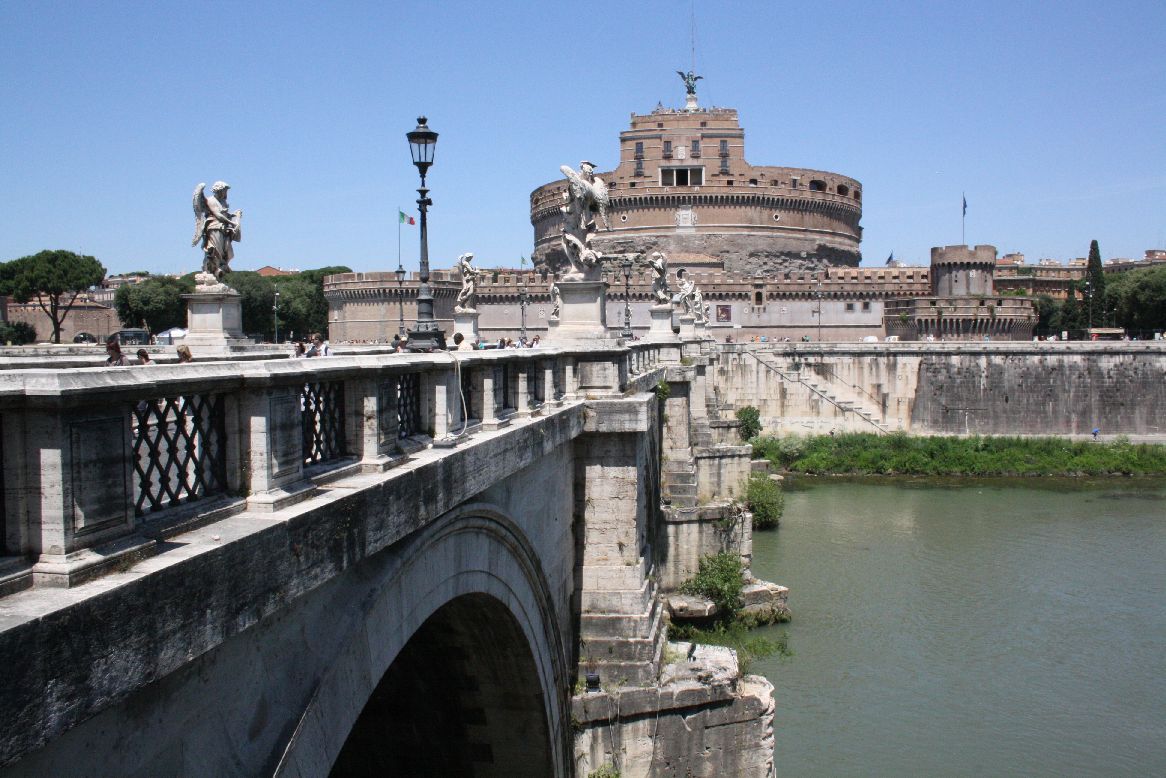
It is well known for its 10 decorative angels, added in 1669 (http://en.wikipedia.org/wiki/Ponte_Sant’Angelo)

IMG_5952

Ponte San Angel and Ponte Umberto 1 (background)
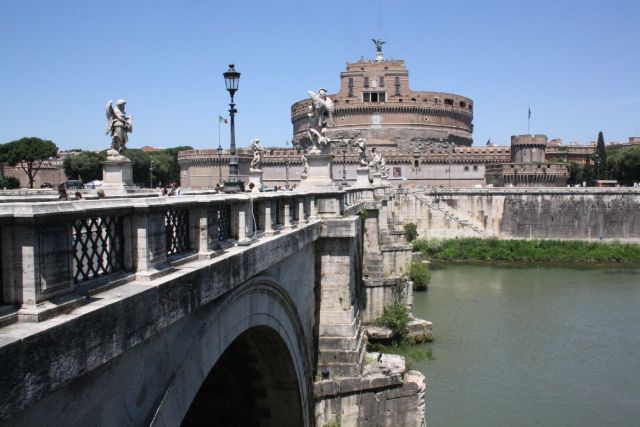
IMG_5961

Angels on the Ponte San Angelo, and the Castel Sant’Angelo

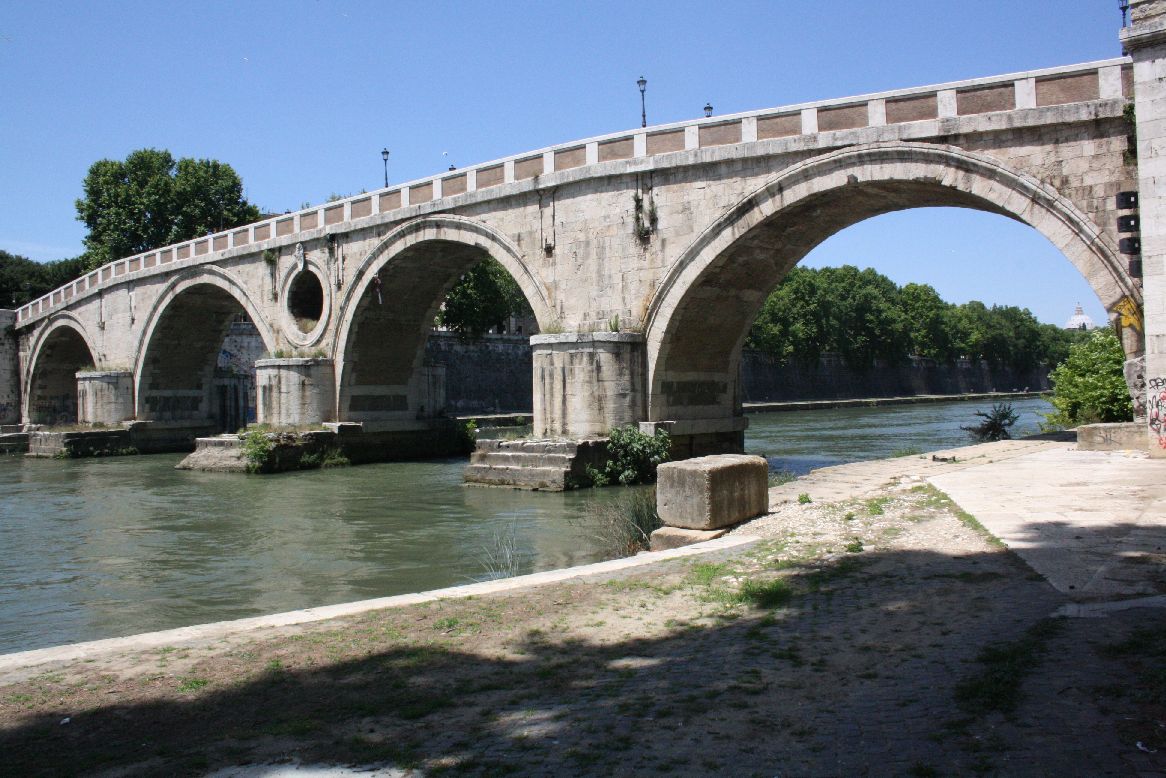
The next oldest bridge after the Ponte San Angelo is the Ponte Sisto (7), originally built in the fourth or fifth century AD, but  partially destroyed in 773, and completely re-built in its present form 1473, over 1300 years after the construction of the Ponte San Angelo.
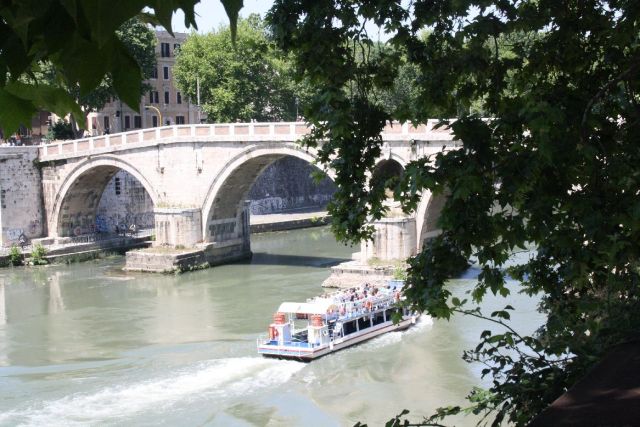
Ponte Sisto

Ponte Sisto

The bridge consists of four semi-circular spans, with a central “oculus” or eye, a feature copied in 19th century bridges over the Tiber.
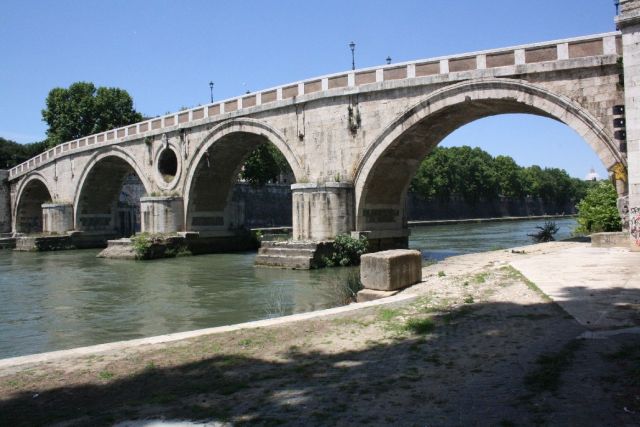
Ponte Sisto

Ponte Sisto

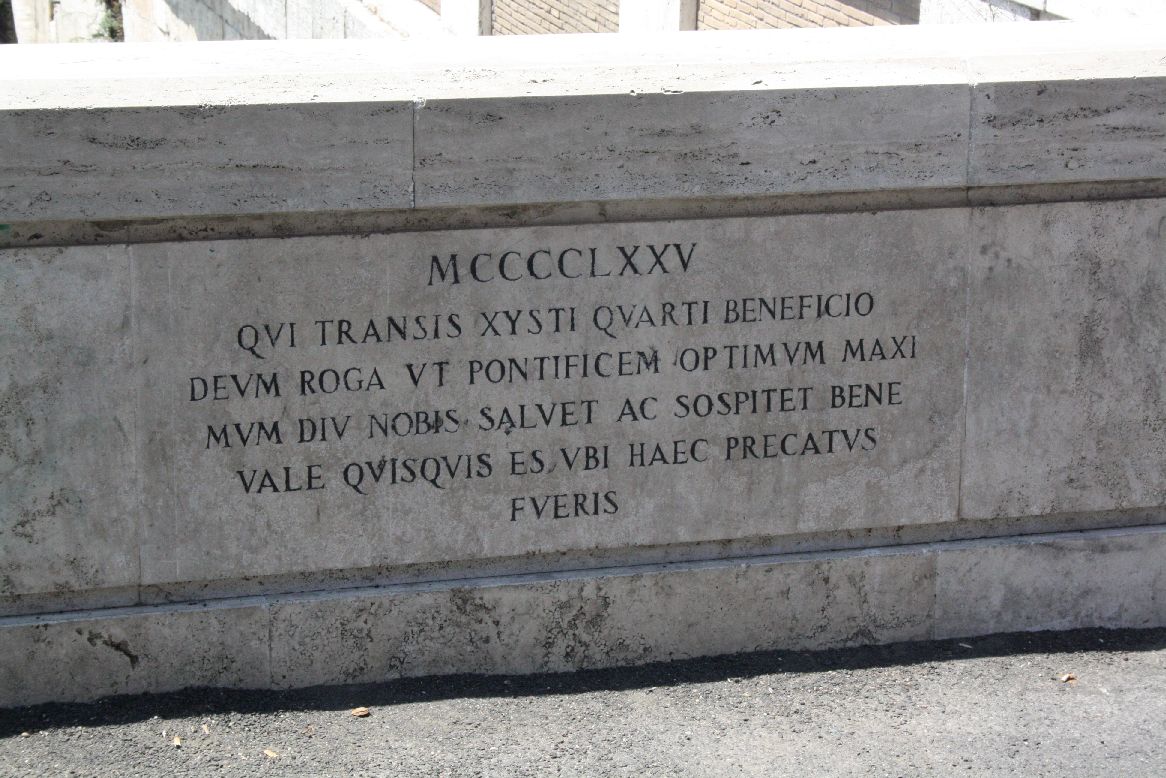
The inscription on the parapet reads:

1475

You who cross by the kindness of Sixtus IV, pray God to long save and protect for us our excellent supreme pontiff. Fare well, whoever you are, when you will have prayed these things
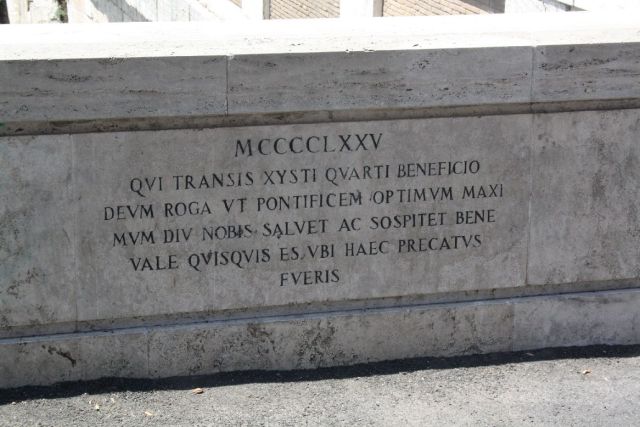
Ponte Sisto

Ponte Sisto

For more details of this bridge, and earlier ones on this site, see: http://sightsofrome.blogspot.com.au/2011/09/12-ponte-sisto-bridge-with-history.html.

Posted in Arch structures, Historic Bridges, Newton | Tagged , , | 2 Comments

3DFrame v1.01

The 3D frame analysis spreadsheet has been updated to v1.01, with a correction to the calculation of node reactions.  The previous version gave incorrect results for any restrained node at end 2 of any beam.

Please download the new version from: 3DFrame.zip

For more details of the spreadsheet see: 3DFrame – 3D Frame analysis for Excel

Posted in Excel, Frame Analysis, Newton, VBA | Tagged , , , | 2 Comments

Goal Seek Macro for Multiple Sheets

Following a comment on the Using Goal Seek on Multiple Cells post, I have modified the macro so that the goal-seek ranges can be on a different sheet to the named input ranges.  The new file can be downloaded from: GSeek.zip.

The new code is shown below, but the macro can be used as is; just enter the cell addresses where you want Goal Seek to work in the shaded cells (and sheet names, if not working on Sheet1), then press Alt-F8 and select GSeekA:

Sub GSeekA()
Dim ARange As Range, TRange As Range, Aaddr As String, Taddr As String, NumEq As Long, i As Long
Dim TSheet As String, ASheet As String
Dim GVal As Double, Acell As Range, TCell As Range, Orient As String

    ' Create the following names in the back-solver worksheet:
    ' Taddr - Cell with the address of the target range
    ' Aaddr - Cell with the address of the range to be adjusted
    ' gval - the "goal" value
    ' To reference ranges on different sheets also add:
    ' TSheet - Cell with the sheet name of the target range
    ' ASheet - Cell with the sheet name of the range to be adjusted

    Aaddr = Range("aaddr").Value
    Taddr = Range("taddr").Value

    On Error GoTo NoSheetNames
    ASheet = Range("asheet").Value
    TSheet = Range("tsheet").Value

NoSheetNames:
    On Error GoTo ExitSub
    If ASheet = Empty Or TSheet = Empty Then
        Set ARange = Range(Aaddr)
        Set TRange = Range(Taddr)
    Else
        Set ARange = Worksheets(ASheet).Range(Aaddr)
        Set TRange = Worksheets(TSheet).Range(Taddr)
    End If

    NumEq = ARange.Rows.Count
    If NumEq = 1 Then
        NumEq = ARange.Columns.Count
        Orient = "H"
    Else
        Orient = "V"
    End If

    GVal = Range("gval").Value

    For i = 1 To NumEq
        If Orient = "V" Then
            TRange.Cells(i, 1).GoalSeek Goal:=GVal, ChangingCell:=ARange.Cells(i, 1)
        Else
            TRange.Cells(1, i).GoalSeek Goal:=GVal, ChangingCell:=ARange.Cells(1, i)
        End If
    Next i
ExitSub:
End Sub

Posted in Excel, VBA | Tagged , , , | 4 Comments

Precise Angles and XNumbers

Further to comments by Georg under: The angle between two vectors, in 2D or 3D I have added four alternative ways of calculating the angle between two 3D vectors to the VectorFunc spreadsheet.  The new version can be downloaded from: http://interactiveds.com.au/software/VectorFunc.xlsb.

Vectang2-1

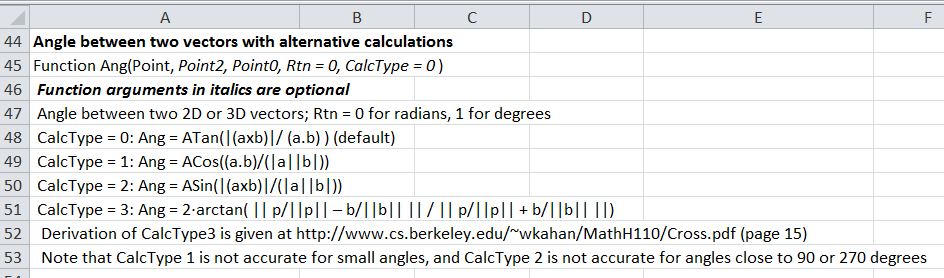
New Ang() Function

The alternative calculations are:

  • CalcType = 0: Ang = ATan(|(axb)|/ (a.b) ) (default)
  • CalcType = 1: Ang = ACos((a.b)/(|a||b|))
  • CalcType = 2: Ang = ASin(|(axb)|/(|a||b|))
  • CalcType = 3: Ang = 2·arctan( || p/||p|| – b/||b|| || / || p/||p|| + b/||b|| ||)

Derivation of CalcType3 is given at http://www.cs.berkeley.edu/~wkahan/MathH110/Cross.pdf  (page 15)

Note that CalcType 1 is not accurate for small angles, and CalcType 2 is not accurate for angles close to 90 or 270 degrees

As an illustration of the use of the different options I have calculated the radius of a certain large spherical object, based on precise measurements of the offset of a line tangential to the surface:

Vectang2-2

Ang Function Calculations of the Radius of the Earth

In this case Methods 0, 2 and 3 have all given an exact result, but Method 1 (using the Cosine of a very small angle) has an error of 7.47 km.

To compare the results of Method 1 with the same procedure using higher precision arithmetic I have installed the latest XNumbers package (6.05.5M) which can be downloaded from http://www.thetropicalevents.com/Xnumbers60/.  This package is based on the original XNumbers, but has been modified for Excel 2007 and later and improved performance.

It can be seen that even using the Cosine the additional precision has given a near exact result.

Vectang2-3

Calculation Type 1 Using XNumbers multi-precision functions

In the download version of the spreadsheet I have converted the XNumbers functions to text for the benefit of those who do not have XNumbers installed.  To make the formulas active just press F2 to edit, and delete the ‘ at the start of the line.

XNumbers Functions

Posted in Coordinate Geometry, Excel, Maths, Newton, UDFs, VBA | Tagged , , , , , | Leave a comment