
There is often a need to extract numbers from the start or end of text strings. It’s not too hard to do with on-sheet formulas, but after having done it a few thousand times I decided it would be worth spending 5 minutes writing two VBA User Defined Functions (UDFs) to do the job. Here they are:
NumRight() will extract a number from the right hand end of a text string, with the number delimited by a space by default, or optionally any other character:
Function NumRight(NumStrings As Variant, Optional Delim As String = " ") As Variant
Dim i As Long, numrows As Long, OutA() As Variant, j As Long, NumDig As Long, Numstring As String, StringLen As Long

    If TypeName(NumStrings) = "Range" Then NumStrings = NumStrings.Value2
    If TypeName(NumStrings) = "String" Then
        numrows = 1
    Else
        numrows = UBound(NumStrings)
    End If

    ReDim OutA(1 To numrows, 1 To 1)
    On Error Resume Next
    For i = 1 To numrows
        If IsArray(NumStrings) = True Then
            Numstring = NumStrings(i, 1)
        Else
            Numstring = NumStrings
        End If
        StringLen = Len(Numstring)
        j = 1
        Do While Left(Right(Numstring, j), 1) <> Delim
            If j >= StringLen Then Exit Do
            j = j + 1
        Loop
        If j >= StringLen Then
            OutA(i, 1) = ""
        Else
            OutA(i, 1) = CDbl(Right(Numstring, j - 1))
        End If
    Next i
    NumRight = OutA
End Function
Numleft() is similar, but extracts a number from the left hand end.
Function NumLeft(NumStrings As Variant, Optional Delim As String = " ") As Variant
Dim i As Long, numrows As Long, OutA() As Variant, j As Long, NumDig As Long, Numstring As String, StringLen As Long

    If TypeName(NumStrings) = "Range" Then NumStrings = NumStrings.Value2
    If TypeName(NumStrings) = "String" Then
        numrows = 1
    Else

        numrows = UBound(NumStrings)
    End If

    ReDim OutA(1 To numrows, 1 To 1)
    On Error Resume Next
    For i = 1 To numrows
        If IsArray(NumStrings) = True Then
            Numstring = NumStrings(i, 1)
        Else
            Numstring = NumStrings
        End If

        StringLen = Len(Numstring)
        j = 1
        Do While Right(Left(Numstring, j), 1) <> Delim
            If j >= StringLen Then Exit Do
            j = j + 1
        Loop
        If j >= StringLen Then
            OutA(i, 1) = ""
        Else
            OutA(i, 1) = CDbl(Left(Numstring, j - 1))
        End If

    Next i
    NumLeft = OutA
End Function
For both functions the input “NumStrings” may be either a single cell or a single column range. In the latter case the function must be entered as an array function to return all the results:
- Enter the function, with the input range being a single column range
- Select the range of output rows, with the function in the top row
- Press F2 (Edit)
- Press Ctrl-Shift-Enter
The functions may be found in GetNum.xlsb, and have also been added to Text-in2.xlsb.
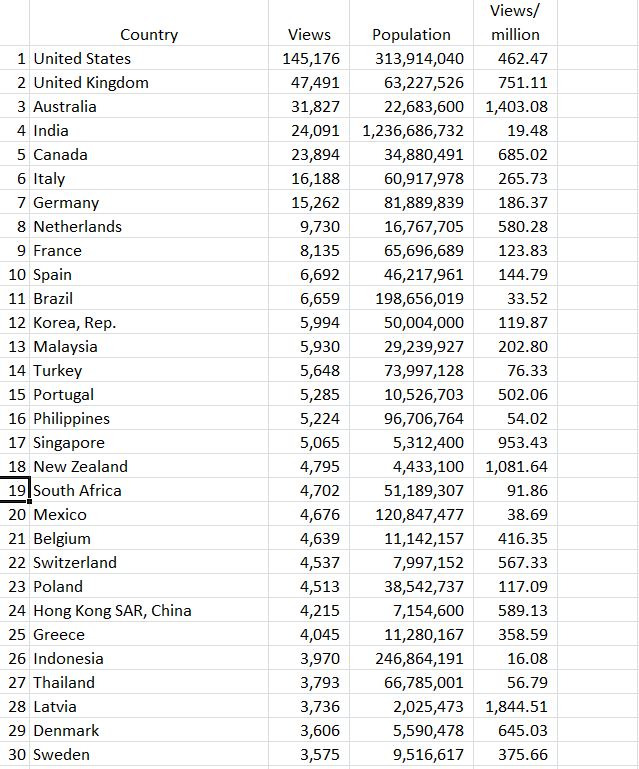
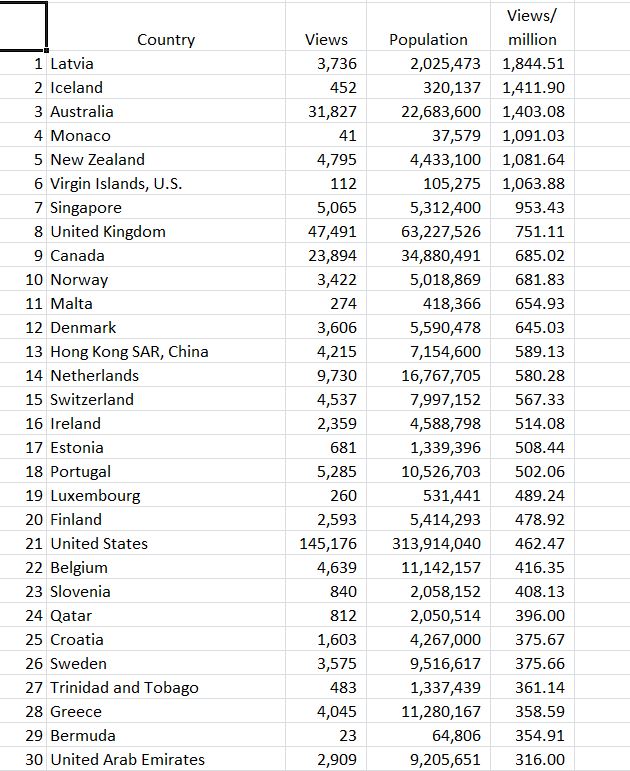
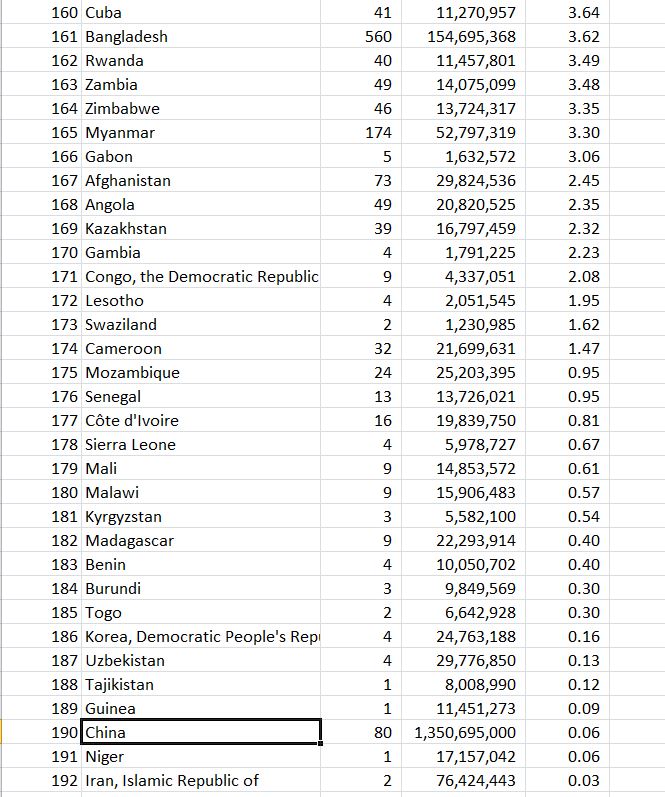
Here’s what they look like in use:

NumLeft and NumRight functions







 Newton Excel Bach, not (just) an Excel Blog