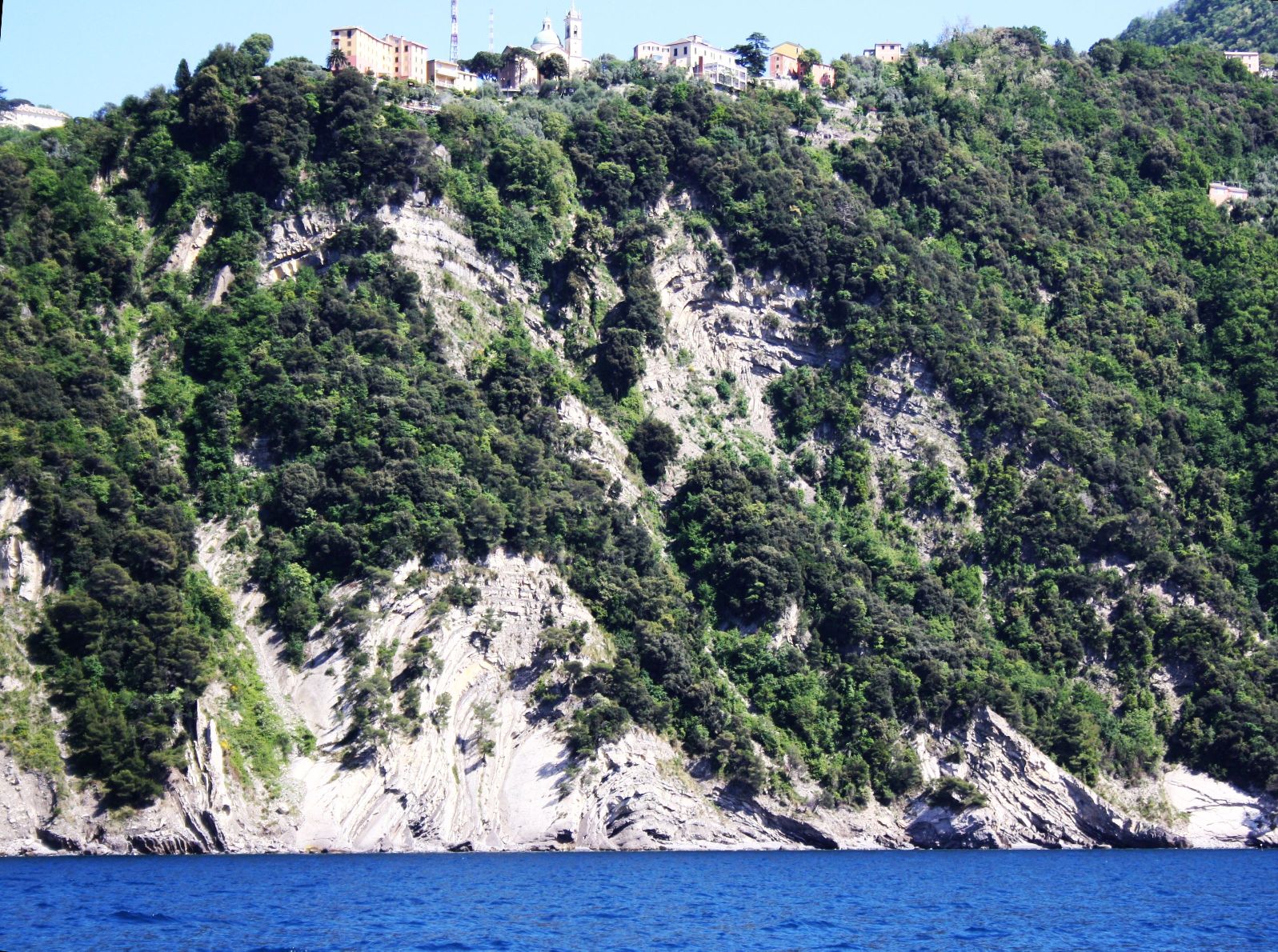
They all laughed at Christopher Columbus …

…When he said the World was round (or rather, they didn’t).

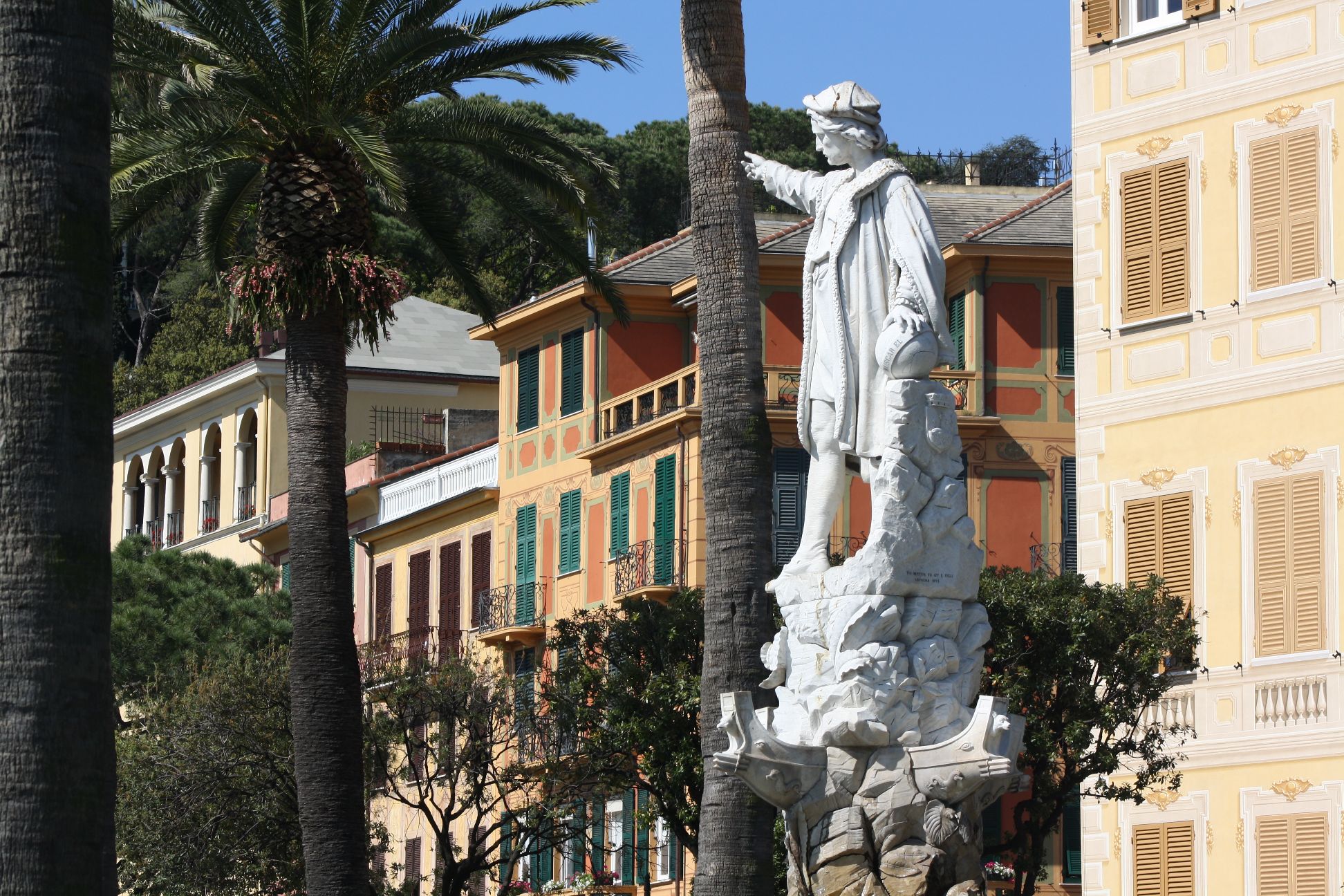
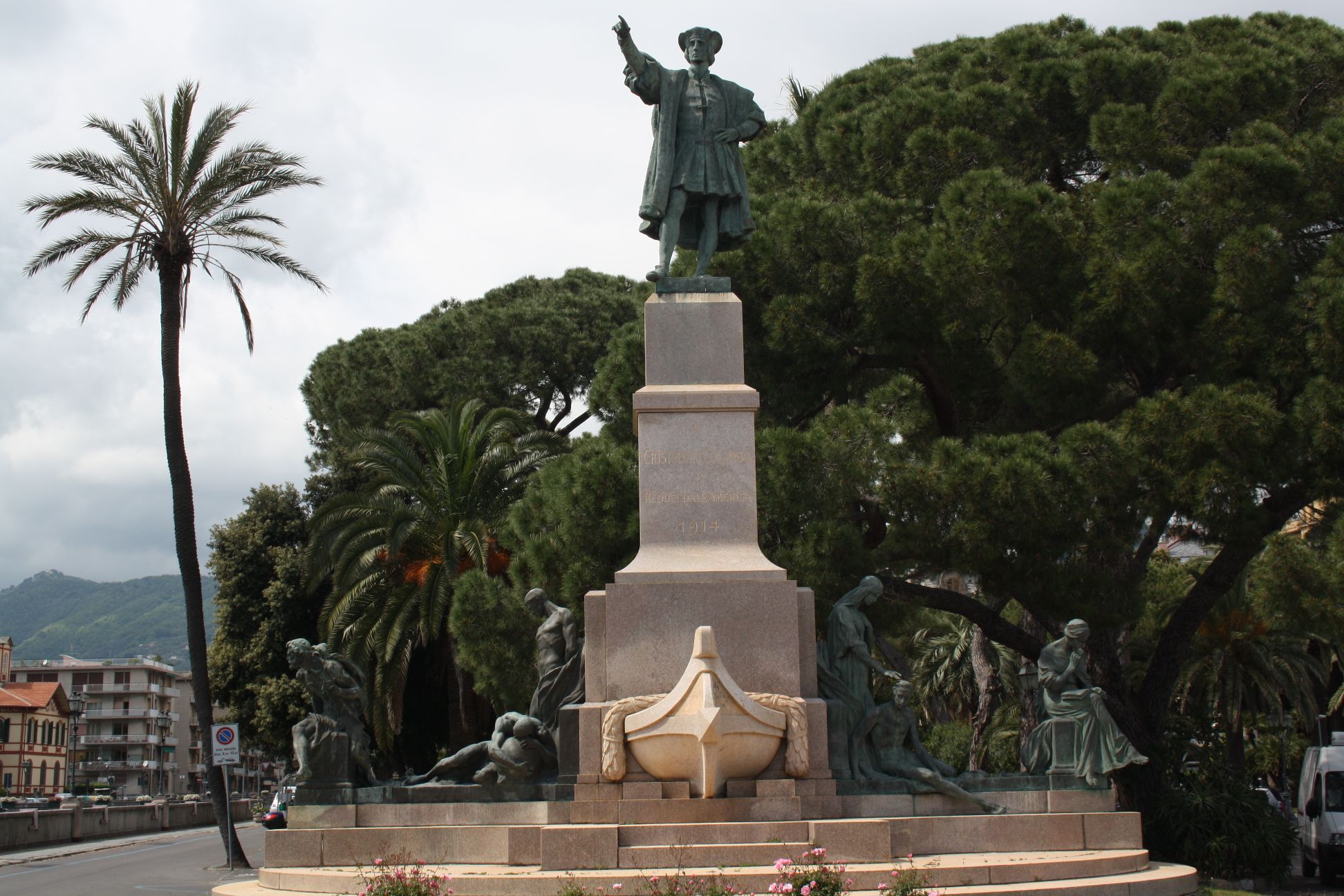
Christopher Columbus was born in the town of Genova, in what is now North-West Italy.  The adjacent towns are happy to share the credit:

Christopher Columbus at Santa Margherita

Christopher Columbus as Rapallo

It is (or at least was) a popular myth that the accepted wisdom at the time was that the Earth was flat, until Columbus sailed west with the intention of reaching China, and bumped into the American continent on the way.  In fact the Greeks had believed the Earth to be roughly spherical about 2000 years earlier, and had made an estimate of the Earth’s radius, based on the length of mid-day shadows at different latitudes.  This knowledge had been preserved, and would have been well known to educated people of the era of Columbus (see Wikipedia’s Spherical Earth article for more details).

How widespread this knowledge was amongst the general populace is open to debate, but there is at least some evidence that it was known outside the world of the literate.  for instance from the Wikipedia article:

the Elucidarium of Honorius Augustodunensis (c. 1120), an important manual for the instruction of lesser clergy, which was translated into Middle English, Old French, Middle High German, Old Russian, Middle Dutch, Old Norse, Icelandic, Spanish, and several Italian dialects, explicitly refers to a spherical Earth. Likewise, the fact that Bertold von Regensburg (mid-13th century) used the spherical Earth as a sermonic illustration shows that he could assume this knowledge among his congregation. The sermon was held in the vernacular German, and thus was not intended for a learned audience.

Posted in Newton | Tagged , | 2 Comments

Ligurian Arches

We have looked previously at Robert Hooke’s statement on the mathematical analysis of arches:

 abcccddeeeeefggiiiiiiiillmmmmnnnnnooprrsssttttttuuuuuuuvx

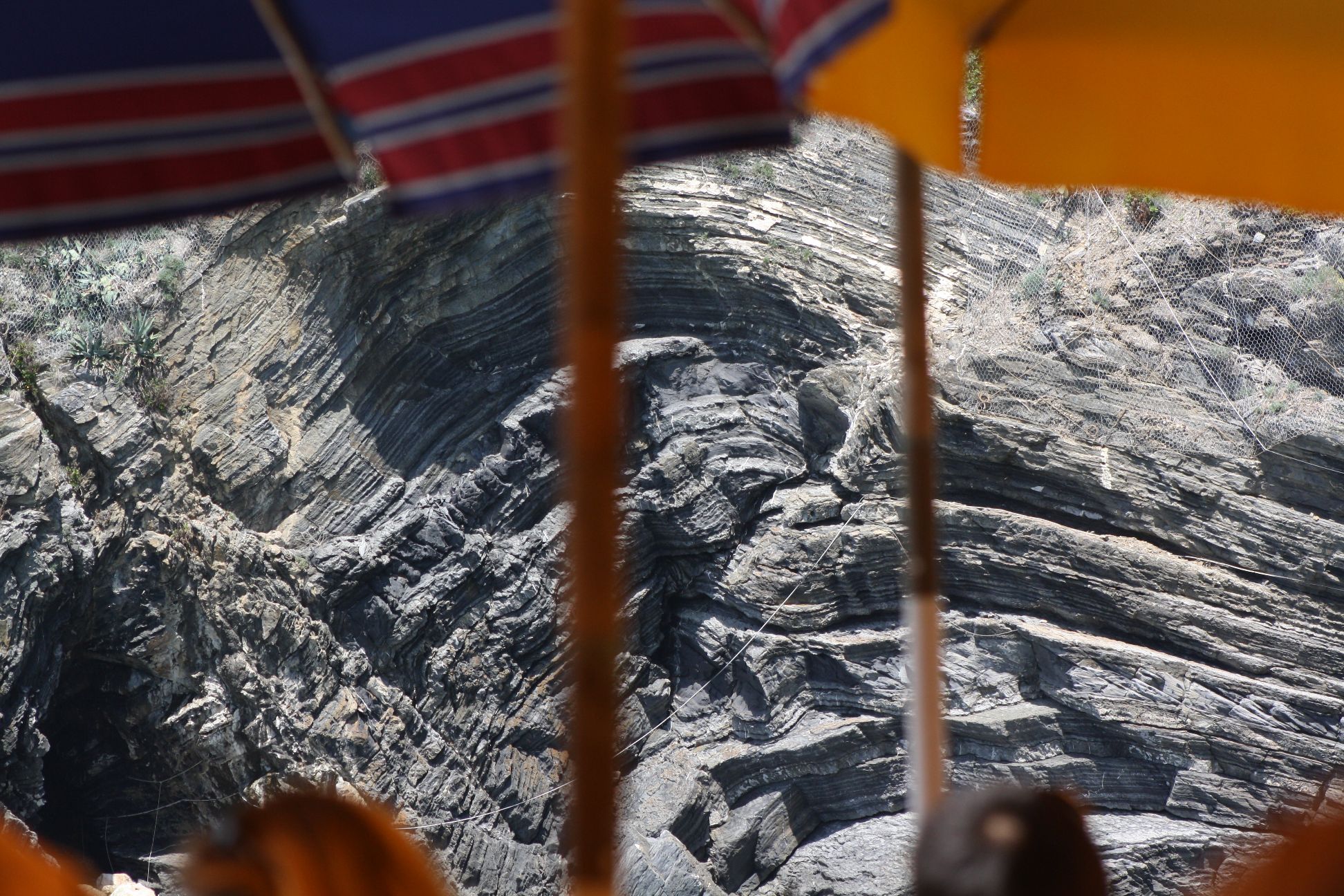
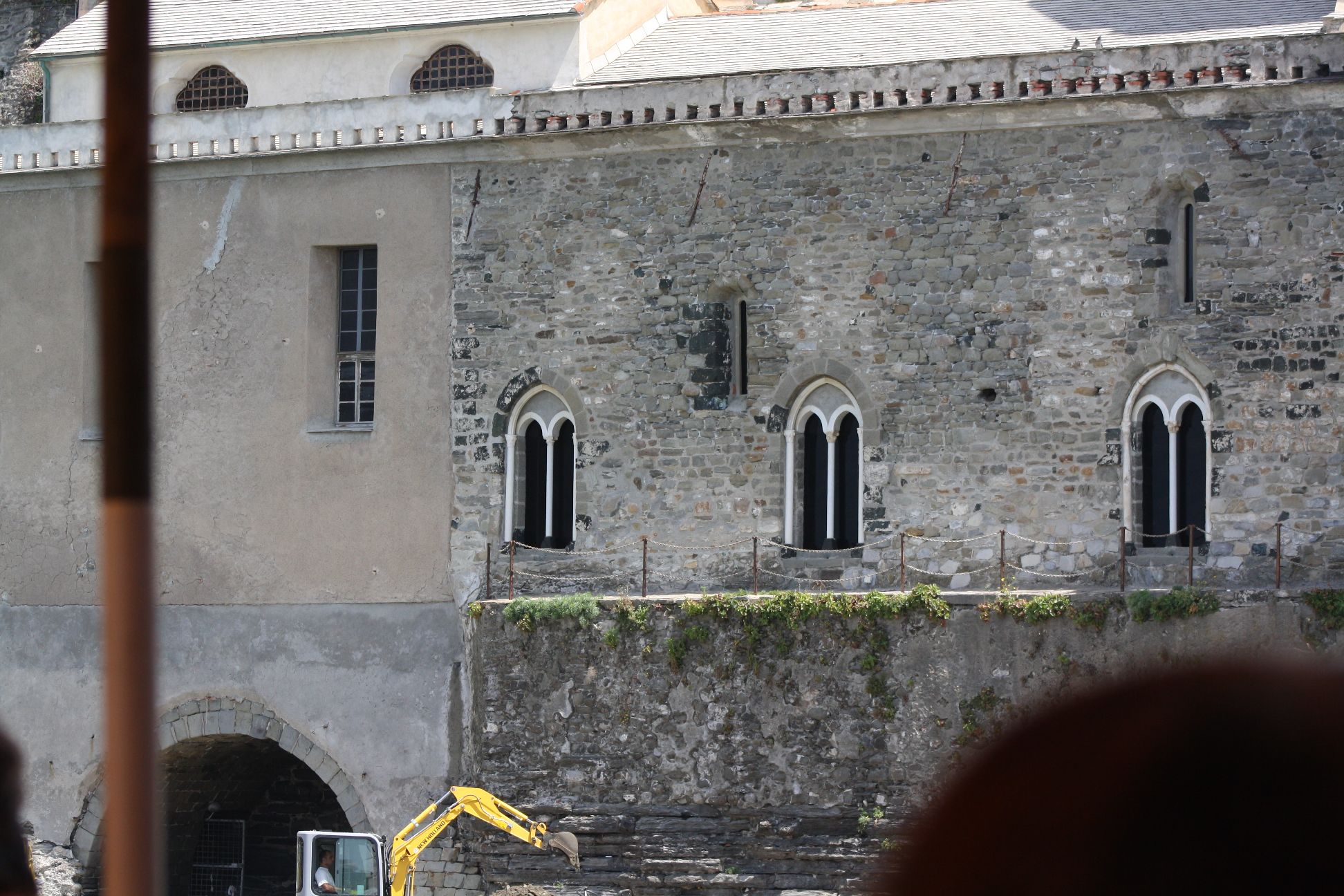
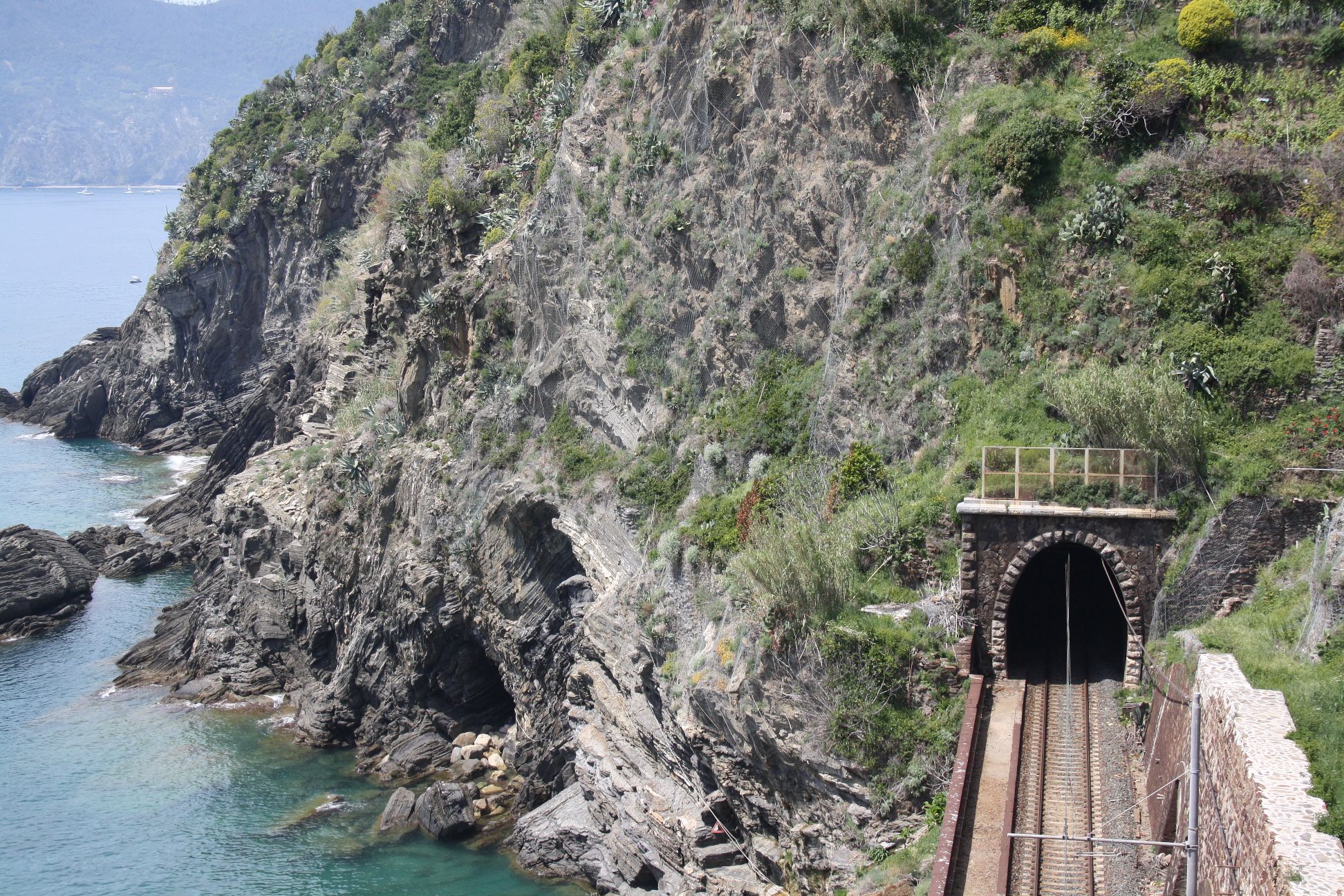
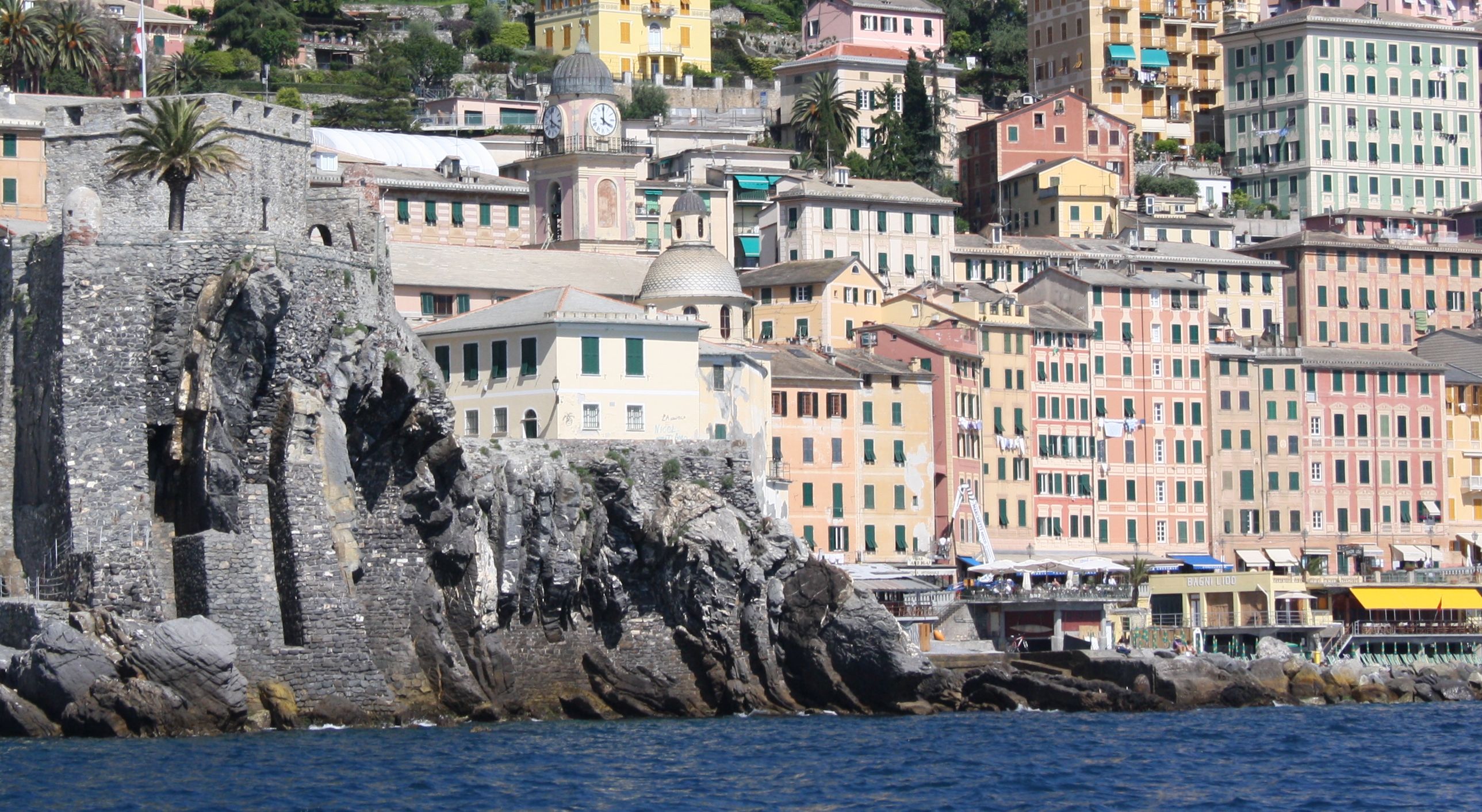
but of course  people had been constructing large arch structures for many hundreds of years before Hooke made his enigmatic statement, and the masters, if not the inventors, of the arch were the Romans.  In future posts I will be looking at some of the historically important arch bridges in Northern Italy, but for today, here is a collection of arches (natural and constructed) from a walk in the Cinque Terre National Park, and in and around Camogli:

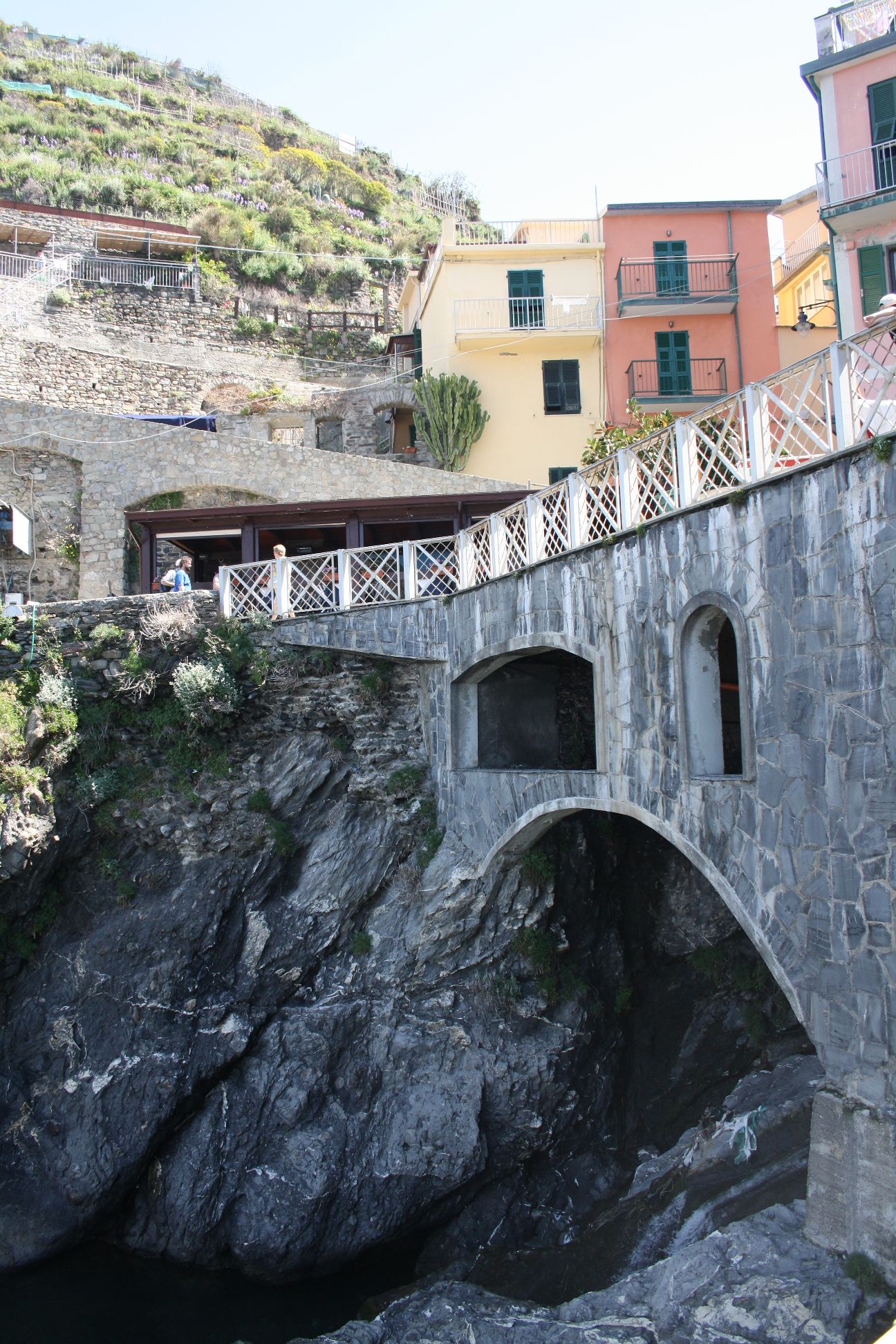
Arch near the harbour at Manarola

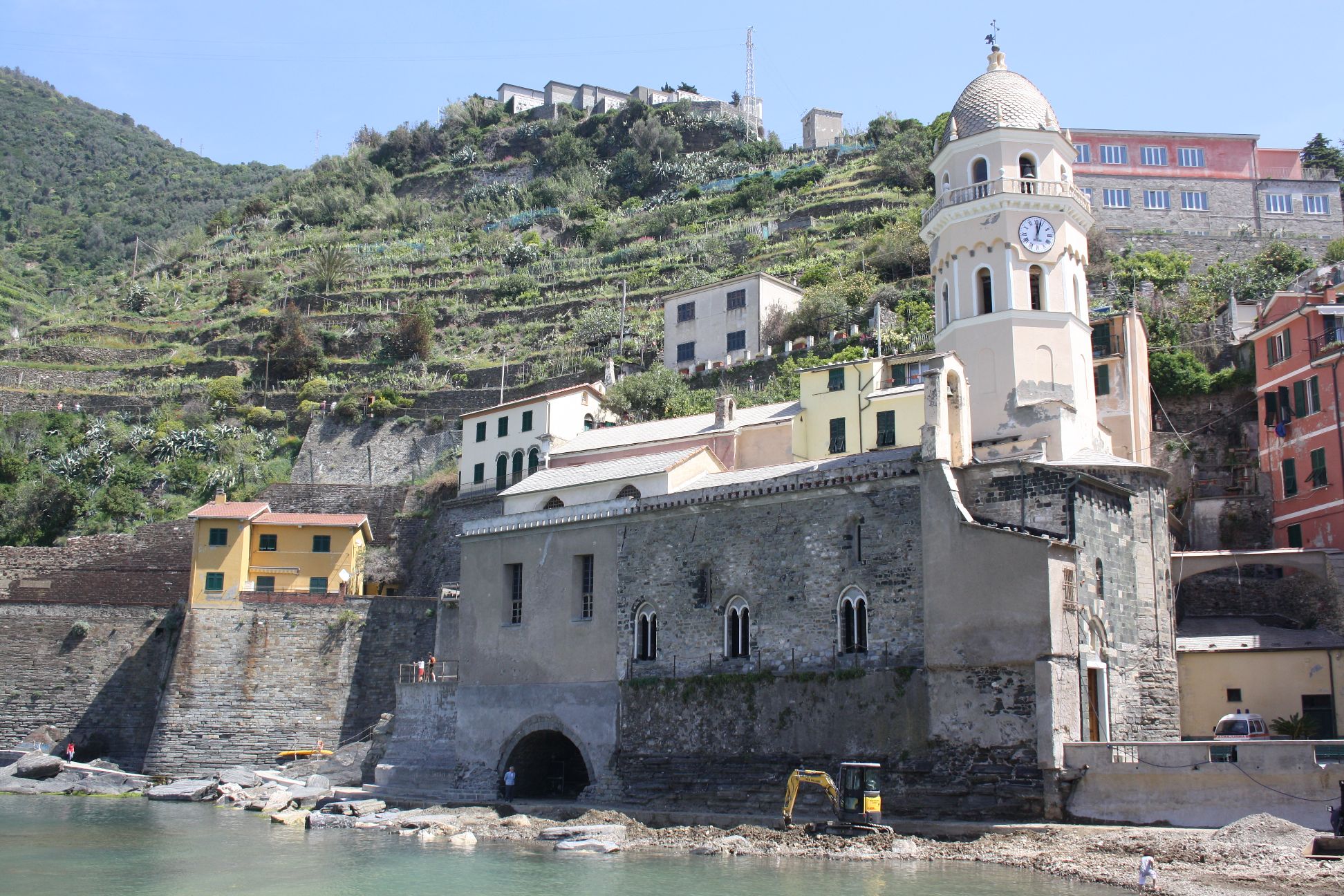
The Harbour at Vernazza

The Harbour at Vernazza

The Harbour at Vernazza

The Harbour at Vernazza, Natural Arches

The Harbour as Vernazza

Natural and Railway arches near Vernazza

Camogli Station

Arched strata at Salita Mandrella a Monte
Posted in Arch structures, Newton | Tagged , , , , | Leave a comment

Galileo and Pisa

Welcome to Galileo Excel Baccusi, which will be replacing Newton Excel Bach for the next four weeks, while I travel in Northern Italy.

Arriving in Rome on Friday morning, we travelled to Camogli by mini-bus, stopping for a quick tour of Pisa, home of the famous Leaning Tower:

The Duomo and Leaning Tower at Pisa

and two magnificent 14th century domes; of The Baptistry:

The Baptistry at Pisa

and the Duomo:

The Dome of the Duomo

This is what Wikipedia says of Galileo’s alleged experiment with dropping balls of different mass from the leaning tower:

According to a biography by Galileo’s pupil Vincenzo Viviani, in 1589 the Italian scientist Galileo had dropped two balls of different masses from the Leaning Tower of Pisa to demonstrate that their time of descent was independent of their mass.[1]. Via this method, he supposedly discovered that the objects fell at the same acceleration, proving his prediction true, while at the same time proving Aristotle’s theory of gravity (which states that objects fall at speed relative to their mass) false. At the time when Viviani asserts that the experiment took place, Galileo had not yet formulated the final version of his law of free fall. He had, however, formulated an earlier version which predicted that bodies of the same material falling through the same medium would fall at the same speed.[2] This was contrary to what Aristotle had taught: that heavy objects fall faster than lighter ones, in direct proportion to weight.[3][4] While this story has been retold in popular accounts, there is no account by Galileo himself of such an experiment, and it is accepted by most historians that it was a thought experiment which did not actually take place.[5][6] An exception is Drake,[7] who argues that the experiment did take place, more or less as Viviani described it.

But whether the real experiment actually happened at Pisa or not, the really important part is the thought experiment that led to it; from Wikipedia again:

Galileo arrived at his hypothesis by a famous thought experiment outlined in his book On Motion[8]. Imagine two objects, one light and one heavier than the other one, are connected to each other by a string. Drop this system of objects from the top of a tower. If we assume heavier objects do indeed fall faster than lighter ones (and conversely, lighter objects fall slower), the string will soon pull taut as the lighter object retards the fall of the heavier object. But the system considered as a whole is heavier than the heavy object alone, and therefore should fall faster. This contradiction leads one to conclude the assumption is false.

This line of thinking led not only to Galileo’s work on falling objects, but leads directly to Newton’s Laws of Motion and Universal Gravitation, which makes it arguably the most important thought experiment in the history of science.

Posted in Newton | Tagged , , , , | 4 Comments

Composite Beam Spreadsheet 3

The Composite Beam Analysis spreadsheet, previously discussed at: https://newtonexcelbach.wordpress.com/2012/04/27/composite-beam-spreadsheet-2/ has now been updated with a VBA User Defined Function (UDF) in place of the previous macro that used the Excel Goal-Seek command.  This has two main advantages:

  • The UDF is much faster than repeated use of the Goal-Seek command.
  • The UDF is much more flexible, for instance allowing the analysis to be performed at a series of sections along a beam, with the load information in tabular format.

The new spreadsheet may be downloaded from Composite Design Functions .  As usual, the download file includes full open source code.

Not that the previous version is still available from Composite Design Functions-GS.zip

A screen-shot of the input sheet for the new function is shown below:

Input for Composite Design Functions spreadsheet, click for full size view

The basis of the new UDF is the QuadBrent function, previously presented at https://newtonexcelbach.wordpress.com/2010/04/13/the-inverse-quadratic-method-3-brents-method/.  This function uses Brent’s Method (an elaboration of Newton’s Method) to solve equations by iteration.  In this case a two stage iteration was required:

  • The main ElasticComp function calls the QuadBrent function with “FindCurve” as the target function.  FindCurve adjusts the section curvature with a constant Neutral Axis depth so that the resultant bending moment on the section is equal to the applied load.
  • For each iteration of the FindCurve function  the QuadBrent function is called again with “EvalForceMom” as the target function.  This function adjusts the top-face strain, with constant curvature so that the resultant axial force on the section is equal to the applied load.
  • This process is repeated until both bending moment and axial force are equal to the applied loads, within the specified tolerance.

The other main change from the previous version is that the load data may now be entered in a single row, and that the Stage 2 loading may be enetered as 2 or more separate parts, so that if the beam is modelled as two separate elements with a rigid connection in a finite element program, for instance, the loads on the two elements may be entered seperately, and the program will combine them for the analysis.  Examples of alternative layouts of equivalent applied loads are shown below:

Alternative Load Layouts

Posted in Beam Bending, Concrete, Excel, Newton, UDFs, VBA | Tagged , , , , , , | 5 Comments

Using UDFs – Continuous Beam Example

Recently (well a month ago) a comment was left at Continuous Beams with Shear Deflections asking for a tutorial on how to use the ConBeam User Defined Function (UDF).  In this post I will give detailed instructions for the ConBeam function, but similar procedures are applicable to all the other spreadsheets using UDFs, which is nearly all of them.  The spreadsheet may be downloaded from Macaulay.zip.

Documentation for the functions is given on Sheet1 (Functions):
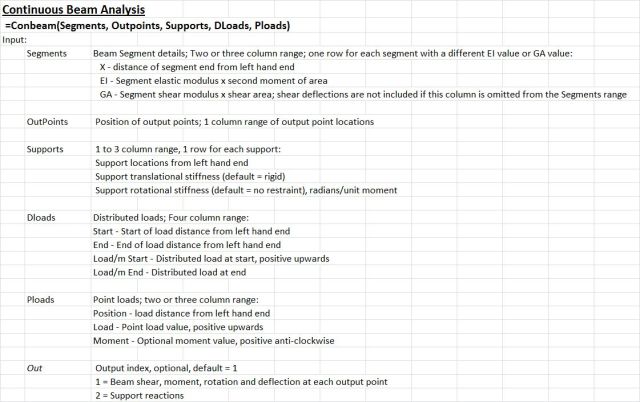
ConBeam documentation, click for full size view

This lists the function input parameters and describes the output results. To use the function it is simply necessary to enter the required data anywhere in the workbook, then select these ranges in a similar way to using a built-in Excel function. As an example I have used the continuous beam shown below:

Continuous beam example

Examle results; maximum values

This is taken from: http://www.soft4structures.com/Beam/st_examples.html

The required input parameters consist of 5 ranges listing:

  • Beam flexural stiffness, EI, (1 row for each segment with a different stiffness)
  • Output points, distance from the left hand end
  • Support positions and optionally support translational and rotational stiffness
  • Distributed load details
  • Point load details
  • An “Out” parameter may also be entered controlling whether the function returns beam actions, slopes, and deflections (Out = 1, default), or support reactions (Out = 2)

Input for the example problem is shown below:

Example problem input

  • The beam is of constant cross-section, and for the purposes of the example the stiffness is taken as 1, so only 1 row of input is required for the Segments range.
  • Output points are listed in cells A32:A62, at 0.1 increments.  The selected range will normally be immediately to the left of the range chosen for the output table, but this is not a requirement.
  • The supports are fixed against translation, and have no flexural stiffness, so only the position of each support is listed in the Supports range.
  • There is a single distributed load over the final cantilever segment, varying from -1 to 0, note that downward loads are negative.
  •  There is a point force of -1 at the centre of the first span, and a moment of 1 (anti-clockwise) at the second support.

Having entered the required data the function may be entered using the function wizard, in a similar way to built-in functions.  Enter “=ConBeam(” in the top-left corner of the desired output range, and then click on the function wizard icon, to the left of the edit line:
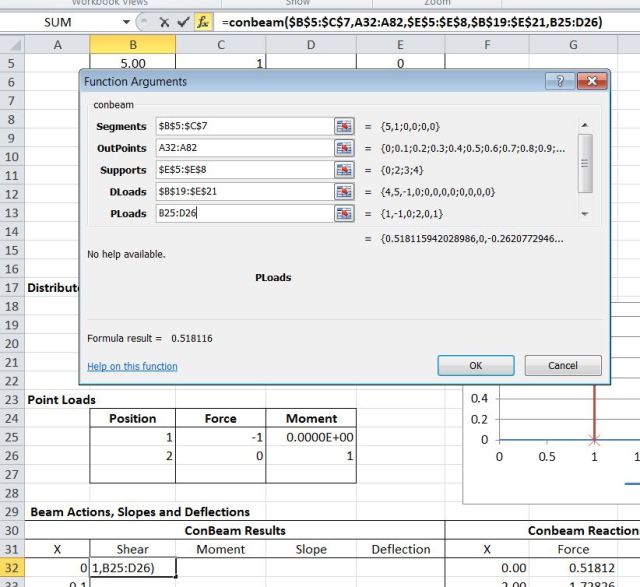
Entering the function using the Function Wizard

When the function is complete click OK:

Completed function, displaying the first output value only

The first output value only will be displayed.  To display the complete array, select the complete output range, then press the F2 (Edit) function key:

Select the entire output range and press F2

Finally enter the function as an “array function” by pressing Ctrl-Shift-Enter:
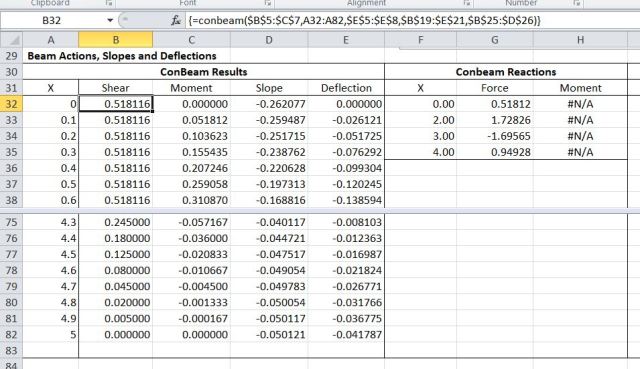
Completed function displaying Shear Force, Moment, Slope and Deflection for each selected output point

It can be seen that all values are in exact agreement with those shown in the example.

To return support reactions, rather than beam actions and deflections, enter the function in the same way as before, but terminate with the number 2 for the “Out” parameter.  In this case the output array will have one row for each support and will list support position, reaction force, and if support stiffnesses have been specified, reaction moments.

The download spreadsheet includes further examples:

  • Beams with varying cross section
  • Beams with spring supports, and a function to calculate the rotational stiffness of a pinned cantilever
  • Beam analysis including shear deflections
  • A function for analysis of single span beams (SSSpan), optionally with cantilevers at one or both ends
  • A function to calculate fixed end actions (FEA)
  • A function to calculate restrained end actions, for beams with partial end restraint (REA)
  • A function for cantilever beams (Cantilever)

Use of all these functions is similar to the Conbeam function described above.

If anything is not clear, or does not work as expected, please post a comment.

Posted in Arrays, Beam Bending, Excel, Frame Analysis, Newton, UDFs, VBA | Tagged , , , , , , | Leave a comment