
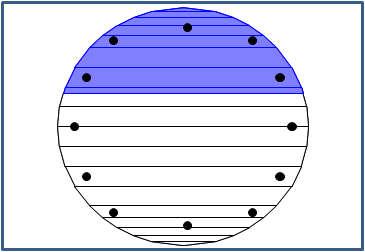
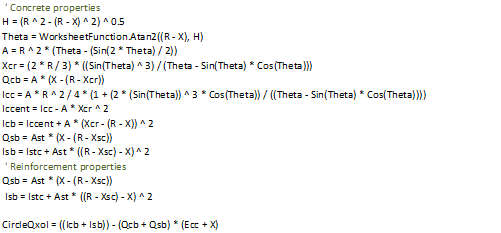
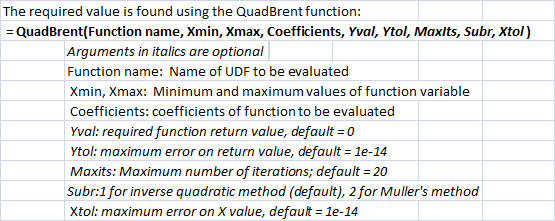
Previous posts have presented the theoretical background to finding stresses and strains in a reinforced concrete section built up of trapezoidal layers and subject to combined bending and axial loads. A spreadsheet with User Defined Functions (UDFs) and open source code was included in Reinforced Concrete Section Analysis 3. That post included an example analysing a circular section by dividing the circle into a number of trapezoidal layers. That analysis provides adequate accuracy, but requires considerable work to calculate the sizes of the layers and the positions of the reinforcement. A circular section is much more conveniently defined by a single parameter (the diameter) and the reinforcement may also be completely defined by the number and diameter of the bars and the depth of cover. The UDF Circe has been added to the spreadsheet RC design functions5.xls, which includes full open source code.
Input and output from Circe are shown in the screenshots below; further details of the application of the theory and the coding will be given in the next post:
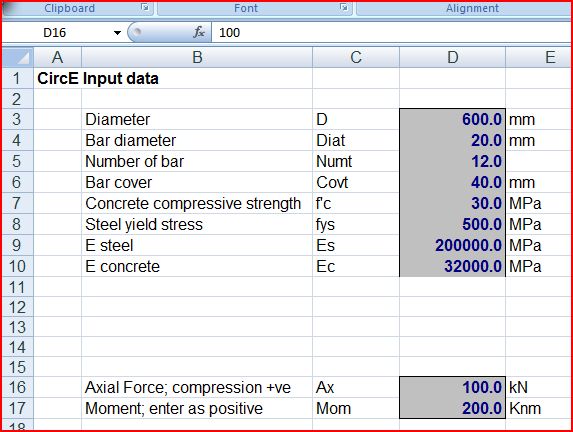
CircE Input
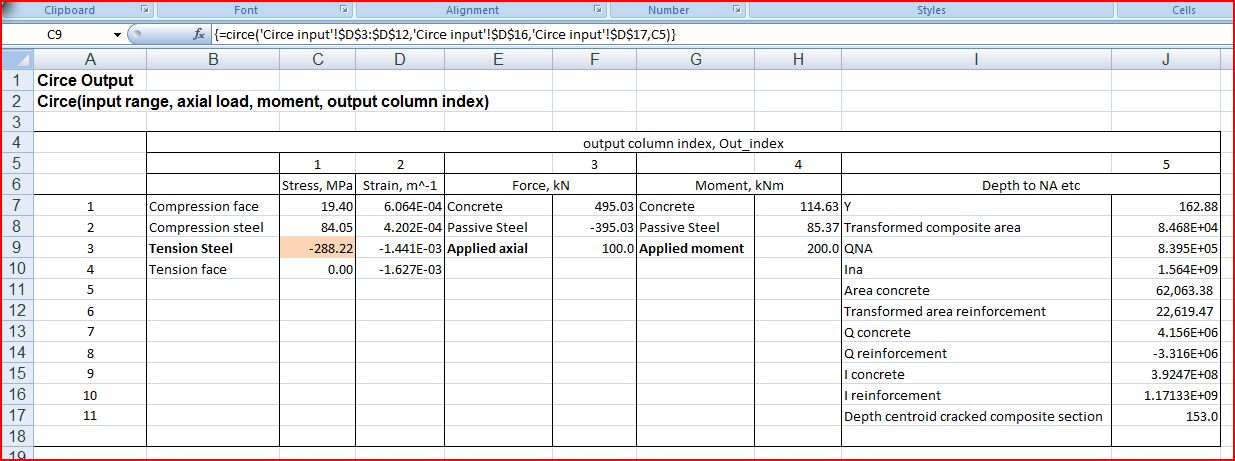
CircE output; click for full size view
Output from Circe for a range of axial loads is compared with results from the beam analysis program, using trapezoidal layers, in the screeshots below. It can be seen that the results are virtually identical:
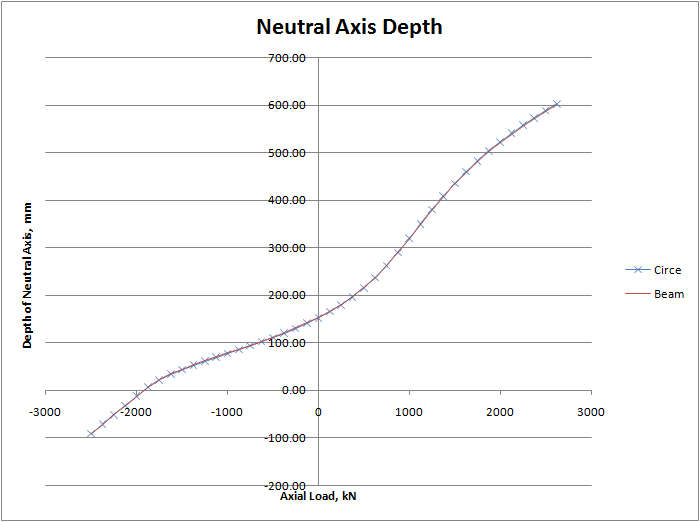
Depth of Neutral Axis
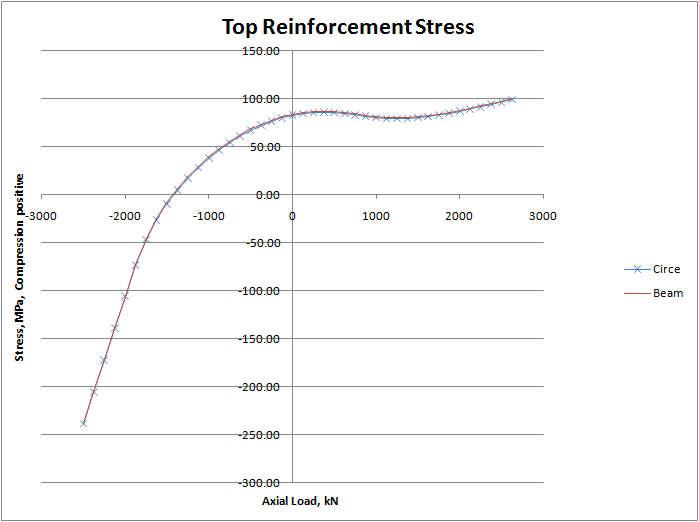
Top Reinforcement Stress
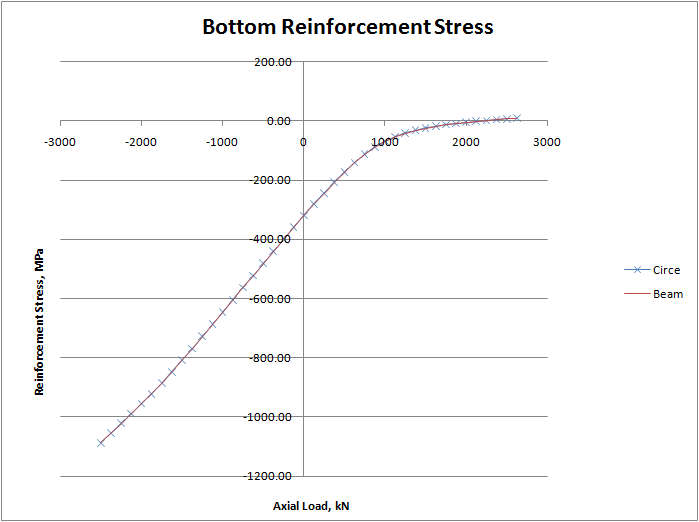
Bottom Reinforcement Stress





 Newton Excel Bach, not (just) an Excel Blog