It was recently pointed out to me that the non-uniform load calculation in Frame4.xls gave incorrect results.
The code for the non-uniform load has now been fixed, and the spreadsheet can be downloaded from Frame4.zip

It was recently pointed out to me that the non-uniform load calculation in Frame4.xls gave incorrect results.
The code for the non-uniform load has now been fixed, and the spreadsheet can be downloaded from Frame4.zip
Edit 8 Feb 2012: The functions described below have been superseded by new versions which are described at https://newtonexcelbach.wordpress.com/2009/08/18/finding-circle-centres-in-3d/. That link also gives a description (with diagrams!) of how the functions work. The download file for the new versions is at IP2.zip.
In response to this thread at the Eng-Tips forum I have added two new functions to my IP.xls spreadsheet:
Full open source code for the two functions is included in the spreadsheet, which can be downloaded here:IP.zip
The procedure used is similar for both functions; for ArcCenP3:
ArcCenT2IP is very similar, except:
A screen shot of input and output for the two functions is shown below:

Functions to Find Circle Centre and Radius
It seems that Microsoft are ramping up their efforts to get us really really excited about the impending release of the next version of Office.
For me, the main thing I’d like to see in the next version (well the main thing that has some chance of being realised) is dramatically improved performance of re-draw time of complex graphics.
What, realistically, do you see as being the best thing that might be in Office 2010?
… which seems fairly appropriate material for a blog called Newton Excel Bach.
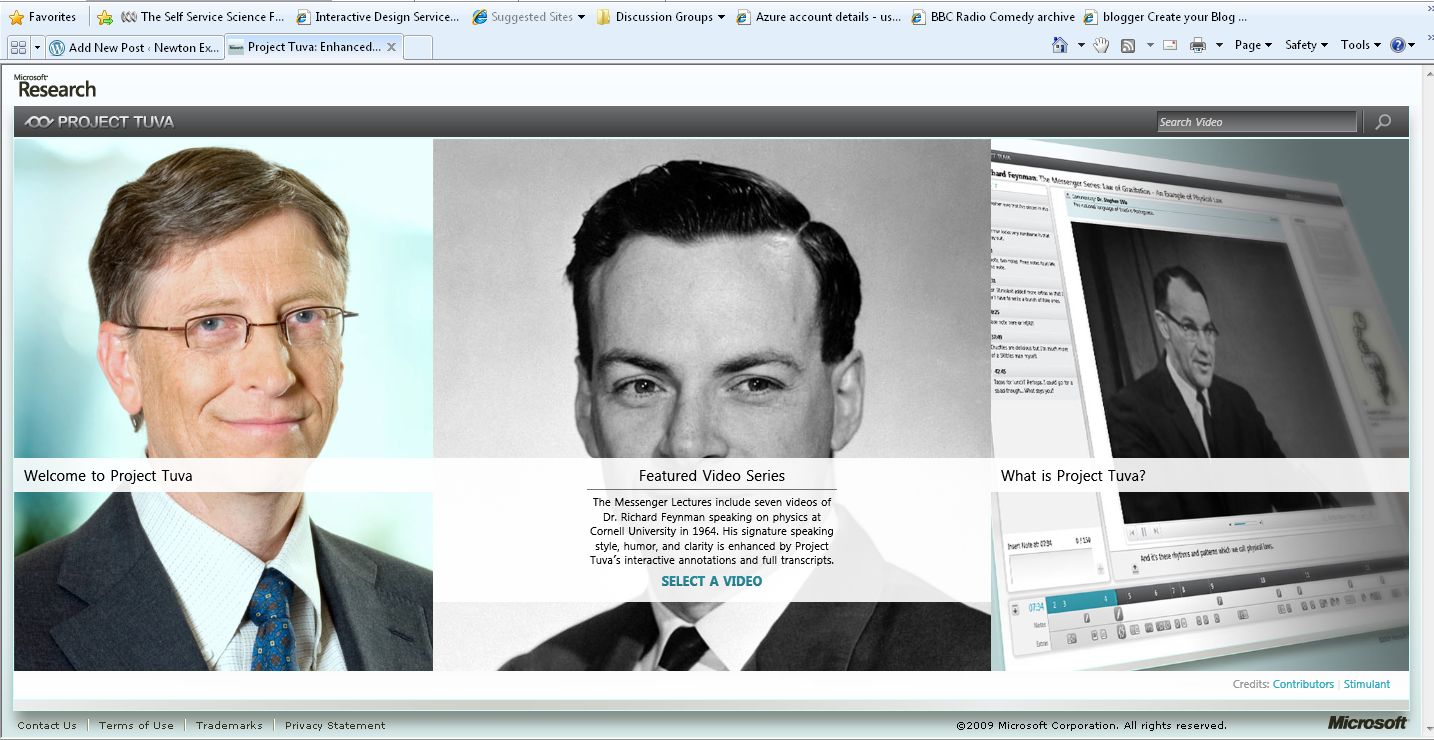
Link here Feynman Lectures on Physics
Warning – requires Silverlight
Here’s a screen shot:
Link to Cubic Spline Update
The previous two posts used cubic splines with the “natural” end condition, that is with an end curvature of zero. To apply the cubic spline to analysis of continuous beams with different end conditions we need to find the cubic spline formulation for a specified non-zero end curvature, or for a specified slope.
To that end, I have re-written the CSpline function to show more explicitly the parameters of the underlying cubic equations, and how these relate to the chosen end conditions. The new function and examples can be found at CSpline2.zip. The procedure is as follows:
Aim: For a list of XY coordinates, X(1 to n) and Y(1 to n), to find a, b, c, d in
Y = a + b(x – X(i)) + c(x – X(i))^2 + d(x- X(i))^3
for each segment, where x lies between X(i) and X(i+1)
It can be shown that:
a = Y(i)
b = m(i) – l(i)/6(2c(i) + c(i+1))
c = c(i)/2
d = (c(i+1) – c(i)) / (6l(i))
where:
l(i) = x(i+1) – x(i)
m(i) = (y(i+1) – y(i)) / l(i)
c(i) = d2y/dx2 at point i
The values of l and m are defined by the x,y coordinates, so it remains to find the values of c .
Since m and c (the first and second derivative of f(x)) are defined to be equal for the splines meeting at any node
it can be shown that for any point, i:
l(i-1)c(i-1) + 2(l(i-1) + l(i))c(i) + l(i)(c(i+1)) = 6(m(i) – m(i-1))
In matrix form:
 A spline with n segments will have n+1 nodes and n-1 internal nodes, so 2 more equations are required to define the c values
Commonly used end conditions include:
Specified second derivative. Where the second derivative = 0 the spline is known as a natural spline.
Specified first derivative. This is known as a clamped spline.
Examples of the equations for different end conditions, and their solution using worksheet functions, are given on the spreadsheet. On the spreadsheet the matrix equations are solved using the built-in MINVERSE() and MMULT() functions, but for the CSplineA UDF it is much more efficient to use a specific routine for solving “tri-diagonal” matrices, i.e. those where the only non-zero terms are on or immediately adjacent to the leading diagonal.
Examples of the use of the new function, with different end conditions, are shown below:

Spline through 5 data points with different end conditions

Spline through 9 data points with specified end slope

Spline coordinates for Example 2

Continuous beam with specified end slope

Input and output for Example 3


 Newton Excel Bach, not (just) an Excel Blog